The guide library
Find your next
good answer.
Search a problem or explore a topic. Every guide includes steps, a result check and its limitations.
305 guides
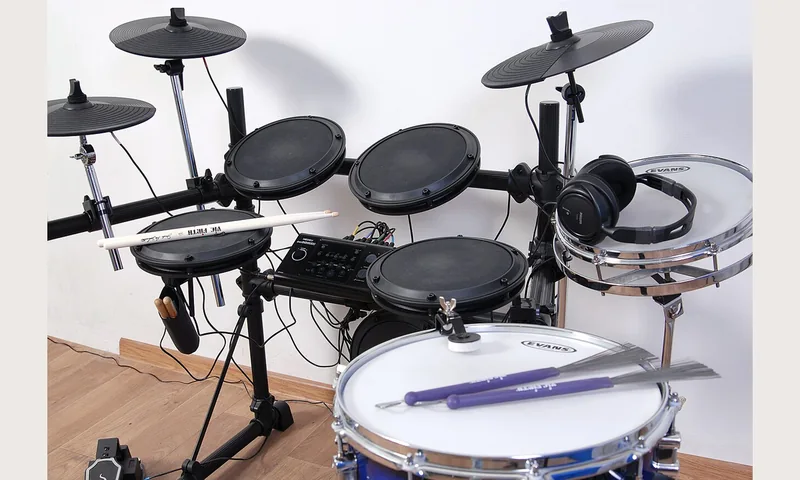
Set a drum trigger threshold without losing ghost notes
Separate quiet intentional hits from unwanted trigger noise.
Read the guide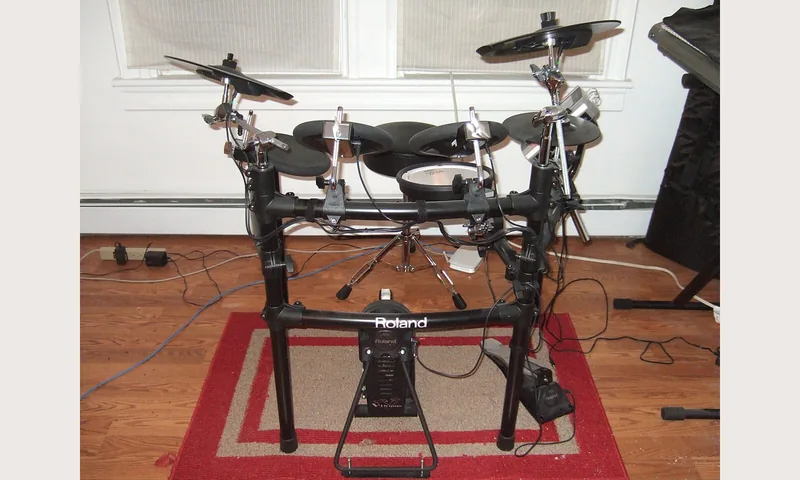
Test a suspect drum pad cable before replacing the pad
Use a controlled cable swap to locate intermittent trigger faults.
Read the guideKeep fast drum rolls when adjusting retrigger cancellation
Distinguish sensor after-vibration from deliberate repeated hits.
Read the guide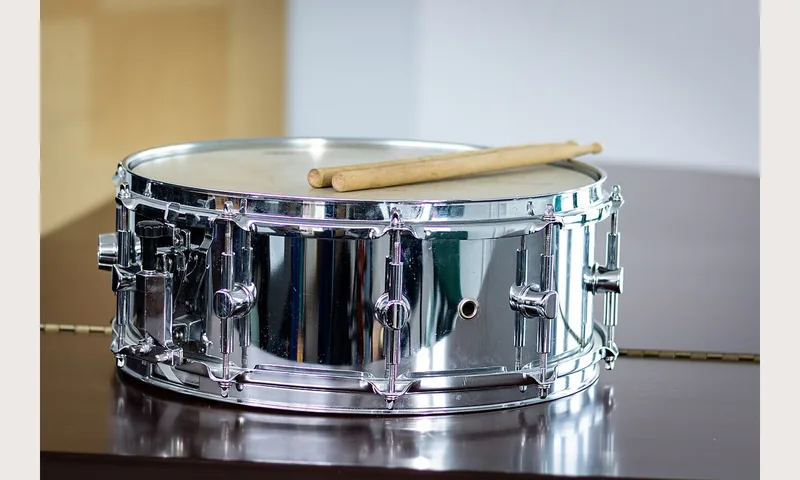
Check whether an electronic kit supports brush sweeps
Find the difference between brush impact sounds and continuous sweep sensing.
Read the guide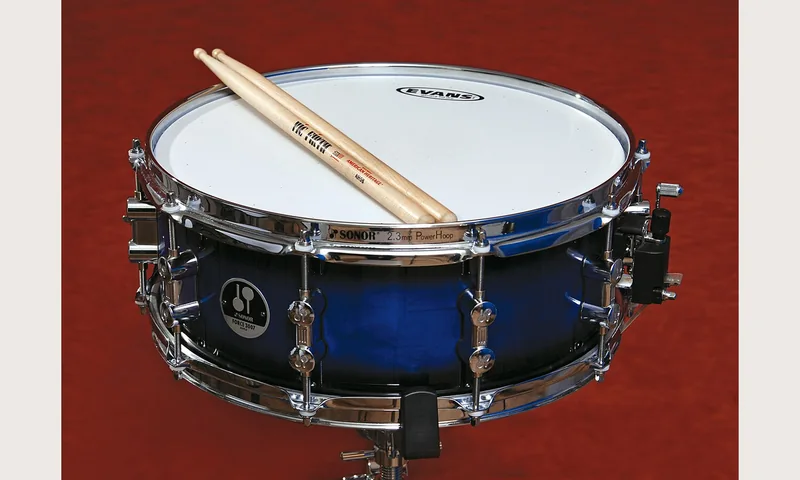
Configure electronic cross-stick sounds separately from rimshots
Check playing technique and zone assignments before editing velocities.
Read the guide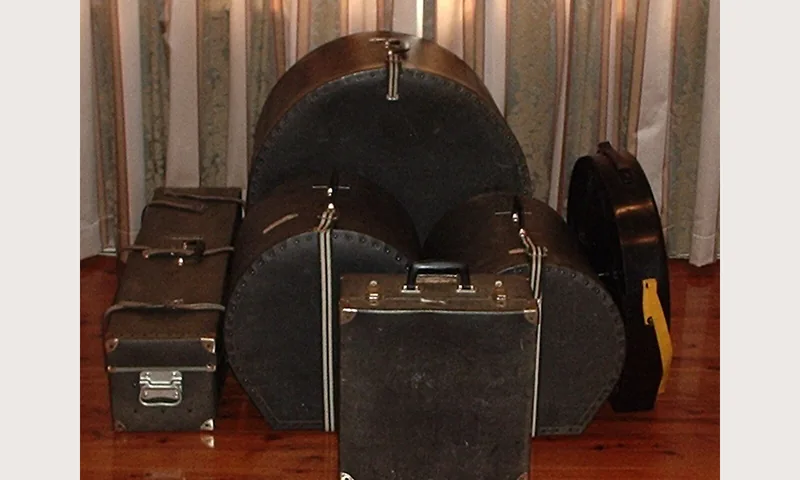
Share an electronic drum kit between left- and right-handed players
Make a reversible layout plan without straining trigger cables.
Read the guideChoose a replacement mesh head that fits the trigger pad
Check diameter, construction and approved tension before ordering.
Read the guide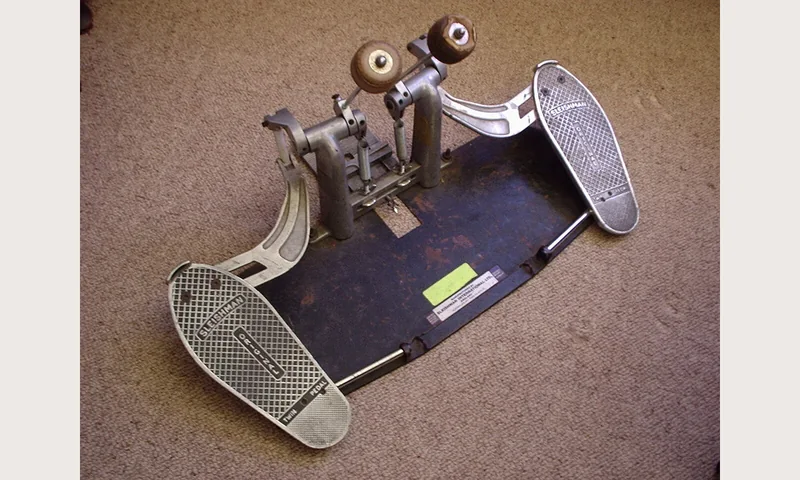
Protect a bass drum hoop from a pedal clamp
Fit the pedal securely without crushing or marking the hoop.
Read the guide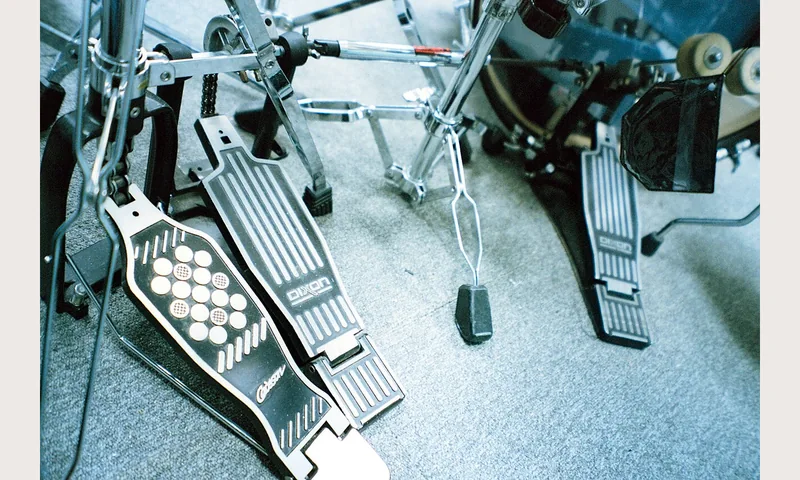
Inspect a bass drum pedal chain or strap
Locate wear and binding without changing the whole pedal setup.
Read the guideCheck electronic cymbal rotation before changing trigger settings
Stop a cymbal twisting its cable or moving the striking zone.
Read the guide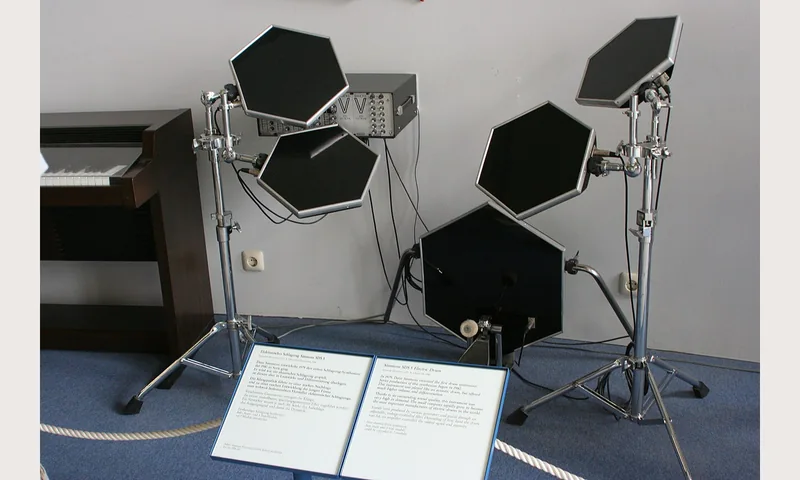
Separate a local drum module sound from its USB return
Avoid recording a backing track inside your drum-only audio take.
Read the guideRestore one electronic drum kit without a factory reset
Recover an edited sound while preserving other kits and trigger settings.
Read the guide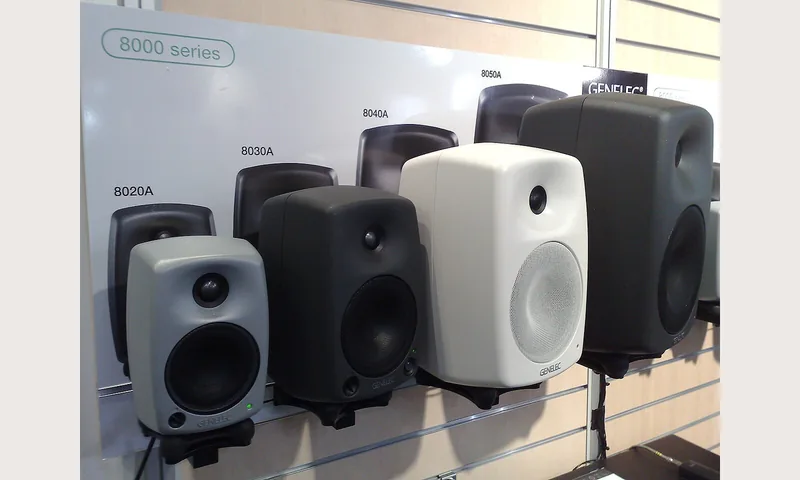
Check speaker polarity when the centre image feels hollow
Use a mono voice to separate reversed wiring from a room reflection.
Read the guide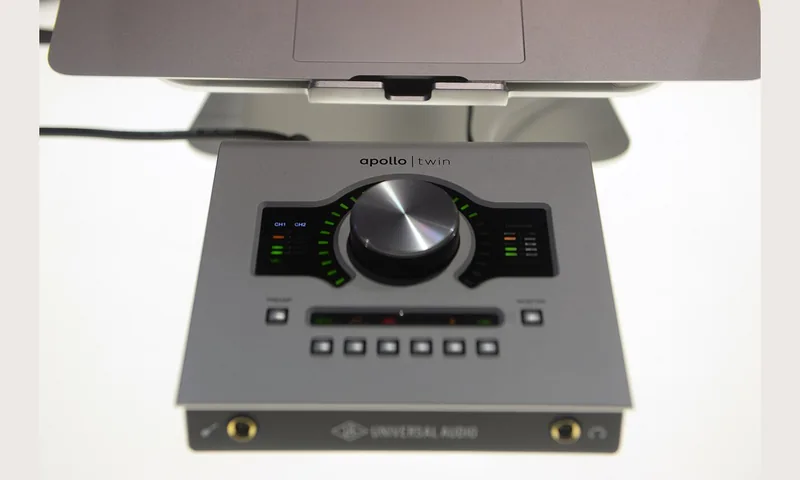
Choose fixed or variable output when connecting a DAC
Decide which device owns everyday volume control before playing music.
Read the guide
Find why one album sounds quieter than another
Separate mastering differences from playback normalisation.
Read the guideCheck an optical audio connection that stays silent
Verify format and input selection before replacing the cable.
Read the guide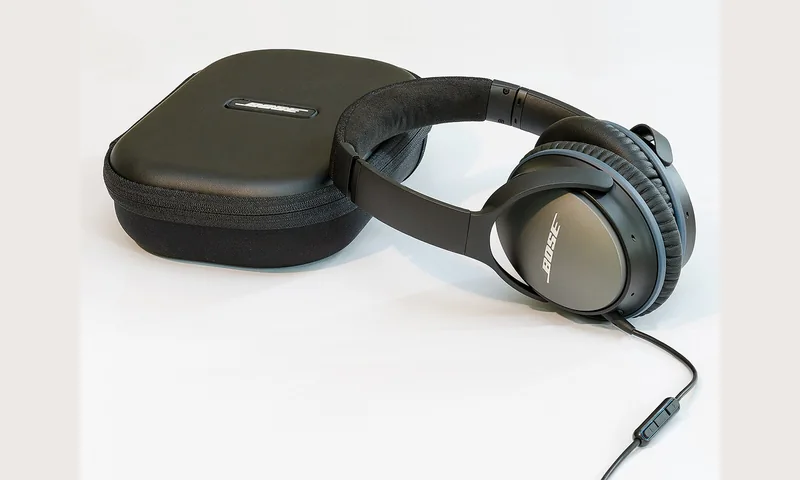
Compare headphone pads before replacing them
Identify the exact pad and control fit during your comparison.
Read the guideTest whether a desk reflection is colouring speaker sound
Move the reflection path before reaching for equalisation.
Read the guide
Separate speaker hiss from a noisy source
Compare an active speaker with and without its signal cable.
Read the guide
Keep a comfortable startup volume across several audio sources
Make source switching predictable without relying on memory.
Read the guide
Check the selected master on a music service
Compare the same release before attributing a difference to resolution.
Read the guide
Test left and right channels without changing balance settings
Use a labelled channel test to locate a swapped connection.
Read the guideReconnect a USB DAC after changing computer ports
Check device selection when the DAC powers up but music is silent.
Read the guide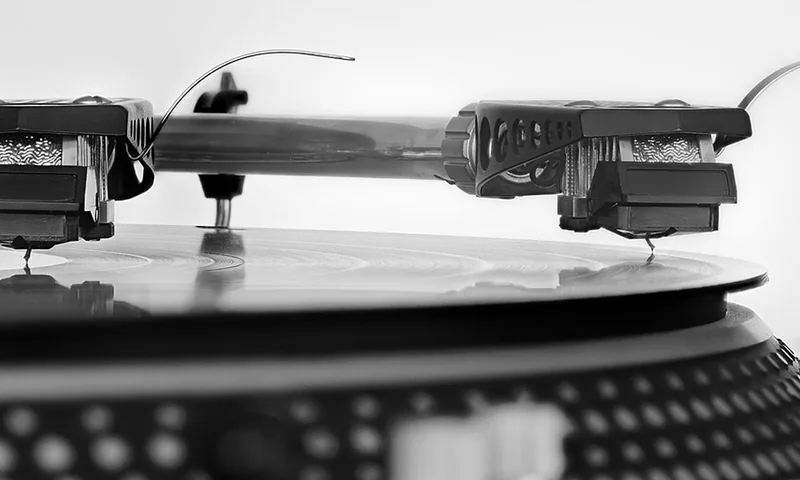
Check a turntable hum that changes when you touch the arm
Inspect the specified ground path without defeating mains safety.
Read the guide
Export a mono vocal without accidentally making a stereo pair
Choose a mono render path and check the delivered channel count.
Read the guide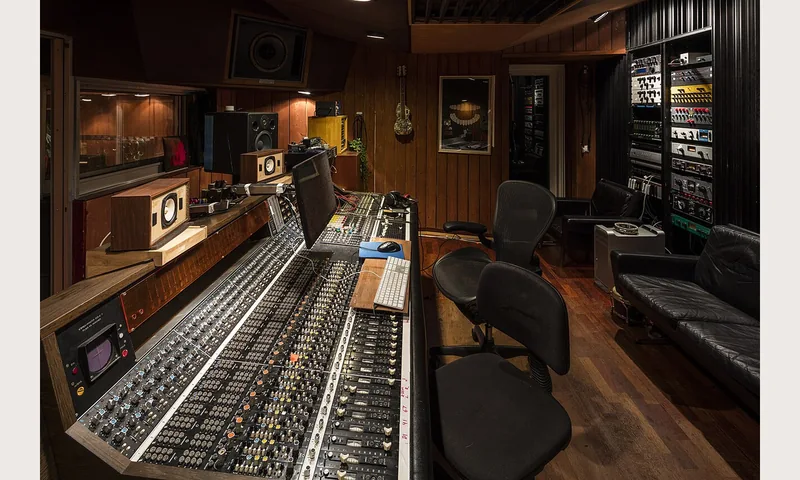
Apply fades without softening a drum transient
Place edits around the attack and audition the transition.
Read the guide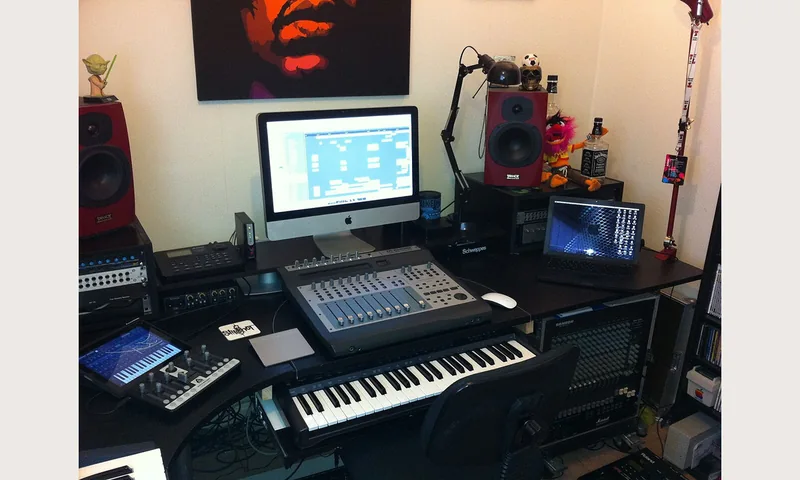
Freeze a virtual instrument before moving a session
Create an audio fallback as well as preserving editable MIDI.
Read the guideFind a missing sample before consolidating a session
Resolve offline media before making the archive copy.
Read the guide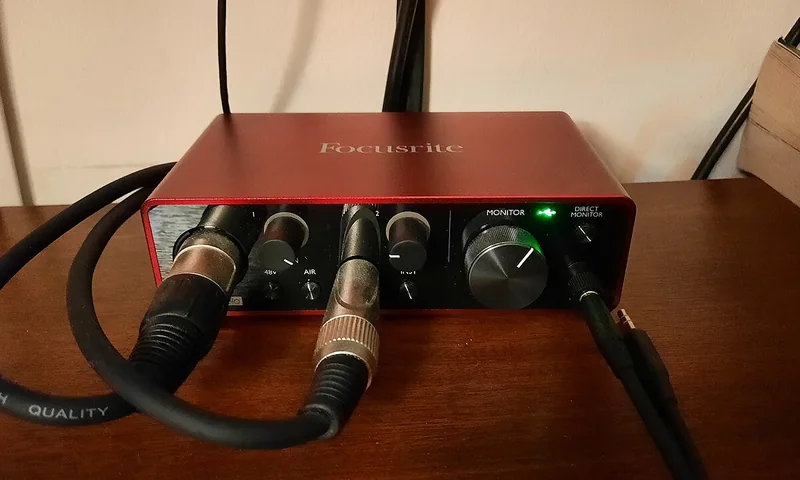
Print a hardware effect with a clean return path
Record the return without creating an output-to-input feedback loop.
Read the guide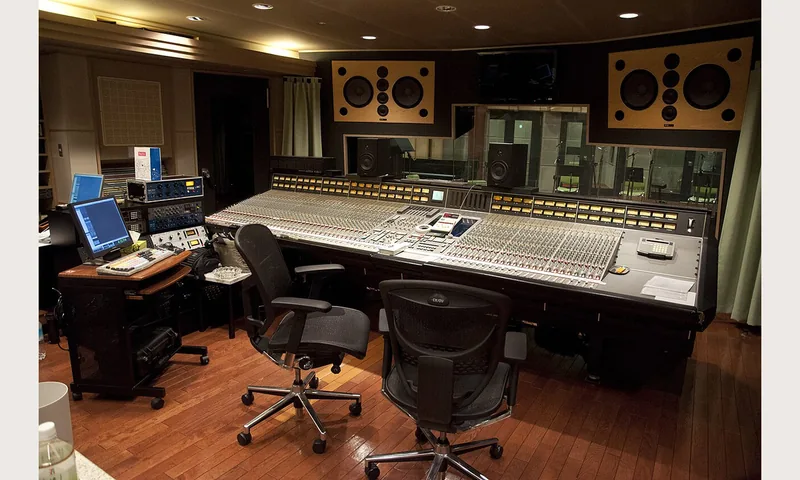
Check a stereo recording before summing it to mono
Listen for disappearing content before delivering a mono version.
Read the guidePreserve reverb tails when exporting a song
Define the end by listening beyond the final note.
Read the guide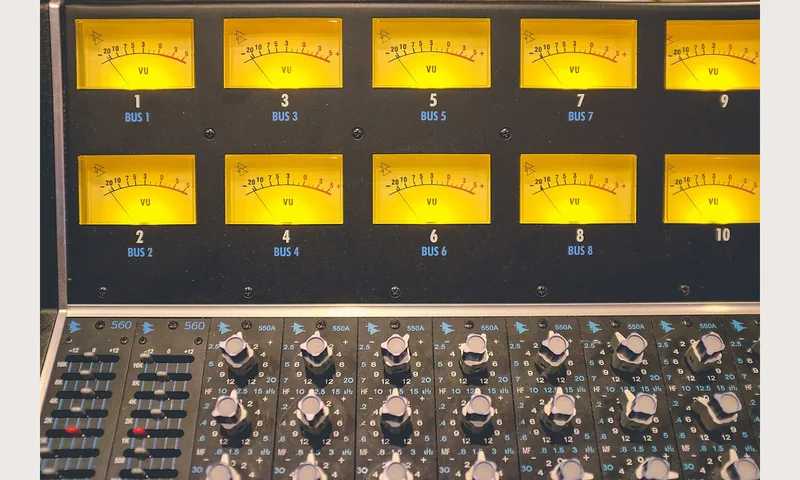
Identify distortion that is already in the recorded waveform
Separate input clipping from later processing before changing gain.
Read the guide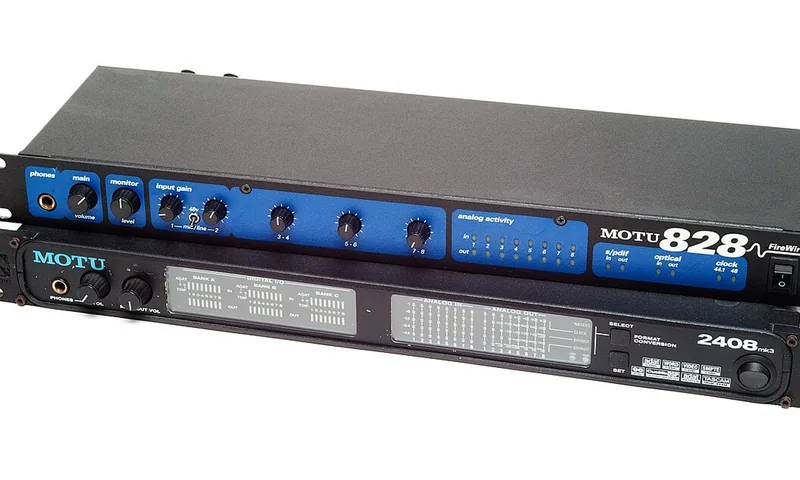
Set a headphone cue mix without changing the recorded balance
Use a separate monitor path for performer comfort.
Read the guide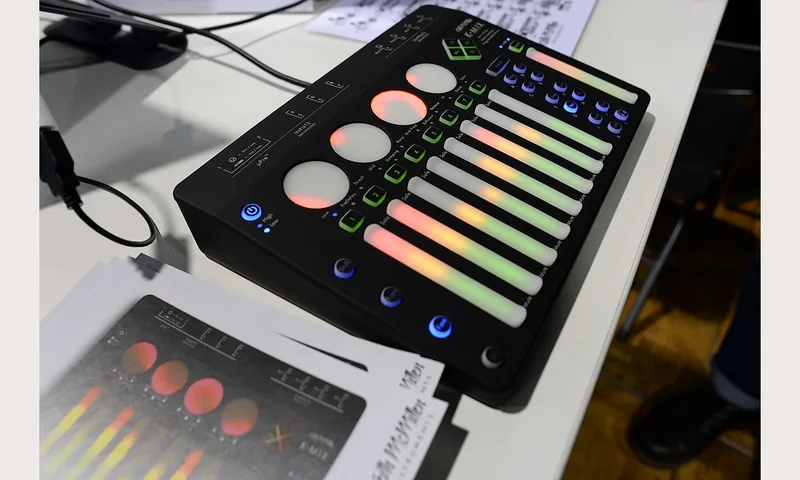
Convert an old session to a new sample rate safely
Convert the media rather than relabelling its playback rate.
Read the guide
Record a short room-noise sample for speech editing
Capture a useful reference without promising a silent room.
Read the guideCheck an exported mix for an accidental solo or mute
Verify the deliverable outside the session that created it.
Read the guide
Keep a noise gate open for quiet sentence endings
Adjust release behaviour using real speech instead of a sustained vowel.
Read the guide
Separate microphone monitoring from stream monitoring
Choose which signal the presenter hears to avoid hearing two copies.
Read the guide
Reduce plosives without making the voice dull
Change microphone angle and distance before heavy filtering.
Read the guide
Set a limiter as a final safeguard for speech
Control unexpected peaks without using limiting to set every sentence.
Read the guide
Record a remote guest backup on their own computer
Plan a local fallback and a clear synchronisation point.
Read the guide
Keep notification sounds out of a recorded interview
Test the capture path after silencing apps.
Read the guideCheck which side of a microphone should face the speaker
Confirm the pickup face before adding gain or EQ.
Read the guide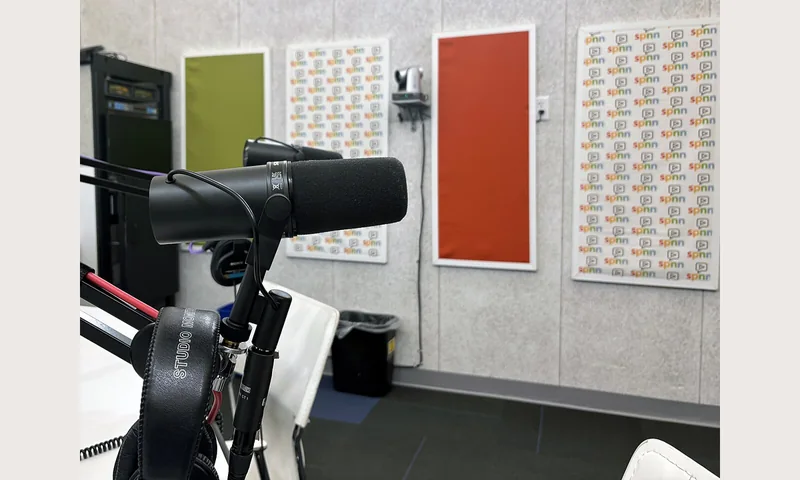
Keep a USB microphone from changing level unexpectedly
Look for automatic processing before diagnosing a hardware fault.
Read the guideRecord a screen tutorial with clean application audio
Keep narration and demonstration sound separately adjustable.
Read the guideAdd music under speech without masking important words
Set music against a full spoken paragraph and inspect transitions.
Read the guideExport a caption-friendly spoken-word master
Preserve a clear reference and stable timing for transcription.
Read the guide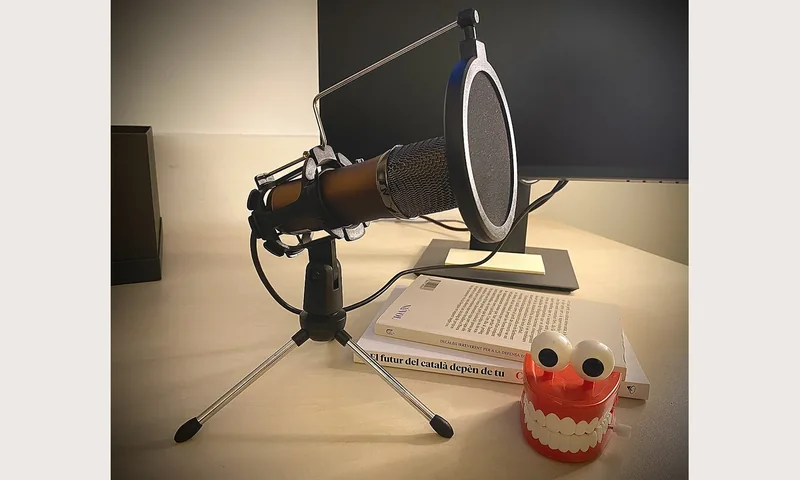
Stop a boom arm from transmitting desk knocks
Isolate the mechanical path before adding a noise filter.
Read the guide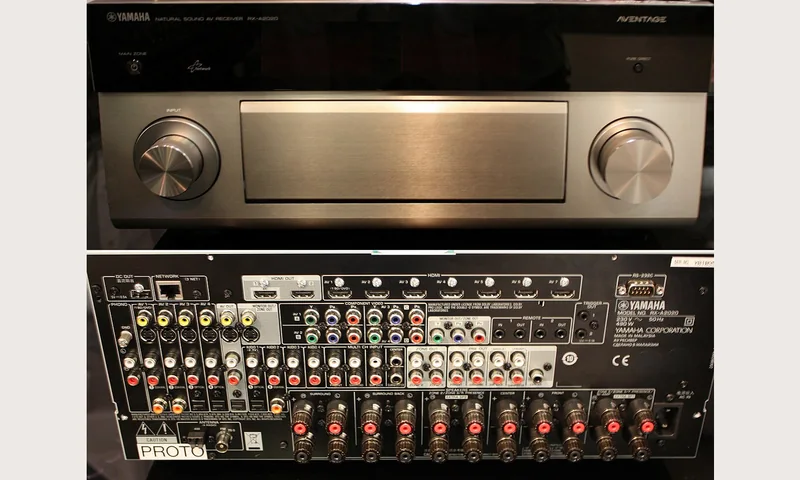
Choose the intended audio track in a streaming film
Check the language and mix selection before troubleshooting speakers.
Read the guideFind why a receiver plays stereo from one source only
Compare source settings without resetting the whole system.
Read the guide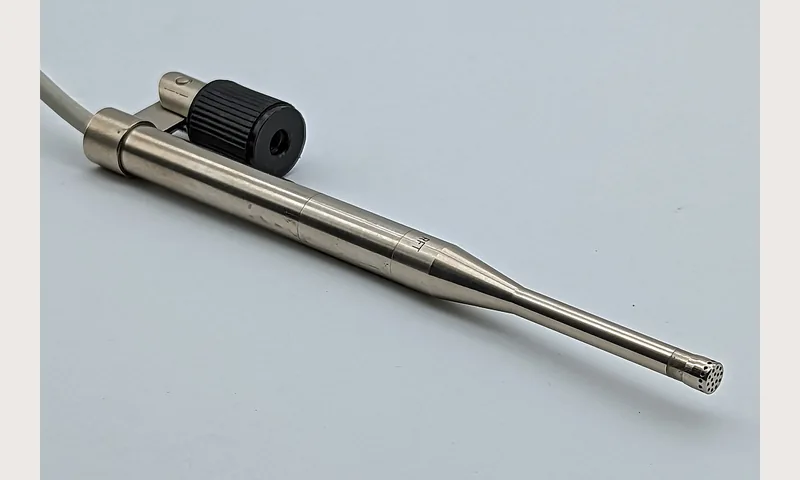
Use a receiver test tone without confusing it with movie playback
Distinguish speaker wiring checks from source decoding checks.
Read the guide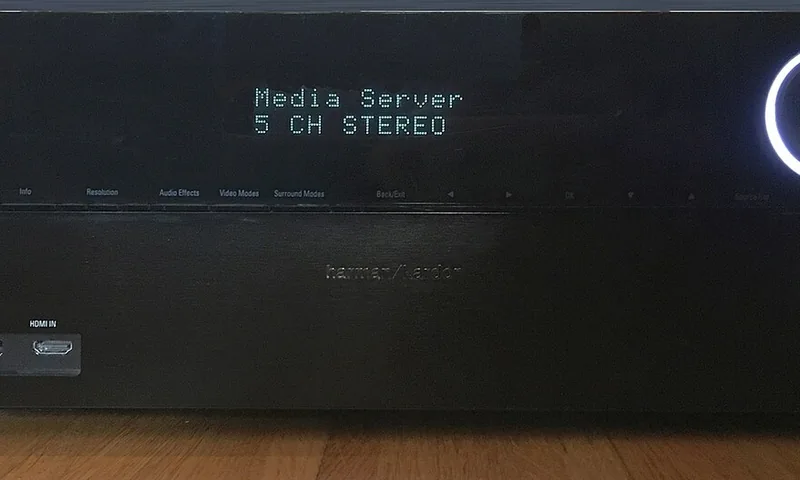
Check a subwoofer that works in tests but not with music
Inspect bass management and listening mode before raising the gain.
Read the guide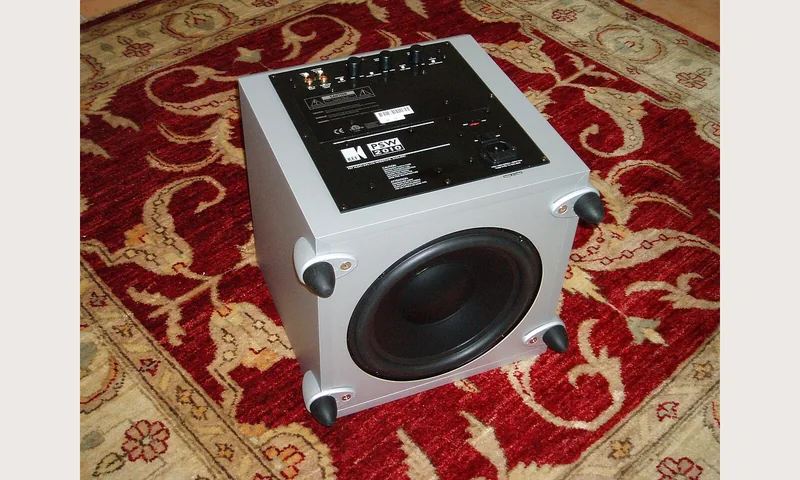
Check subwoofer auto-standby during quiet films
Test the wake threshold before changing crossover settings.
Read the guide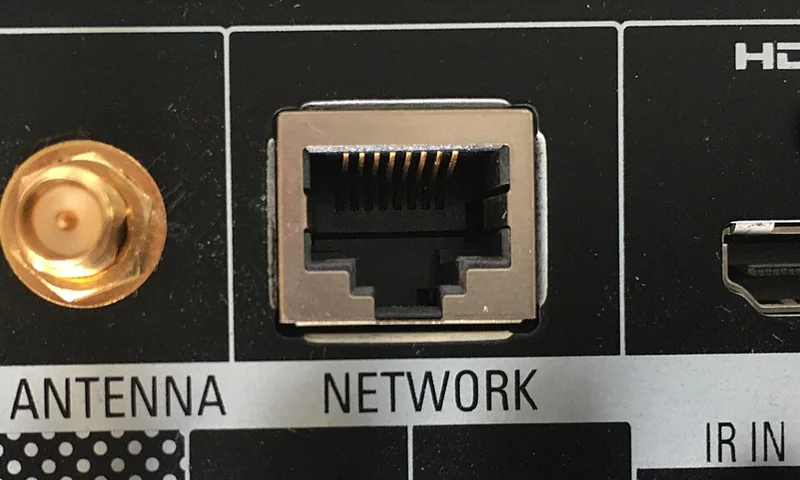
Connect a game console through a receiver with limited video support
Choose the signal path around the features you actually use.
Read the guideFind why TV speakers and a soundbar play together
Remove an unintended parallel output before adjusting sync.
Read the guide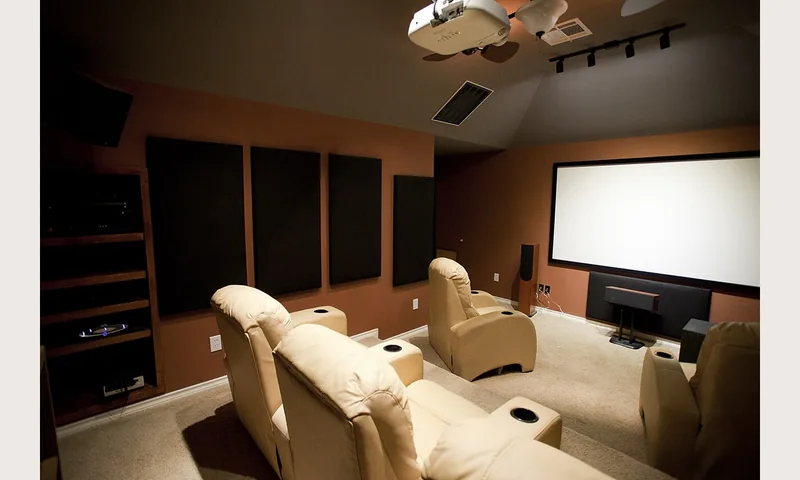
Check dialogue clarity after adding a centre-channel shelf
Inspect obstructions and reflections before boosting treble.
Read the guideCheck a saved receiver input after renaming HDMI devices
Verify routing assignments when the label looks right but the source is wrong.
Read the guide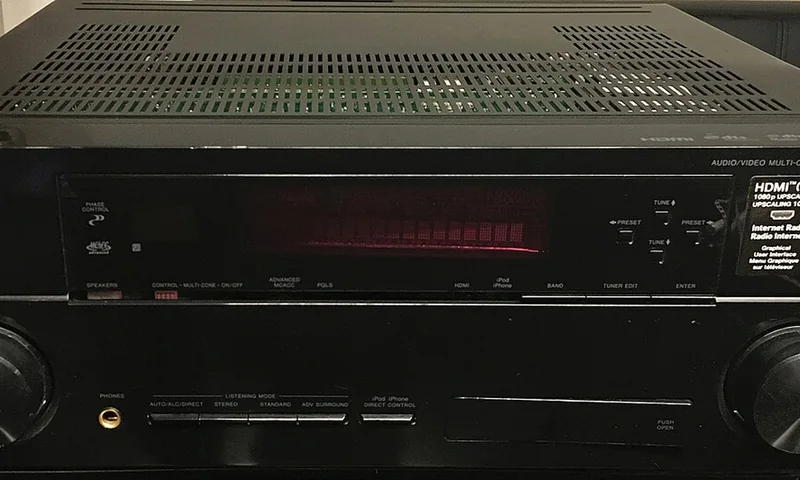
Compare a soundbar voice mode without mistaking volume for clarity
Match the spoken level before choosing processing.
Read the guideCheck speaker distance readings after room calibration
Distinguish an acoustic delay estimate from a tape measurement.
Read the guide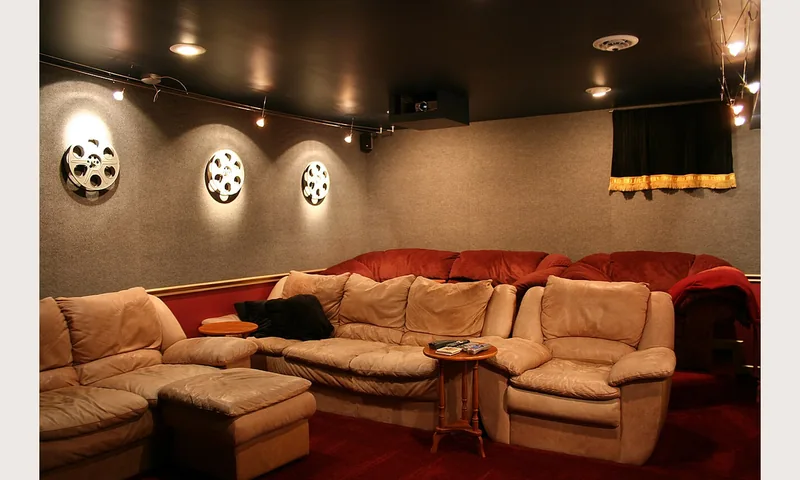
Prepare a temporary home-cinema layout without a centre speaker
Tell the receiver which speakers are actually connected.
Read the guide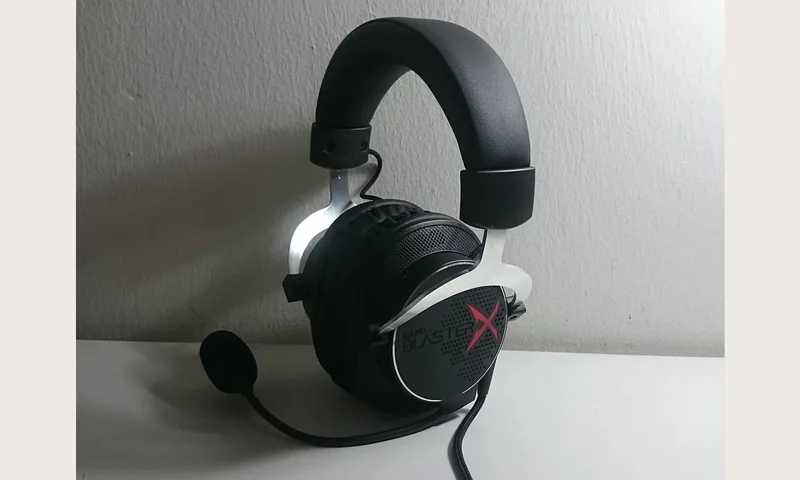
Hear game chat when a controller becomes the default device
Recover chat after plugging in a controller without disrupting your speaker route.
Read the guideStop a game from selecting a monitor audio output
Keep HDMI display audio from taking over after a screen reconnect.
Read the guide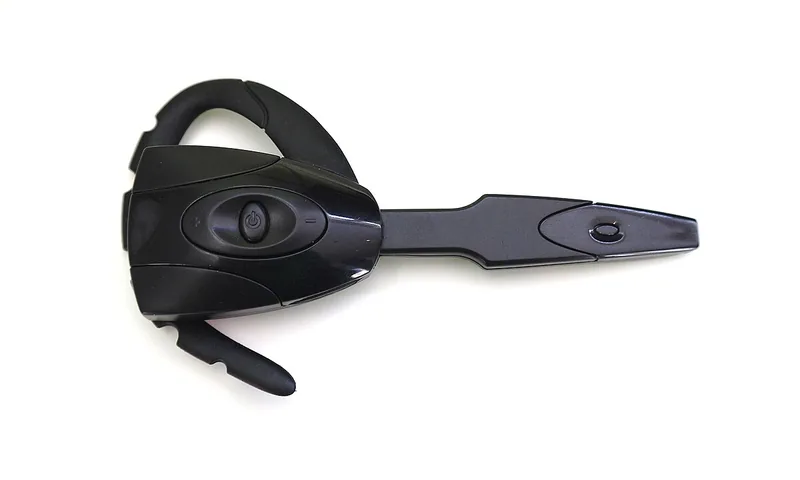
Check sidetone before blaming voice-chat echo
Tell local microphone monitoring apart from an echo heard by teammates.
Read the guide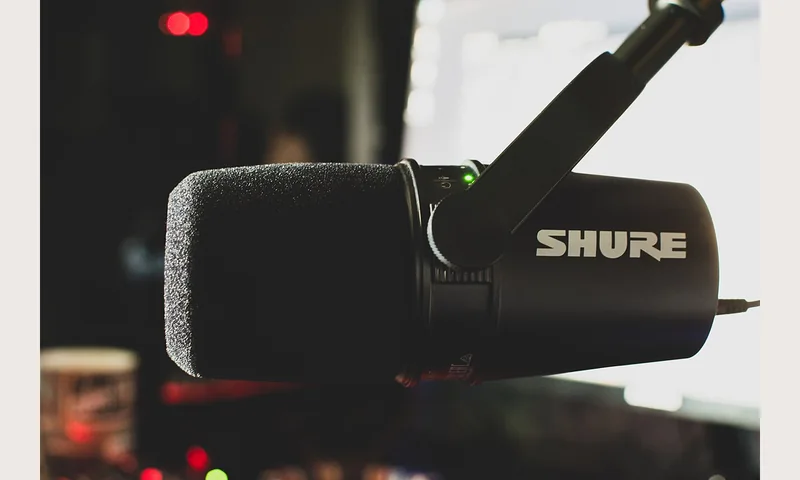
Test push-to-talk without cutting the first word
Check a push-to-talk key and release timing before a team session.
Read the guide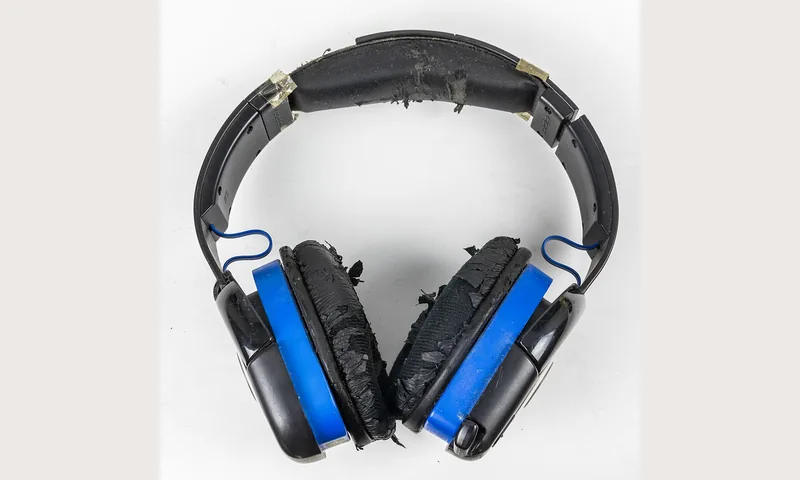
Match headset software and game audio modes
Avoid applying two headphone spatial effects to the same game.
Read the guideCheck a headset mute button before changing software
Trace a silent microphone through physical mute and app mute controls.
Read the guideKeep wireless headset dropouts separate from network lag
Identify whether an interruption affects the headset link or the online connection.
Read the guideCheck USB power when a headset disconnects
Investigate a headset that disappears as a device, rather than merely going quiet.
Read the guide
Preserve a clean microphone track in a gameplay recording
Keep voice separately editable while retaining a playable mixed track.
Read the guide
Compare game dynamic-range modes at a fixed level
Choose a useful game audio mix without confusing loudness with detail.
Read the guideStop a browser tab from entering your game capture
Choose specific application audio instead of an unrestricted desktop mix.
Read the guideCompare a controller headphone socket with a USB headset route
Check level, microphone support and latency before choosing a connection.
Read the guideMark mixer channels so a substitute engineer can follow them
Create a useful input list before soundcheck.
Read the guide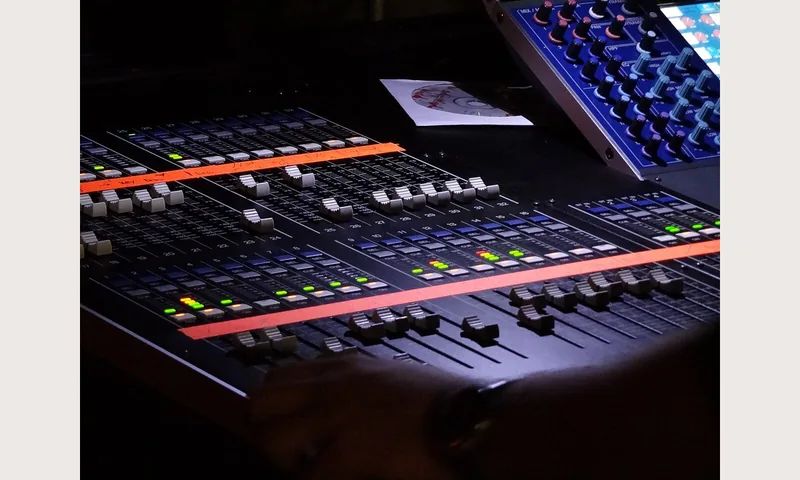
Check a mixer mute group before opening the PA
Confirm which channels a mute group affects.
Read the guide
Check an auxiliary send that feeds no monitor sound
Trace a silent stage-monitor send from input to loudspeaker.
Read the guide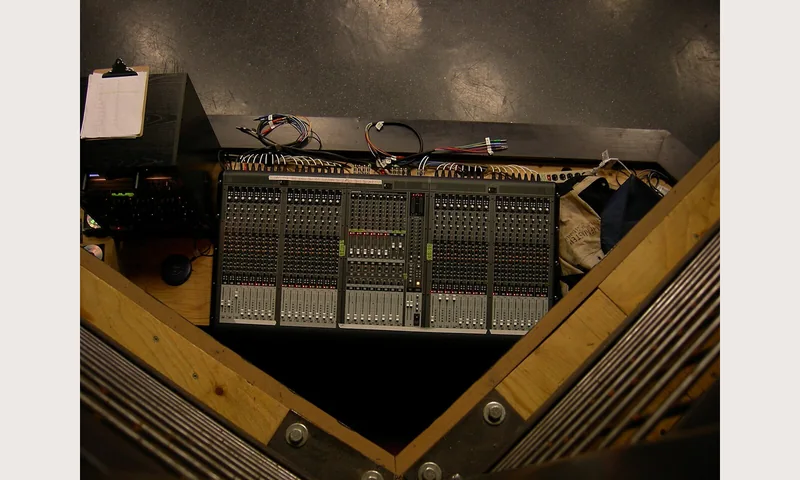
Prevent a playback laptop alert from reaching the PA
Prepare an event computer for deliberate playback.
Read the guide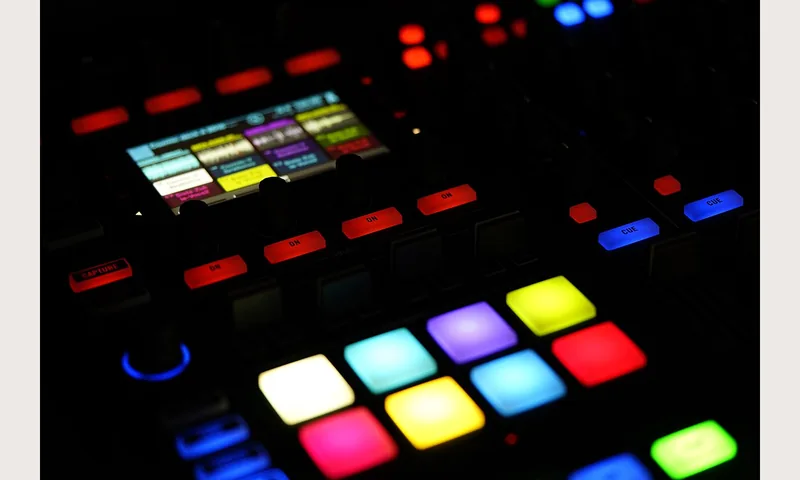
Trim a loud DJ track without changing the room level
Use channel gain to match tracks before moving the master.
Read the guide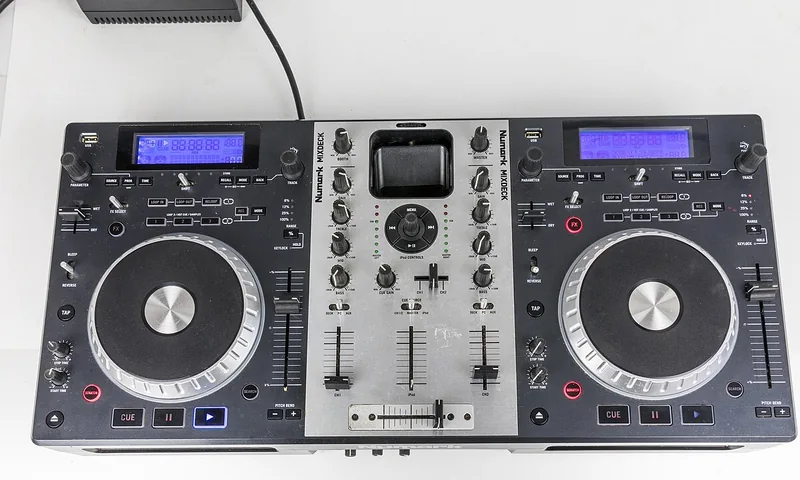
Test DJ hot cues on the exported USB drive
Verify cue data on the device that will be used at the event.
Read the guideKeep a DJ export compatible with the venue player
Resolve player compatibility before preparing the full music drive.
Read the guideCheck a microphone cable with a known working channel
Isolate a suspected cable without disturbing the whole stage patch.
Read the guideMake a changeover patch sheet for a small event
Reduce confusion when two acts share a mixer.
Read the guide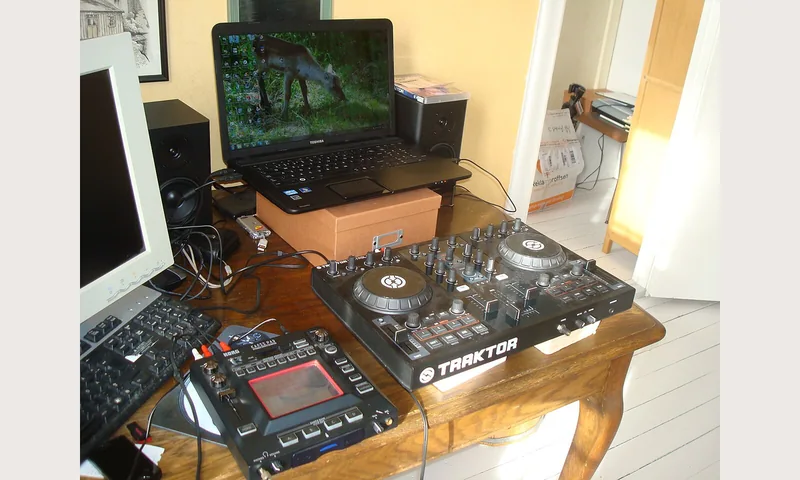
Check a stereo DI connection before sending playback to a mixer
Keep left and right playback signals separate and correctly labelled.
Read the guide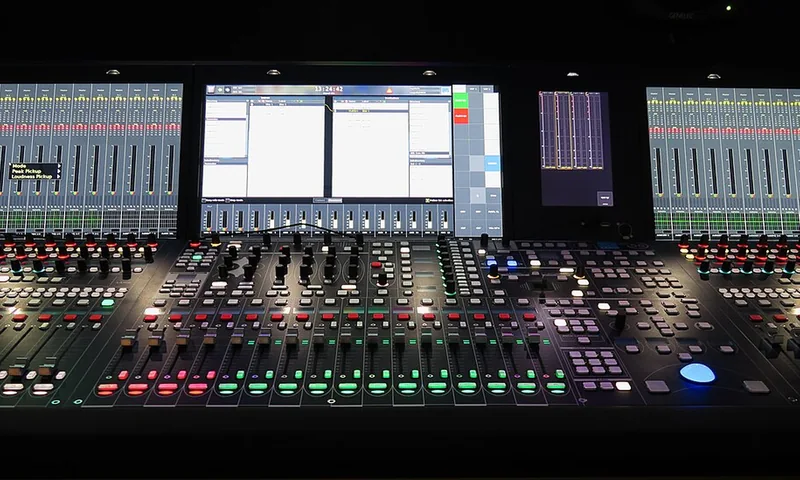
Test a recorded live-mixer feed for missing sources
Confirm what the recording bus actually contains.
Read the guideSet a spoken announcement channel apart from music playback
Keep speech intelligible during a small event announcement.
Read the guide
Practise a fill that lands on the next downbeat
Make the return to the groove the main target of a fill exercise.
Read the guide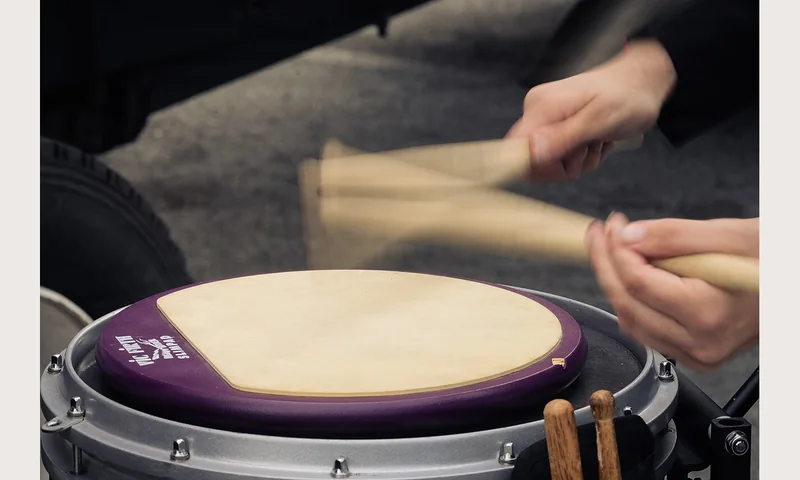
Learn a difficult bar from its final beat backwards
Build a phrase by joining small segments to a reliable ending.
Read the guide
Check whether a practice tempo is genuinely stable
Choose tempo from repeatable control instead of a single successful take.
Read the guideKeep a practice log that changes the next session
Record the smallest useful observation after playing.
Read the guide
Practise a song entrance after a long rest
Rehearse counting and cue recognition while you are not playing.
Read the guideHear the difference between a pickup and beat one
Place a short phrase correctly before adding speed.
Read the guide
Move an accent without making every note louder
Keep the unaccented notes controlled while changing emphasis.
Read the guide
Practise a groove at a quieter dynamic
Keep balance and timing when reducing overall playing volume.
Read the guide
Keep time while changing the cymbal pattern
Separate a steady backbeat from the moving timekeeping part.
Read the guideCompare your groove with a reference without copying its volume
Use a reference recording to check placement and balance.
Read the guideReturn to a song after losing your place
Rehearse a calm recovery point instead of restarting every time.
Read the guideEnd a practice session with a useful repeat test
Check what you can recall after a short break.
Read the guide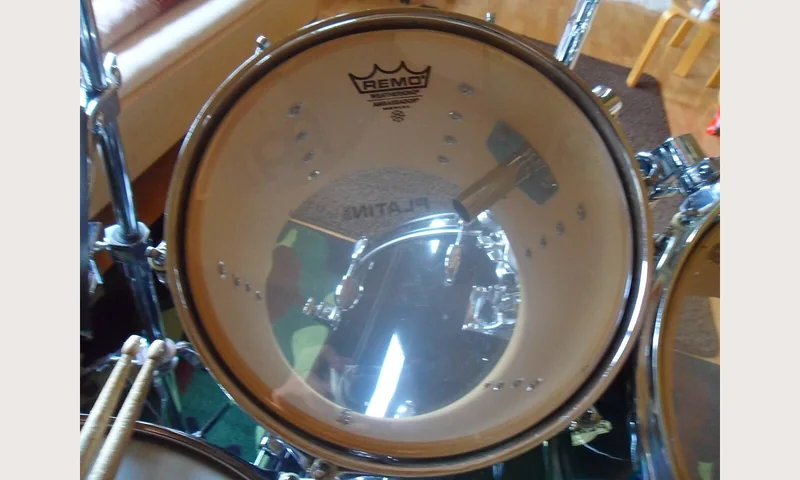
Replace a tom batter head without losing your starting sound
Keep a useful tuning reference while replacing a worn tom head and checking the parts underneath.
Read the guide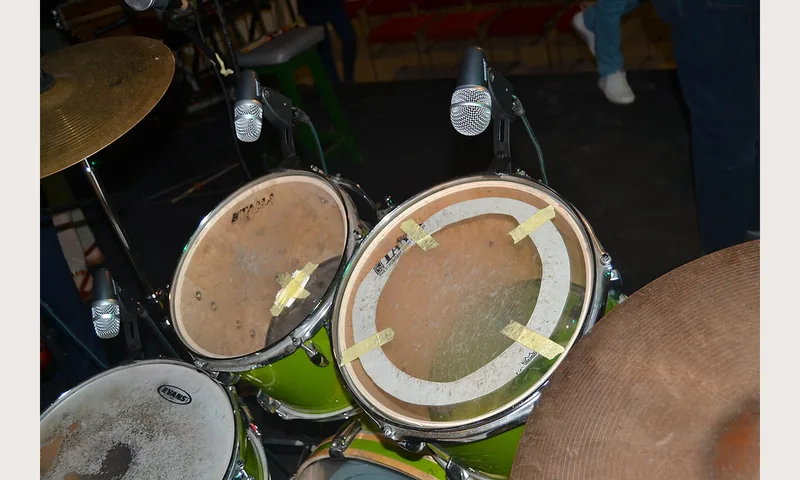
Separate the pitches of two rack toms
Give adjacent toms distinct voices without forcing either drum beyond its useful tuning range.
Read the guide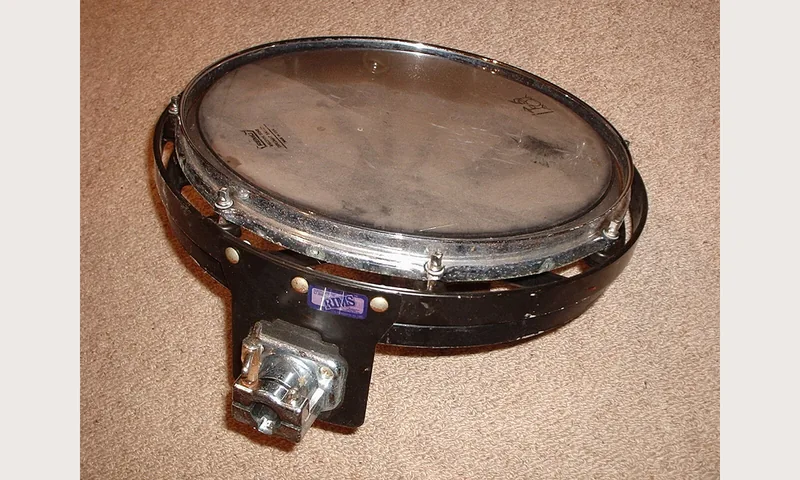
Recover a rack tom that loses sustain on its mount
Compare the drum on and off its support before changing heads to cure a choked rack tom.
Read the guide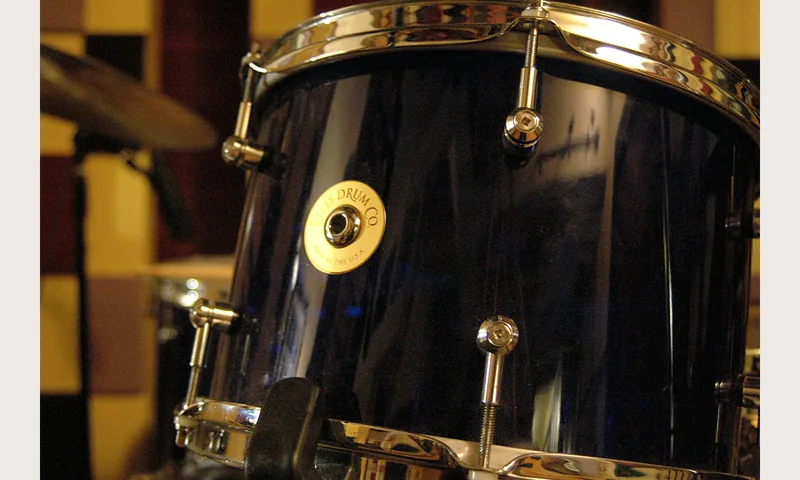
Find the source of a floor tom rattle
Isolate a mechanical rattle on a floor tom without mistaking normal drum overtones for loose hardware.
Read the guide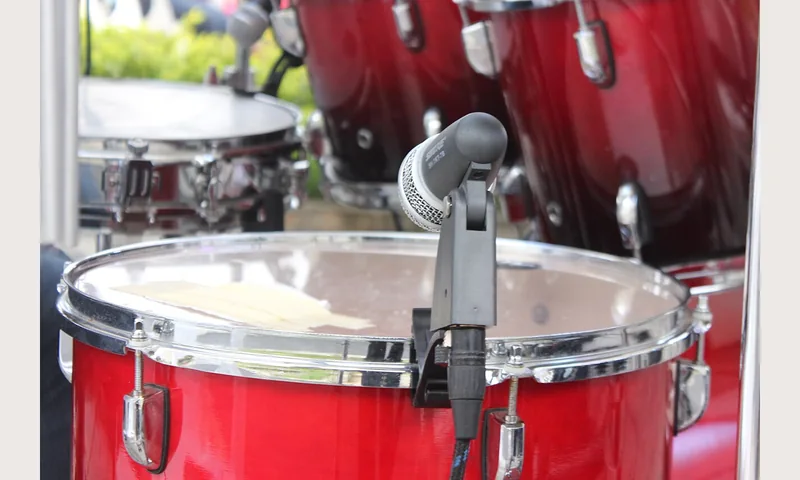
Choose coated or clear tom heads by the sound you need
Compare surface finish on the same tom while accounting for thickness, construction and tuning.
Read the guide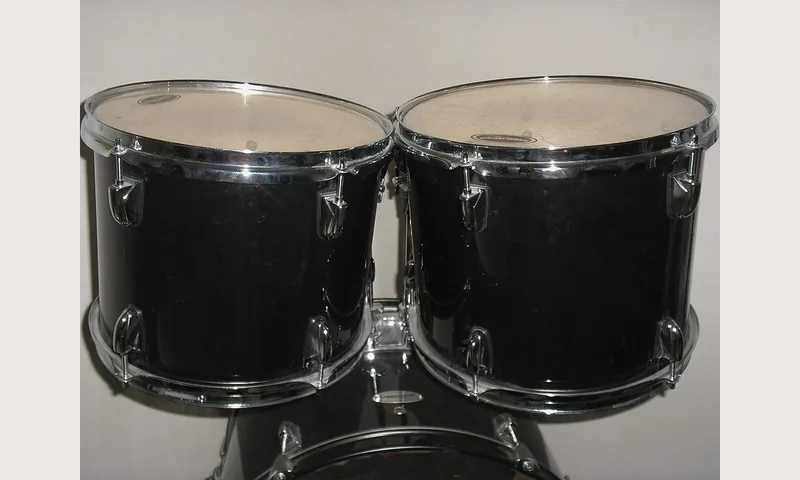
Decide between single-ply and double-ply drumheads
Match drumhead construction to response and durability needs rather than assuming thicker always means better.
Read the guide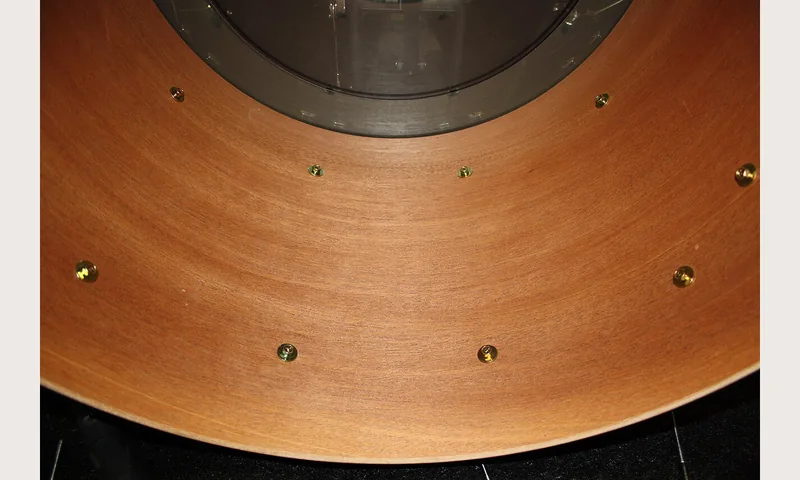
Inspect a used acoustic drum shell before buying
Use a calm visual and playing inspection to distinguish cosmetic wear from expensive structural trouble.
Read the guide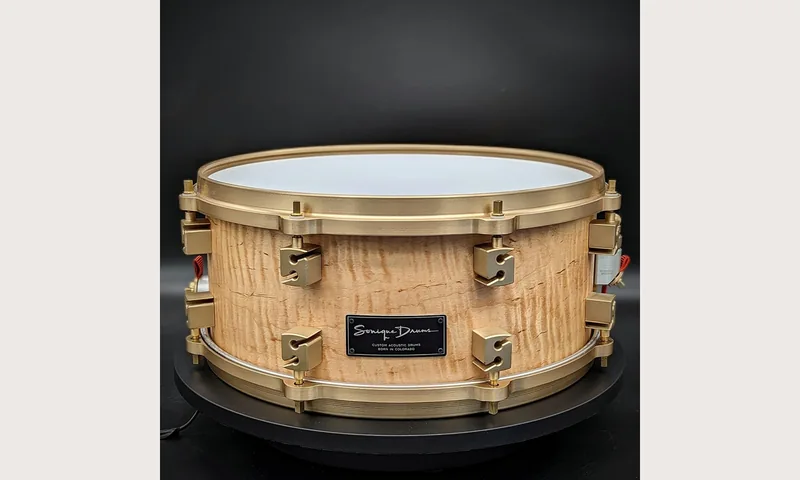
Tune a snare batter head evenly
Build a consistent snare batter tuning before adding wires, damping or extra tension.
Read the guide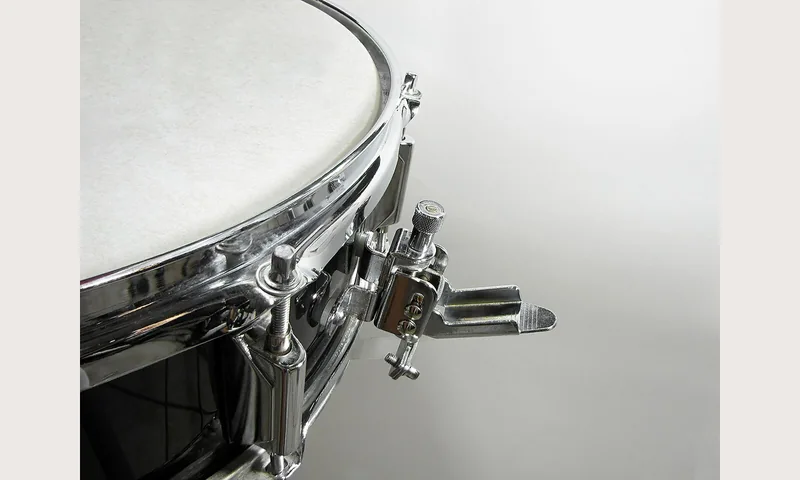
Balance snare wire tension for quiet and loud notes
Find the wire setting that responds to light strokes without shortening the drum excessively.
Read the guide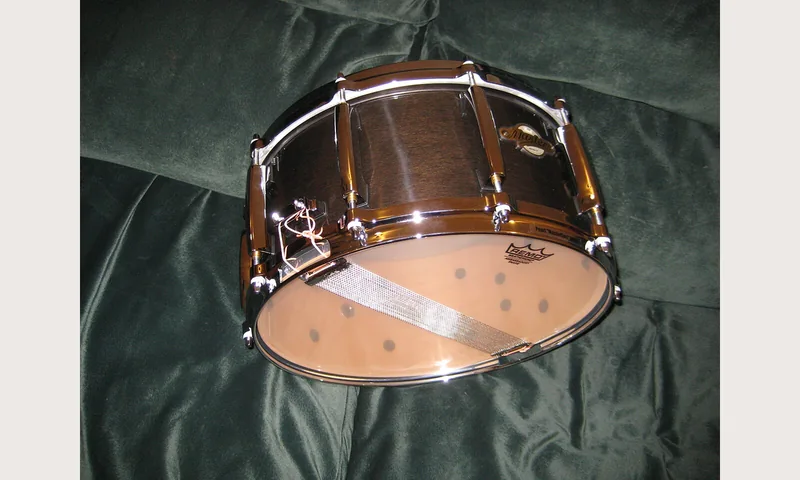
Centre a set of snare wires under the drum
Align replacement snare wires so both ends pull straight and the strainer has room to adjust.
Read the guide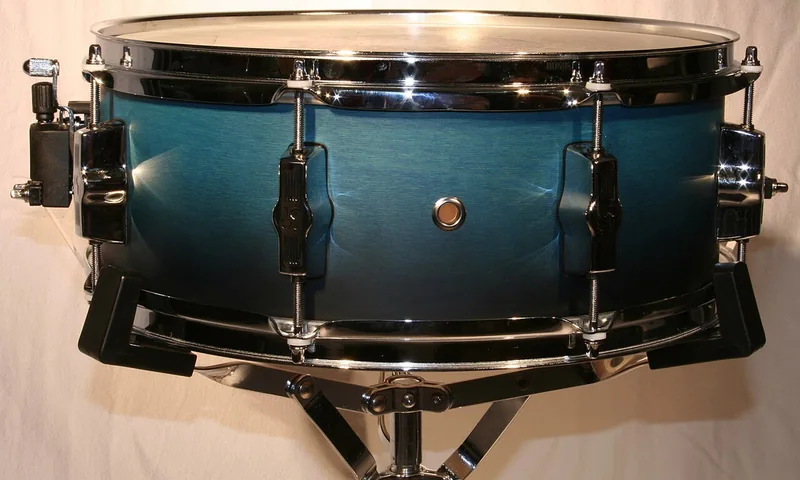
Replace a snare-side head without over-tensioning it
Handle the delicate lower head as a separate component from the snare batter.
Read the guideTrace excessive snare buzz from another drum
Identify the source of sympathetic wire buzz before tightening the snare out of its useful range.
Read the guideMuffle a snare with a reversible starting point
Shorten an unwanted ring while keeping enough response for the music.
Read the guideCheck a snare throw-off that will not hold its setting
Separate loose wire attachments from a slipping or damaged strainer mechanism.
Read the guide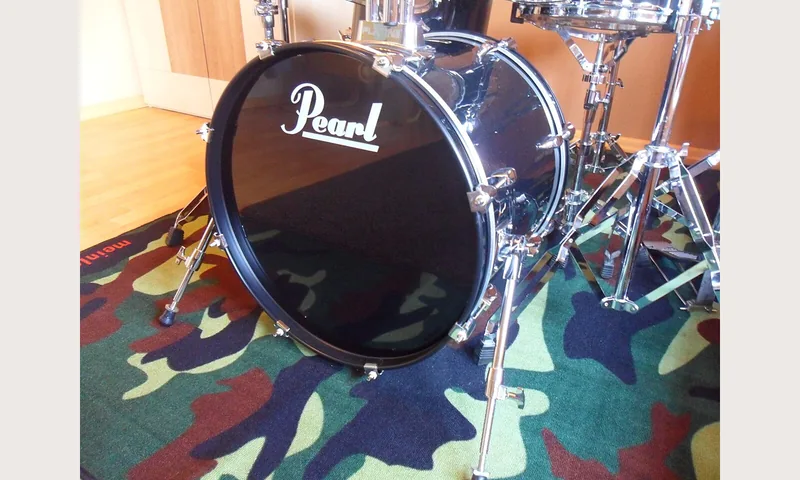
Balance bass drum batter and resonant heads
Explore the relationship between the two bass drum heads before adding heavy damping.
Read the guide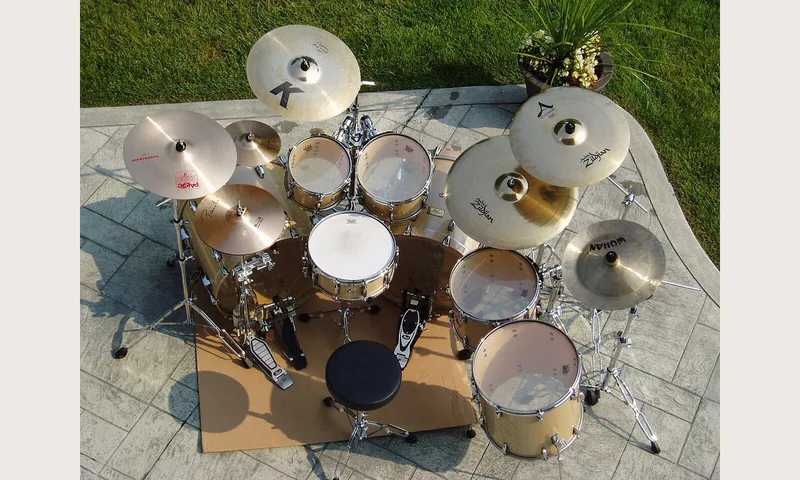
Position bass drum damping with light head contact
Use a stable, minimal amount of internal damping and compare where it touches.
Read the guide
Decide whether a bass drum front head needs a port
Consider sound, playing feel and access before replacing or cutting a front head.
Read the guide
Set bass drum spurs for a stable playing position
Keep the bass drum stable using the spurs and a suitable floor surface.
Read the guide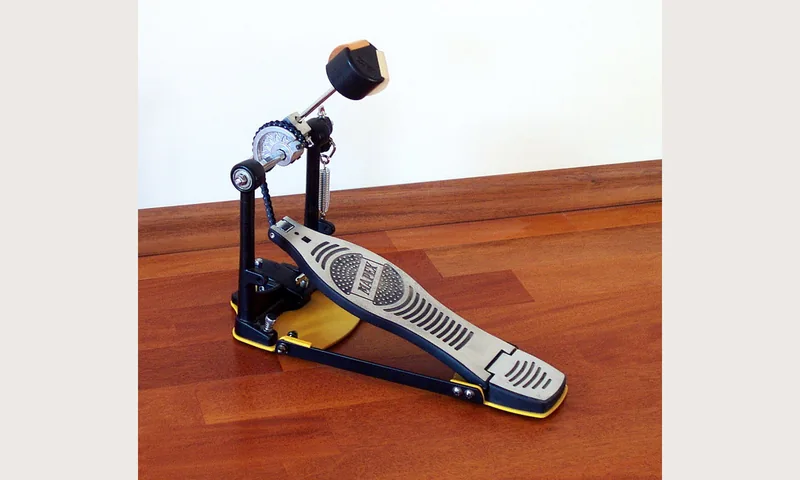
Align a bass drum pedal beater on the head
Position the pedal and beater so the stroke is clear, secure and comfortable.
Read the guideAdjust bass drum pedal spring tension by feel
Use a repeatable playing test to choose spring tension without chasing a universal setting.
Read the guideStop a bass drum pedal from creeping
Identify whether the pedal, bass drum or floor covering is moving before changing the setup.
Read the guide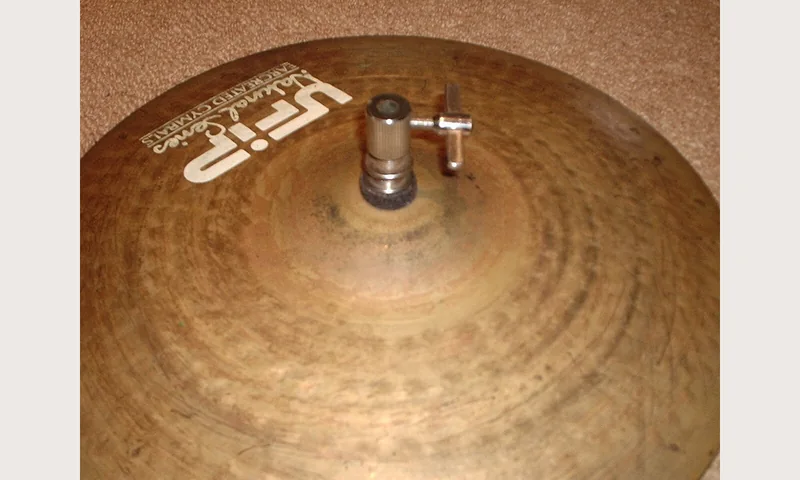
Install an acoustic hi-hat clutch securely
Attach the upper hi-hat cymbal with room to move and a secure connection to the pull rod.
Read the guide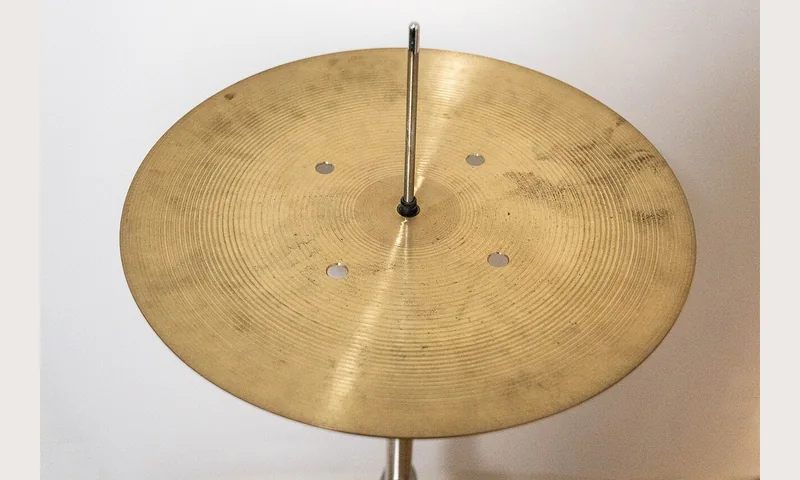
Use bottom hi-hat tilt to improve foot closure
Compare a small lower-cymbal tilt while preserving a stable seat and comfortable pedal action.
Read the guide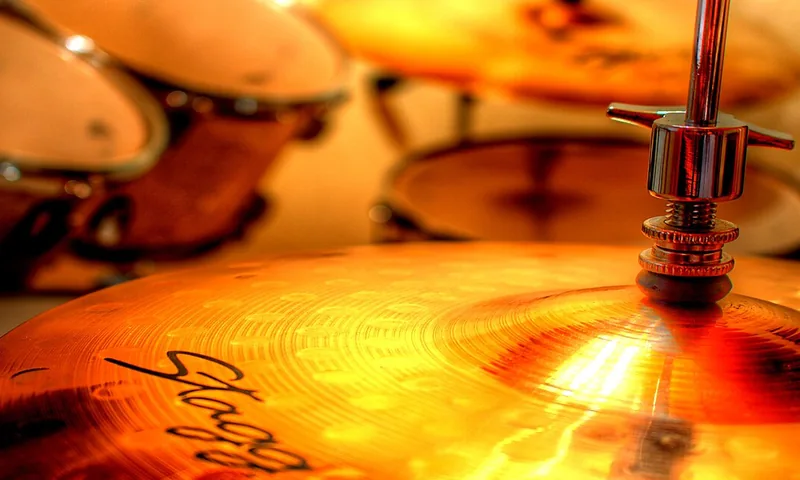
Set acoustic hi-hat height for relaxed stick access
Place the cymbals where you can play them without raising your shoulder or colliding with the snare hand.
Read the guide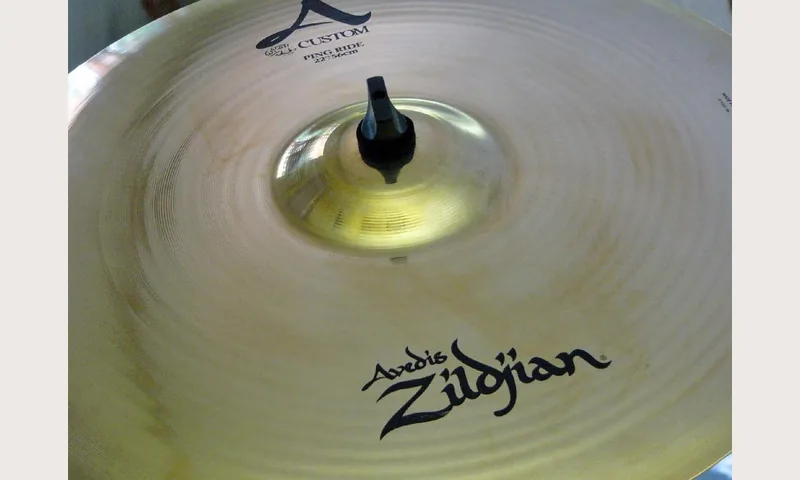
Protect cymbal holes with sleeves and suitable felts
Inspect the small contact parts that separate a cymbal from its stand hardware.
Read the guide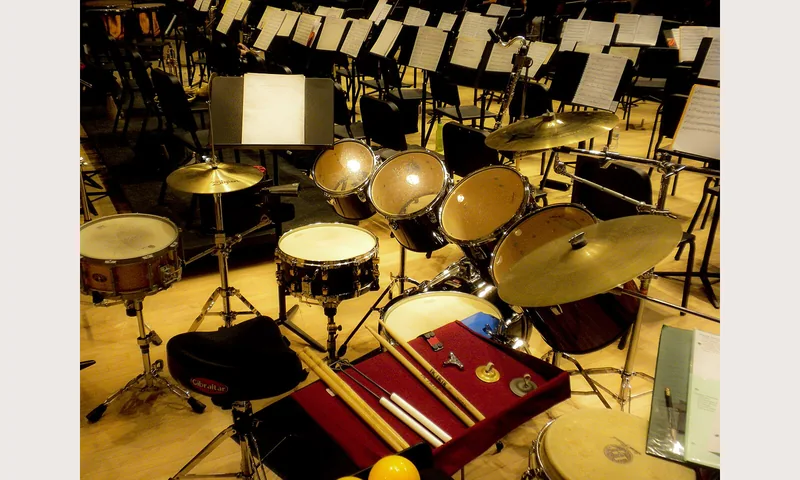
Stabilize a boom cymbal stand without excessive clamping
Improve stand balance before using greater clamp force.
Read the guide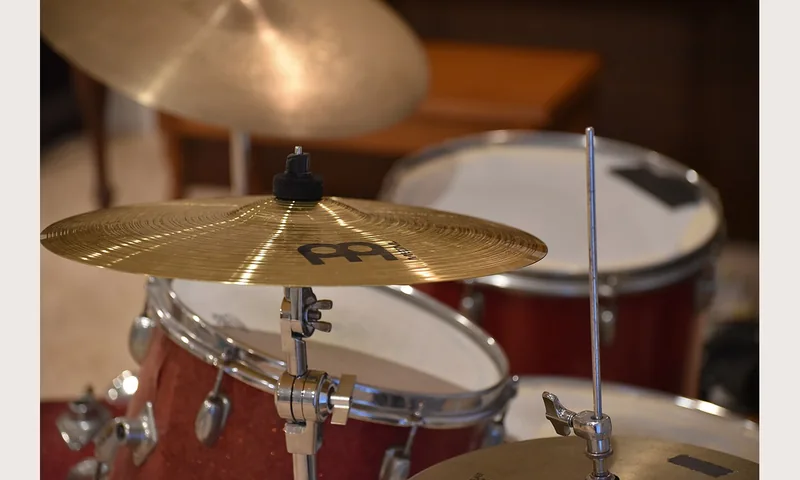
Choose a cymbal angle that supports a glancing stroke
Adjust the cymbal so ordinary strokes meet it comfortably and it can move freely.
Read the guide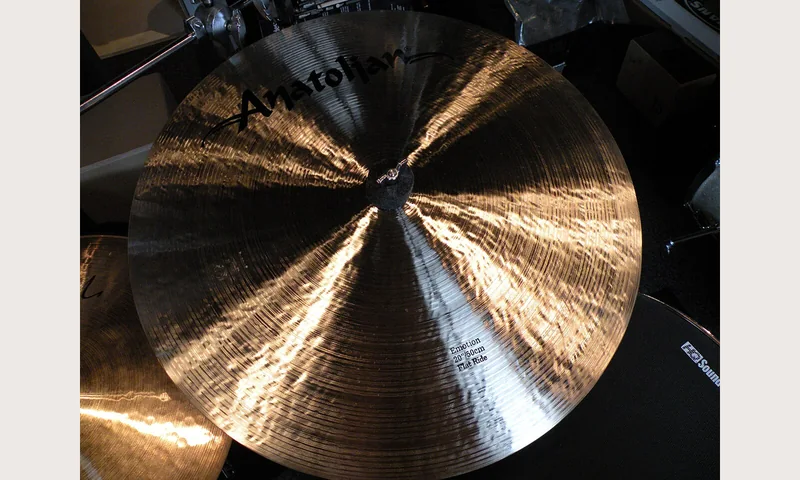
Clean cymbals according to their finish
Choose a cleaning method that suits the cymbal rather than using one polish on every surface.
Read the guide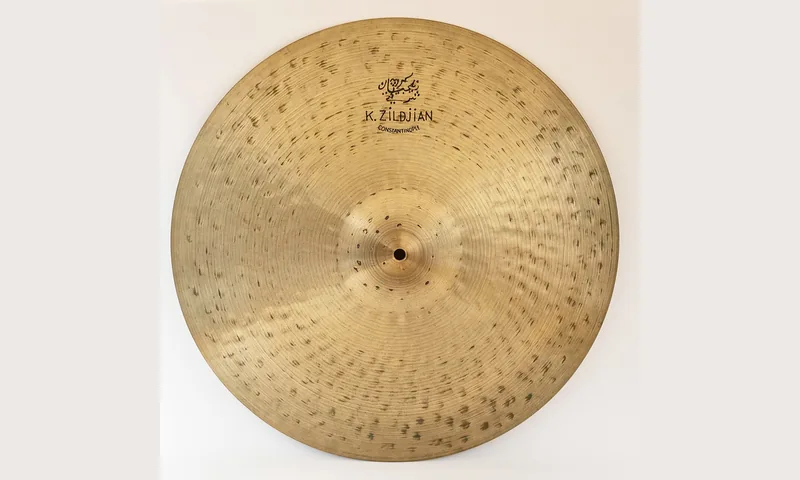
Inspect a used cymbal for cracks and hole wear
Use light, careful handling and a short playing test to inspect a second-hand cymbal.
Read the guideSet a drum throne for stable foot control
Use balance and pedal access to choose a practical starting seat position.
Read the guide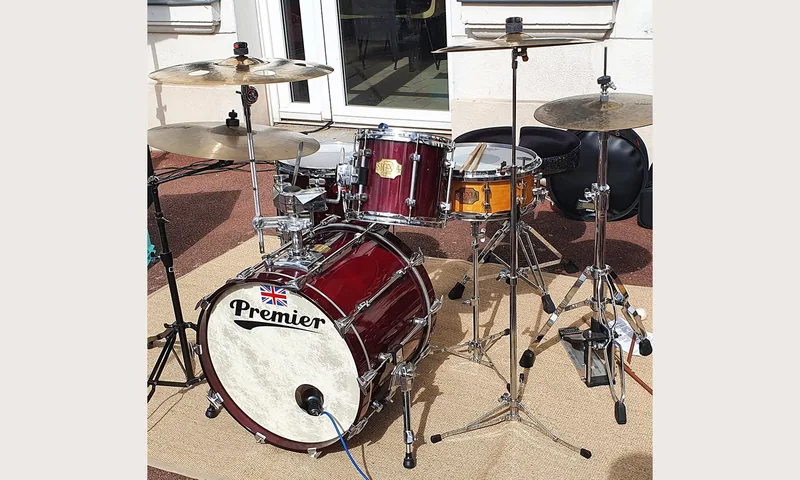
Arrange a compact acoustic kit without blocked movement
Bring the kit within reach while keeping pedals, sticks and cymbals free to move.
Read the guideTune a floor tom low without a papery flap
Find a clear lower voice without leaving the batter too slack to respond consistently.
Read the guideInspect drumsticks for wear before they damage heads
Use a quick visual and tactile check to retire sticks that no longer strike cleanly.
Read the guidePack acoustic drums for changing temperatures
Protect shells and fittings during transport and allow a cautious return to room conditions.
Read the guide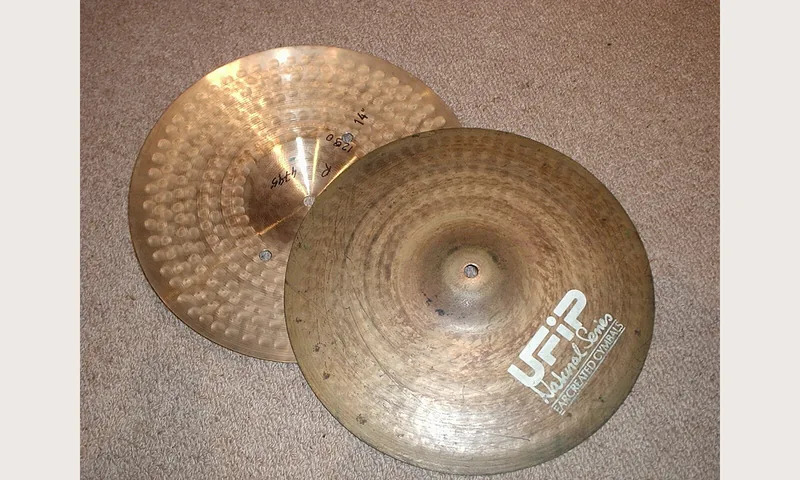
Store and transport cymbals without edge contact
Keep cymbals separated and protected from hard knocks while packing and storing them.
Read the guideMake single strokes sound even at a useful tempo
Use alternating strokes to hear differences in timing, height and tone before raising the tempo.
Read the guideBuild double strokes without hiding the second note
Compare both notes of each double and develop a roll that stays clear at more than one speed.
Read the guide
Move a single paradiddle around the drum kit
Turn the sticking RLRR LRLL into a musical idea while keeping the underlying notes intact.
Read the guide
Keep a flam compact without turning it into a unison
Learn the sound of two close strokes with a clear leading grace note and a stronger primary note.
Read the guideControl accents while the quiet notes stay quiet
Practise dynamic contrast without letting the accent drag neighbouring notes out of time.
Read the guideFit a five-stroke roll into a short fill
Give a short roll a definite ending so it can fit into a measured drum phrase.
Read the guideKeep a drag ornament separate from the main beat
Place two soft grace notes before a primary stroke without shifting the primary note late.
Read the guideAlternate the leading hand through eighth-note triplets
Keep a continuous triplet stream even as the hand on each beat changes.
Read the guideSwitch between straight eighths and a shuffle deliberately
Change the subdivision feel while maintaining one clear beat and a predictable bar length.
Read the guide
Build a backbeat groove one limb at a time
Assemble a simple groove so each limb has a clear rhythmic job and a controlled level.
Read the guideAdd an offbeat bass drum without disturbing the hi-hat
Change one bass-drum position while the hand pattern and bar length remain stable.
Read the guidePlace ghost notes beneath a clear snare backbeat
Add quiet snare notes that give the groove motion while leaving the main backbeats clear.
Read the guideOpen and close the hi-hat on a chosen subdivision
Coordinate a short hi-hat opening with a definite closing point instead of leaving an uncontrolled wash.
Read the guide
Move a groove from hi-hat to ride without losing the pulse
Change the cymbal voice at a planned bar line while the kick and snare keep their established rhythm.
Read the guide
Enter a half-time feel without changing the tempo
Space the backbeat more widely while preserving the original quarter-note pulse and bar count.
Read the guide
Move a backbeat to an offbeat and keep the bar clear
Explore a displaced snare accent while maintaining a reliable reference groove and phrase length.
Read the guideUse quarter-note clicks to check a sixteenth-note groove
Build a clear four-part subdivision between metronome clicks without relying on a click for every note.
Read the guidePractise a groove with the click on beats two and four
Hear a slower metronome setting as the backbeat while preserving the full four-beat bar.
Read the guideKeep time through a silent metronome bar
Use a short gap in the reference to hear whether your pulse changes when the click disappears.
Read the guideLand the downbeat after a one-bar drum fill
Build a short fill around a reliable landing rather than a run of notes that happens to stop.
Read the guideMake a two-beat fill fit the end of a bar
Keep the first half of the measure intact and enter the fill at a defined point.
Read the guideUse a one-beat fill without rushing the next bar
Place a compact fill in the last beat while keeping the next downbeat easy to reach.
Read the guideLeave a rest inside a drum fill and preserve its length
Use silence as part of a fill without shortening the bar or adding an unplanned recovery note.
Read the guideCarry three-note groups across a sixteenth-note grid
Keep a repeating three-note idea even while its accents move across four-note beats.
Read the guideCoordinate a crash and bass drum on the same downbeat
Make a section entrance sound decisive without a late cymbal or an extra bass-drum hit.
Read the guideMake two bass-drum notes clear inside a groove
Add a short bass-drum double while preserving the surrounding pulse and the second note.
Read the guideKeep a simple foot ostinato beneath changing hand rhythms
Build coordination by holding one foot pattern steady while the hands make one measured change.
Read the guideFind a repeatable cross-stick sound on the snare
Choose a comfortable stick position and repeat the same rim sound before placing it in a groove.
Read the guideBegin brush playing with a continuous snare sweep
Build an even brushing texture before adding taps or a more complicated pattern.
Read the guideBuild a three-four groove that keeps its three-beat shape
Keep a repeating three-beat bar clear while moving beyond a familiar four-beat groove.
Read the guideFeel six-eight as two groups of three
Organise six eighth-note positions into two larger pulses without losing the internal three-part spacing.
Read the guideCount a seven-eight groove as a fixed grouping
Use a small grouping pattern to keep seven eighth-note positions repeatable and audible.
Read the guideGive a count-in that establishes tempo and entrance
Prepare the first played note with a clear spoken or stick count that matches the piece.
Read the guideRe-enter after stop-time without guessing the gap
Keep the phrase moving internally while the drum part rests and return at the agreed position.
Read the guideUse a gradual warm-up that prepares the actual part
Move from comfortable basic strokes toward the coordination and dynamics needed in the music.
Read the guideMap electronic drum MIDI notes to a software kit
Make every pad trigger the intended instrument before you start recording.
Read the guideMatch electronic drum velocity curves to a virtual instrument
Keep quiet strokes expressive and strong strokes useful when a module drives software.
Read the guideRecord drum MIDI and module audio together
Capture an editable performance and the sound you actually played in one take.
Read the guidePrevent doubled drum sounds when using a virtual kit
Trace the duplicate signal instead of changing timing settings at random.
Read the guidePreserve hi-hat articulations in a MIDI recording
Record foot position as well as stick hits when the equipment supports it.
Read the guide
Route a software drum kit to separate mixer channels
Give kick, snare and cymbals independent processing while preserving the instrument balance.
Read the guideKeep cymbal choke messages in recorded MIDI
Make a grabbed cymbal stop on playback as it did during the performance.
Read the guideBuild a clean electronic drum user kit
Create a focused starting kit that is easy to balance and recall.
Read the guideBalance pad volumes without changing trigger sensitivity
Fix an uneven kit mix while keeping a responsive playing feel.
Read the guideUse module ambience without washing out a groove
Add space while preserving the timing and definition of your playing.
Read the guideImport one-shot samples into a compatible drum module
Prepare a small, documented sample set before loading an entire library.
Read the guideBack up a drum module before changing its setup
Preserve kits, trigger settings and sample dependencies before a substantial change.
Read the guideDiagnose a drum pad that responds only to hard hits
Find whether quiet notes are lost at the pad, trigger input or sound stage.
Read the guideRecord an electronic kit through stereo analog outputs
Capture the modules finished sound with a clean, balanced two-channel recording.
Read the guidePrint a virtual drum performance to audio
Turn an editable software performance into stable audio for mixing and sharing.
Read the guide
Set up a three-microphone drum recording
Build a coherent kit picture with two overheads and a kick microphone.
Read the guide
Place stereo overheads for a stable drum image
Keep the snare anchored while the rest of the kit has a clear place in the stereo field.
Read the guideRecord kick drum attack and body together
Use placement to choose how much impact and low resonance reaches the microphone.
Read the guideReduce hi-hat spill in a snare microphone
Improve the snare-to-hat balance at the source before using a gate.
Read the guideAdd a snare-bottom microphone carefully
Capture wire detail without weakening the existing snare sound.
Read the guide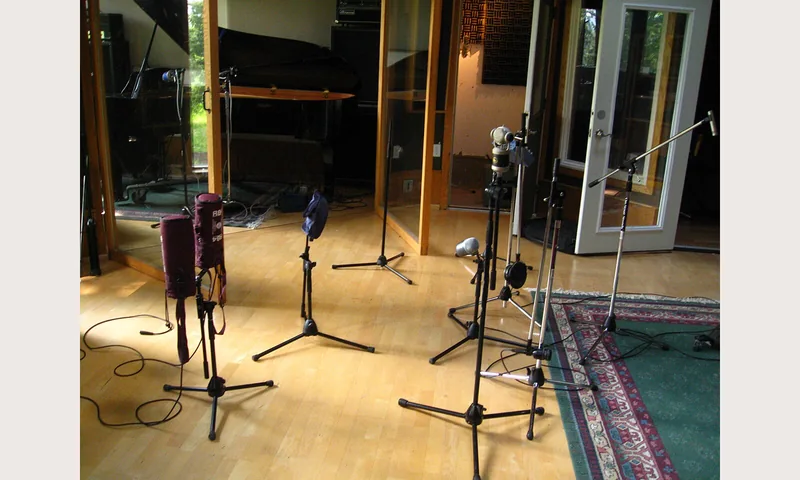
Choose a room-microphone position for drums
Find a useful sense of space by listening to the room before committing a stand.
Read the guideKeep drum microphone stands out of the playing area
Arrange microphones so a good sound does not interfere with a complete performance.
Read the guideLabel and document a multitrack drum session
Make every microphone, take and setup change understandable when the session is reopened.
Read the guideEdit multitrack drums without shifting microphone timing
Keep all microphones aligned when trimming and moving a recorded performance.
Read the guideComp drum takes across all microphones together
Build a complete performance without combining microphones from mismatched hits.
Read the guide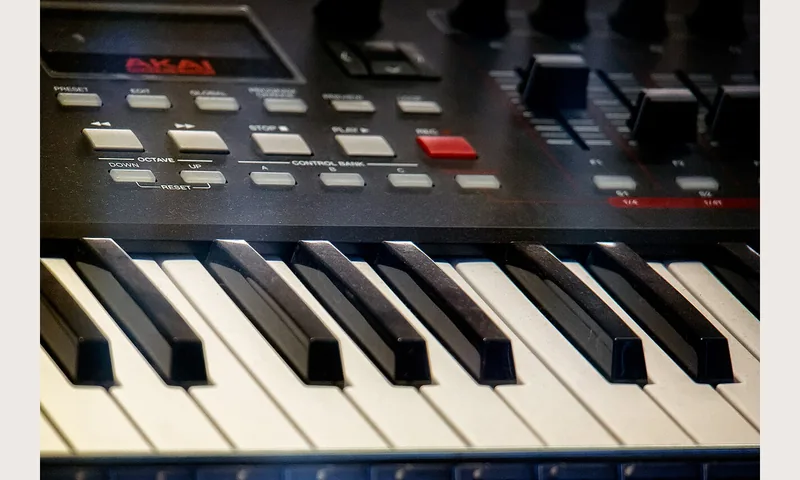
Quantize drum MIDI without flattening the groove
Correct distracting timing while preserving the performances useful movement.
Read the guide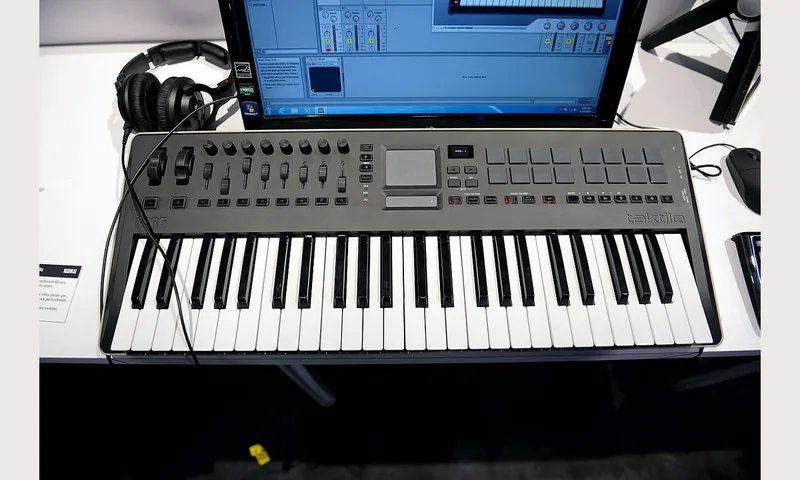
Shape ghost-note velocities in drum MIDI
Keep quiet snare notes supportive while preserving clear backbeats and accents.
Read the guide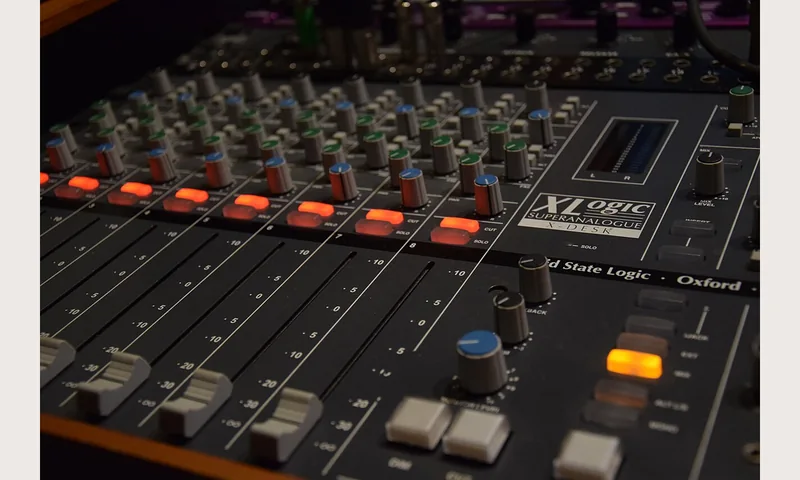
Use drum bus compression without losing the attack
Control the group while keeping kick and snare transients useful.
Read the guideGate tom microphones without cutting off resonance
Reduce unwanted spill while keeping the beginning and decay of every fill.
Read the guideFit kick drum and bass together in a mix
Use arrangement, envelope and tone to give both low-end parts a clear role.
Read the guideReduce cymbal harshness in a drum recording
Find whether the problem comes from performance, placement or processing before cutting the whole top end.
Read the guideBlend sample reinforcement with a recorded snare
Add support while keeping the original performance and microphone relationships audible.
Read the guideBuild a drummer headphone cue mix
Give the player the timing and musical information needed for a confident take.
Read the guideSend a click to the drummer without sending it to the audience
Use an independent output route and verify it from the audience mix before the show.
Read the guidePrepare electronic drum outputs for a live engineer
Arrive with a clear output plan, stable kit balance and documented connections.
Read the guideConnect electronic drums to a computer
USB MIDI and USB audio do different jobs. Check what your module actually sends before buying an interface.
Read the guideReduce electronic drum latency
Work through the complete monitoring path before changing trigger settings.
Read the guideFix double triggering on electronic drums
Isolate the pad, mounting and trigger settings before raising thresholds.
Read the guideStop one drum pad triggering another
Separate mechanical vibration from module crosstalk settings.
Read the guide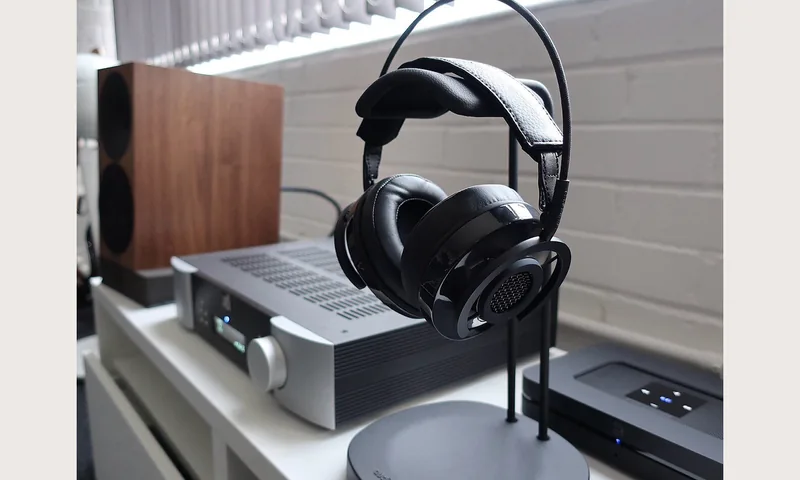
Choose headphones for electronic drums
Start with wired monitoring, comfortable fit and the module's output.
Read the guideRecord acoustic drums with one microphone
Find the balance in the room before reaching for processing.
Read the guideCheck phase in a two-microphone drum recording
Compare the microphones together, not only in solo.
Read the guideSet an electronic hi-hat pedal correctly
Calibrate the mechanism before adjusting the sound.
Read the guideChoose a first MIDI keyboard
Count the keys you need for your actual task, then check controls and connections.
Read the guide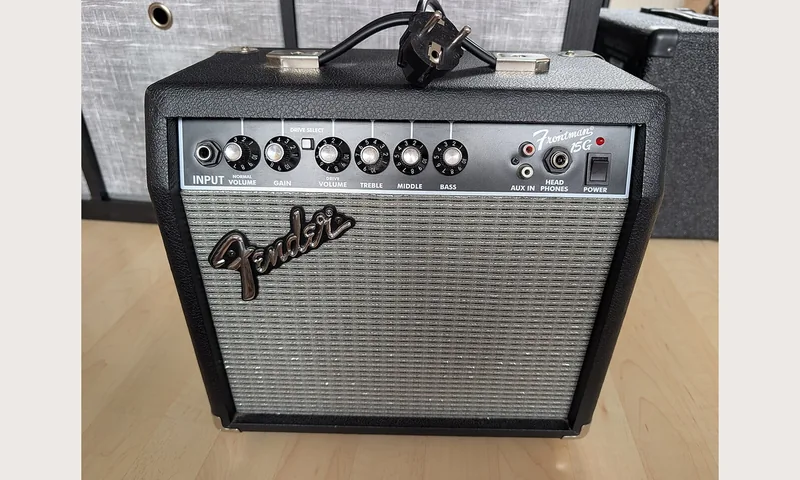
Record a guitar amplifier at home
Use speaker position and mic placement to shape the recorded tone first.
Read the guide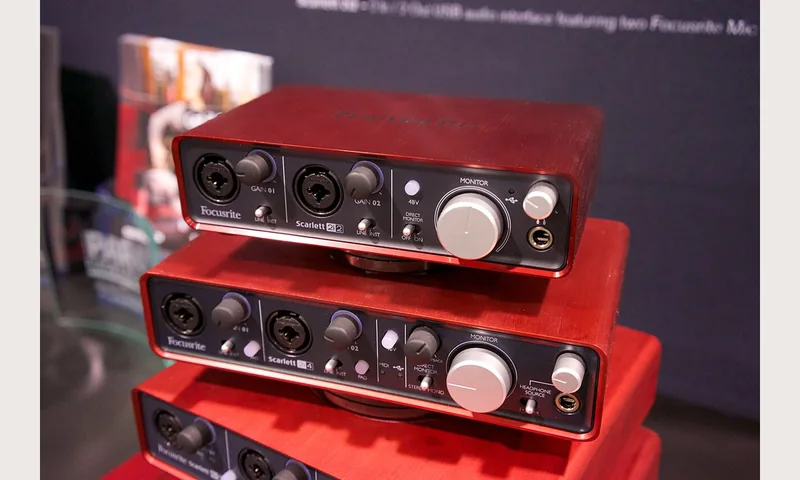
Choose a direct input for guitar or bass
Match the instrument signal to an appropriate input.
Read the guideBuild a drum practice recording setup
Capture the groove and the click in a way you can review.
Read the guideTransport an electronic drum kit safely
Document connections and protect sockets, mesh and moving parts.
Read the guideChoose open-back or closed-back headphones
Decide how much sound must stay inside and outside your headphones.
Read the guide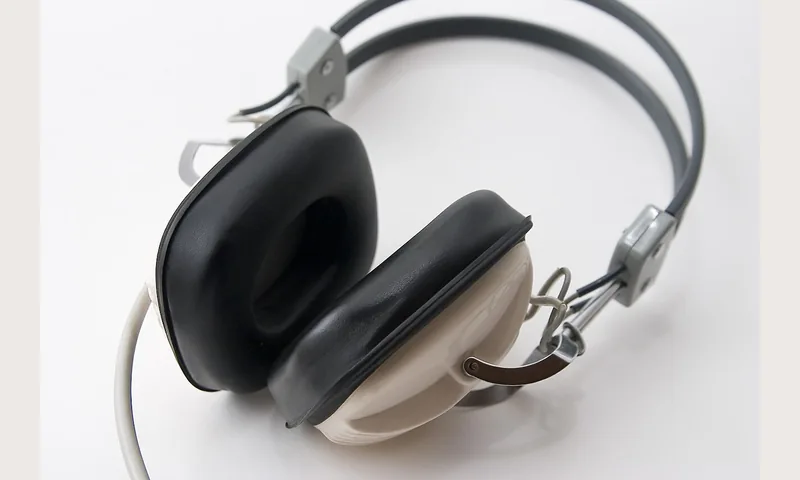
Match headphones to an audio source
Check output capability and sensitivity as well as impedance.
Read the guideFind a comfortable headphone fit
Adjust the physical fit before judging bass or buying replacement pads.
Read the guideFix a headphone channel that cuts out
Separate the headphone, cable, adapter and source.
Read the guidePosition desktop speakers for a clearer centre image
Start with symmetry and ear-level orientation.
Read the guideReduce boomy bass from small speakers
Move the system and listening position before cutting random frequencies.
Read the guideChoose a DAC for a desktop setup
Buy for the connection and problem you can identify.
Read the guideConnect a turntable to powered speakers
Identify where the phono stage and volume control live.
Read the guideReduce hum in a desktop audio system
Locate the connection that introduces the hum.
Read the guideCompare audio equipment without a loudness trap
Use the same passage and closely matched playback level.
Read the guideSet up a shared listening desk
Plan controls and cable reach around both users.
Read the guideChoose lossless or compressed music sensibly
Match the format to storage, connection and listening needs.
Read the guide
Make a useful speaker audition playlist
Choose passages that expose your needs rather than impress in a showroom.
Read the guideChoose an audio interface by inputs
Count simultaneous sources before comparing specifications.
Read the guideSet recording gain without clipping
Use the loudest expected performance to set the input.
Read the guideChoose a recording sample rate
Use a consistent rate that fits the destination and devices.
Read the guideFind a stable audio buffer size
Balance monitoring responsiveness against processing headroom.
Read the guideUse direct monitoring without an echo
Listen through one live path at a time.
Read the guideDiagnose clicks in an audio recording
Find out whether the click is in the file or only in playback.
Read the guide
Record vocals in an untreated room
Reduce the unwanted room contribution at capture.
Read the guide
Record a stereo keyboard without losing a side
Check the output labels and stereo routing.
Read the guideOrganise a recording session before tracking
Name and route the tracks while there is time to check them.
Read the guideBack up a music project for another computer
Collect assets and test the copy before trusting it.
Read the guideUse noise reduction without damaging speech
Start with the quietest recording you can capture, then process conservatively.
Read the guideExport stems that line up correctly
Give every stem the same start and end range.
Read the guideCheck a mix on ordinary playback systems
Use comparisons to find problems, not to chase every speaker's tone.
Read the guideChoose a USB or XLR microphone
Choose the signal path you can support, not only the microphone.
Read the guidePlace a podcast microphone for clear speech
Keep the mouth-to-mic relationship consistent and control air blasts.
Read the guideSet podcast levels before adding filters
Capture clean speech first, then shape the output.
Read the guideBuild an OBS audio filter chain carefully
Give each filter one job and compare every change.
Read the guideStop a noise gate cutting off words
Tune the gate against quiet speech, not just background silence.
Read the guideRecord remote guests on separate tracks
Separate sources before the conversation when the software supports it.
Read the guideUnderstand mix-minus for remote interviews
Send the guest the programme without returning their own voice.
Read the guideFix a voice that sounds doubled on stream
Find the duplicate route instead of masking the echo with filters.
Read the guide
Sync camera video and microphone audio
Measure the offset with a visible and audible event.
Read the guideReduce keyboard noise in voice recordings
Change distance and mechanics before relying on suppression.
Read the guidePrepare a podcast edit before export
Remove distractions while preserving conversational rhythm.
Read the guideCheck a stream before going live
Run the same scenes, devices and workload you will use publicly.
Read the guidePackage podcast files for delivery
Check the actual file, metadata and destination requirements.
Read the guideConnect a soundbar using ARC or eARC
Use the labelled ports and confirm both devices support the chosen return channel.
Read the guide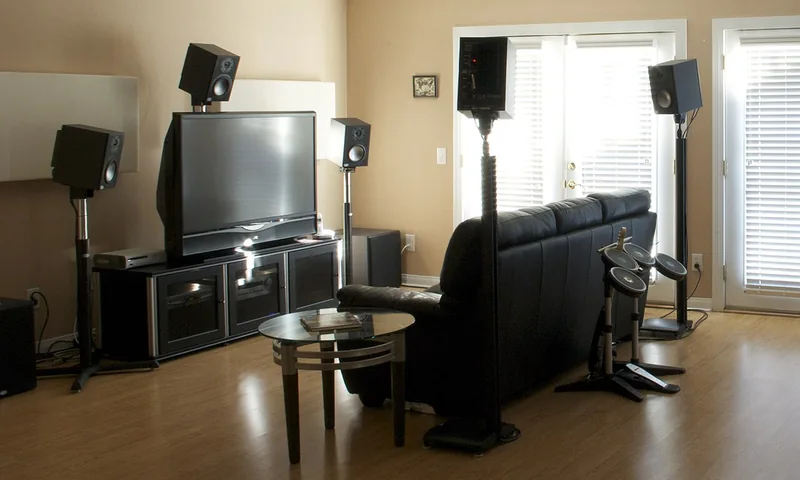
Choose a soundbar or separate speakers
Decide how many boxes, cables and adjustments your room can accommodate.
Read the guidePlace a centre speaker for clearer dialogue
Aim the centre channel toward the seats and keep the front unobstructed.
Read the guideSet up a basic 5.1 speaker layout
Map the channels to the room before running calibration.
Read the guideUnderstand Atmos speaker numbers
Read the layout as ear-level channels, subwoofers and height channels.
Read the guideFind a workable subwoofer position
Look for even bass at the listening seats, not the loudest corner.
Read the guideChoose a speaker crossover setting
Coordinate the receiver's bass management with the speaker and subwoofer.
Read the guideFix dialogue that is too quiet at night
Check the channel setup and dynamic-range options before boosting everything.
Read the guide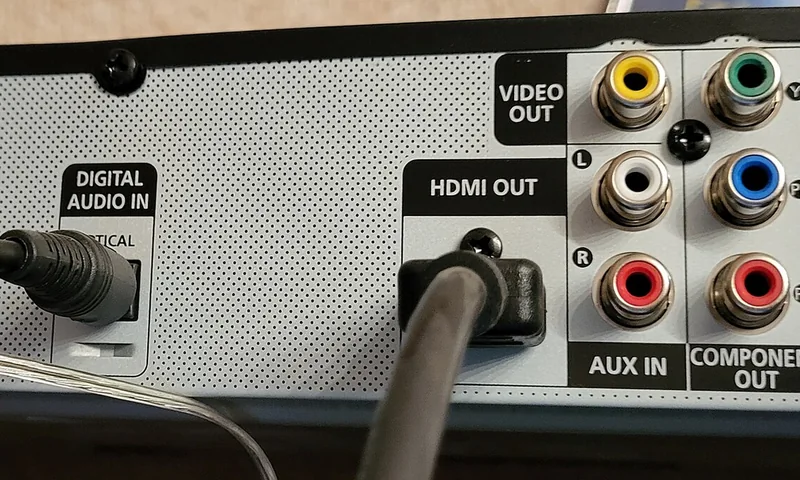
Diagnose sound before or after the picture
Identify the source-specific delay before applying a global offset.
Read the guideCheck whether surround sound is really arriving
Read the receiver's input signal rather than relying on the programme badge.
Read the guide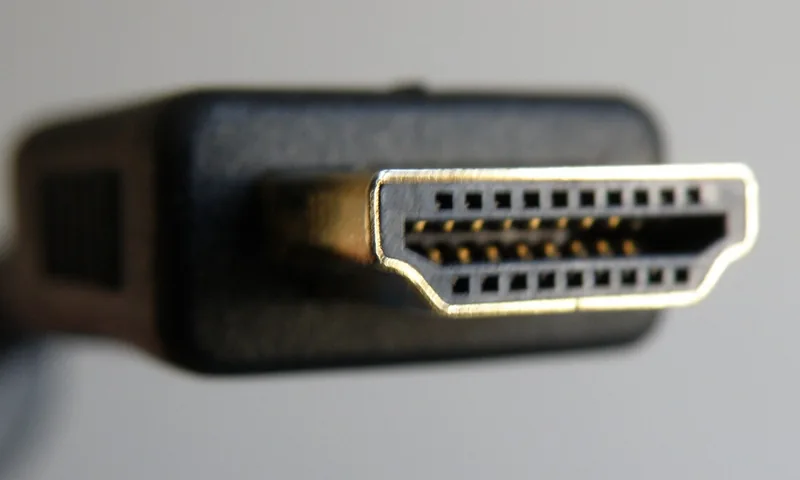
Choose HDMI cables without guesswork
Buy for the required connection and use recognised certification where relevant.
Read the guideRun room calibration without avoidable errors
Prepare the room and microphone before pressing start.
Read the guide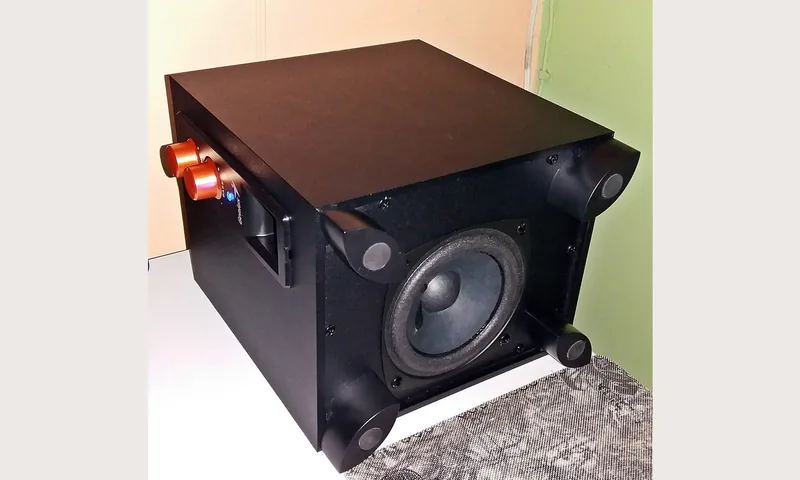
Reduce bass disturbance in a shared home
Lower low-frequency energy and change listening habits before buying foam.
Read the guideChoose wired or wireless gaming audio
Separate convenience from latency, microphone quality and compatibility.
Read the guideUse a headset with separate headphone and mic jacks
Match the plug wiring and connector functions.
Read the guideFix a headset mic that is not detected
Check hardware mute and device selection before changing drivers.
Read the guideStop game audio leaking into voice chat
Find out whether the leak is acoustic or electronic.
Read the guideMake footsteps clearer without harsh EQ
Start with the game's mix and avoid chasing a universal curve.
Read the guideAvoid stacked virtual surround processing
Let one stage handle the spatial rendering.
Read the guideBalance game, chat and music levels
Give speech enough room instead of raising all sources.
Read the guideRoute audio to a capture card cleanly
Choose one intentional path for each source and monitor return.
Read the guide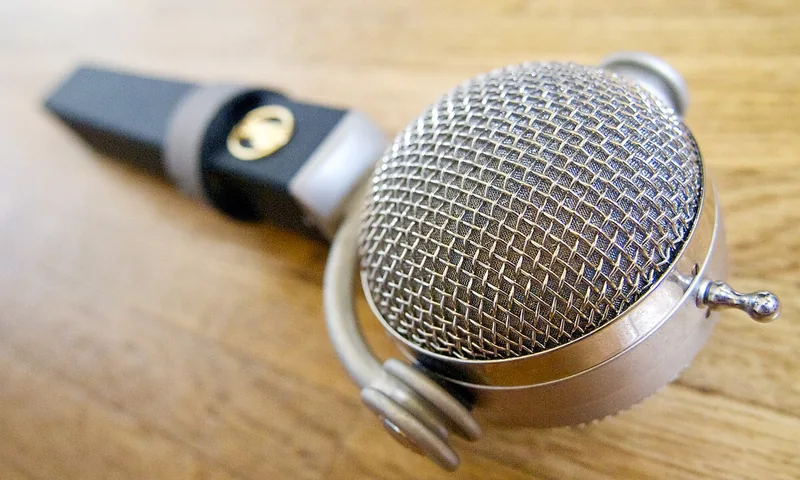
Place a desktop microphone away from vibration
Make the support and cable path part of the setup.
Read the guideOrganise desk cables for reliable audio
Reduce strain and make the signal path visible.
Read the guideRecover audio after a computer wakes
Check whether the selected device changed during sleep.
Read the guideBuild an audio setup for two computers
Keep microphone, monitoring and programme feeds clearly separated.
Read the guideTest a gaming microphone before a long session
Use the same app settings and room conditions as the session.
Read the guideRun a line check before a soundcheck
Confirm every source before balancing the band.
Read the guideConnect a DJ controller to powered speakers
Match output type, input sensitivity and cable length.
Read the guideSet mixer input gain without clipping
Establish headroom before moving channel faders.
Read the guideFind the cause of microphone feedback
Reduce the loop before boosting anything.
Read the guideSet up headphone cueing for a DJ mix
Separate the next track from the audience feed.
Read the guide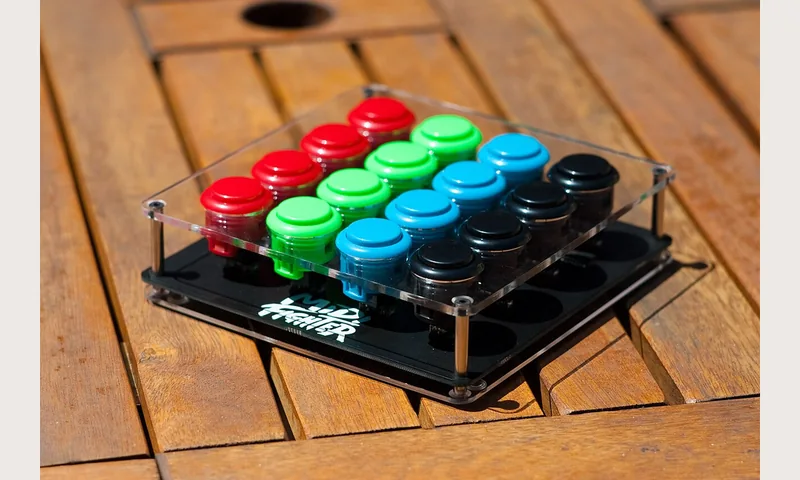
Organise a DJ library for a short set
Prepare usable choices rather than one rigid playlist.
Read the guide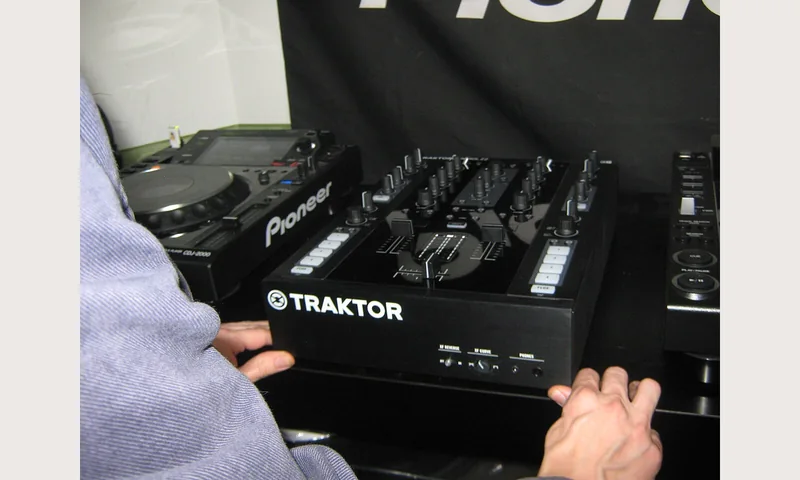
Correct a drifting DJ beatgrid
Check the downbeat before adjusting the tempo.
Read the guidePrepare a USB drive for a DJ player
Compatibility matters more than copying files quickly.
Read the guideCheck a stereo mix for mono playback
Listen for cancellation before the event.
Read the guidePlan backup playback for a small event
Make recovery possible without your main computer.
Read the guideRoute stage cables without creating trip hazards
Keep paths visible and connections unstressed.
Read the guidePosition speakers for a small-room performance
Aim at listeners while limiting microphone spill.
Read the guideRecord a stereo feed from a live mixer
Confirm exactly what the record output contains.
Read the guideBuild a practice session around one problem
Define a result you can hear.
Read the guideUse slow practice without losing the groove
Keep the relationships between notes intact.
Read the guidePractise subdivisions with a metronome
Hear the spaces between clicks.
Read the guideFind where you rush in a song
Locate the trigger rather than blaming your timing globally.
Read the guideLearn a song by mapping its sections
Build a map before memorising every detail.
Read the guideStart an ear-training routine with short phrases
Connect listening, singing and playing.
Read the guideCompare two practice recordings fairly
Keep the conditions consistent.
Read the guide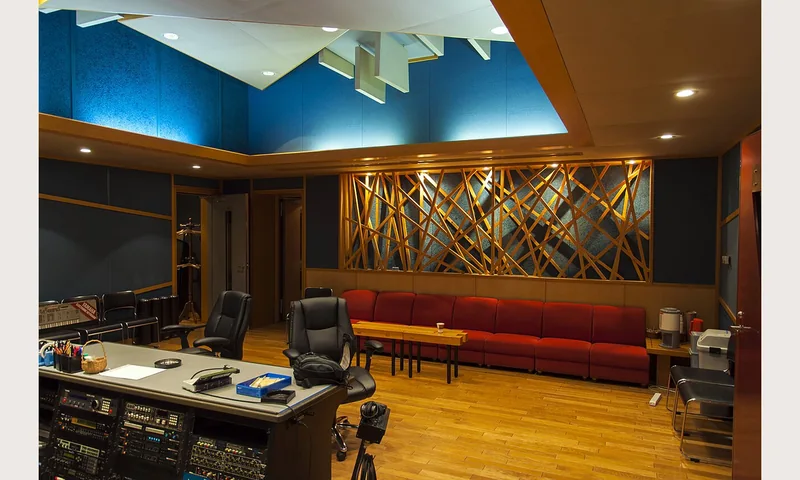
Distinguish acoustic treatment from soundproofing
Decide whether the problem is inside or outside the room.
Read the guideArrange a quiet practice corner
Reduce setup friction and avoid transmitting unnecessary vibration.
Read the guideManage listening levels during long sessions
Make quiet monitoring the default.
Read the guideArrange your desk for comfortable music work
Bring the controls to you.
Read the guideFinish a short musical idea
Limit the project until it has an ending.
Read the guideChoose the next equipment upgrade by its bottleneck
Buy for a demonstrated limitation.
Read the guideNo guides match those words. Try a shorter phrase or clear the topic filter.