Stop game audio leaking into voice chat
Find out whether the leak is acoustic or electronic.
The short answer
Friends hearing your game may mean loud headphones reach the microphone, or that desktop audio is routed into the chat input. The fixes differ.
What to do
- Mute the microphone physically if possible while game audio plays. Ask whether the game is still heard.
- If it continues, inspect the selected chat input and loopback or mix devices. Choose the actual microphone.
- If it stops, lower headphone volume, adjust mic distance and check whether the headset fit or open design allows excessive leakage.
Separate acoustic spill from digital routing
Record your chat microphone while the game plays. First mute the headphone output, then reconnect it at a lower level. Leakage that follows headphone loudness may be acoustic; clear game audio that persists with the headset disconnected points toward loopback or a mixed recording source. Change one condition at a time so the distinction remains meaningful.
Choose the actual microphone input
Inspect the operating-system recording source and the device chosen inside the chat app. Stereo mix, interface loopback or a broadcast mix may include desktop audio intentionally. Select the direct microphone path when that is what the call needs. Check virtual mixers and capture software too, because their output names can look like ordinary hardware devices.
Reduce spill before gating it
If leakage is acoustic, lower listening level, improve headset fit and move the microphone closer to the mouth without causing breath noise. Push-to-talk can be useful in a noisy room. A gate may hide game sound during silence but still transmit it while you speak. Confirm the result with a recording or another participant, including a loud gameplay moment.
Check the result
A chat test should carry your voice without game audio when you remain silent.
Know the limits
Echo cancellation may reduce a symptom but is not a substitute for correct routing. Keep any intentional stream mix separate from the voice-chat input.
Further reading
Sources for the connections and technical principles discussed above. The diagnostic sequences are our editorial explanation. Consult the manual for your exact model before changing hardware or settings.
These are general educational guides, not hands-on product reviews. How we prepare our content. Cover photo source & license.
Keep working on your setup
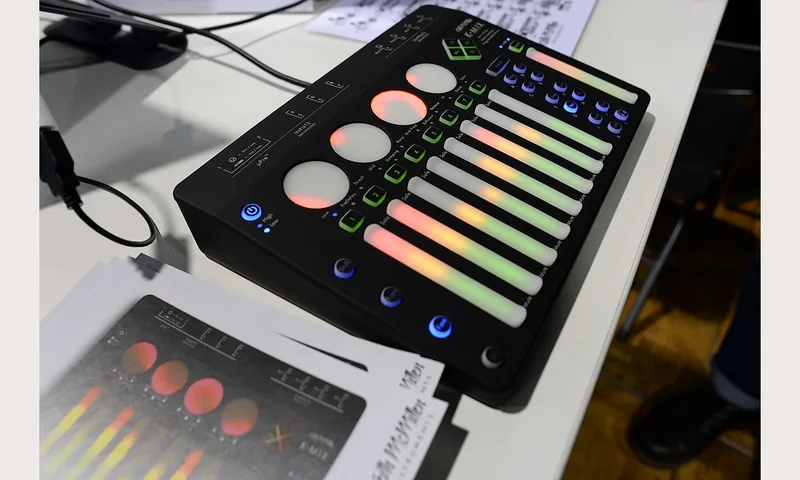
Balance game, chat and music levels
Give speech enough room instead of raising all sources.
Read the guide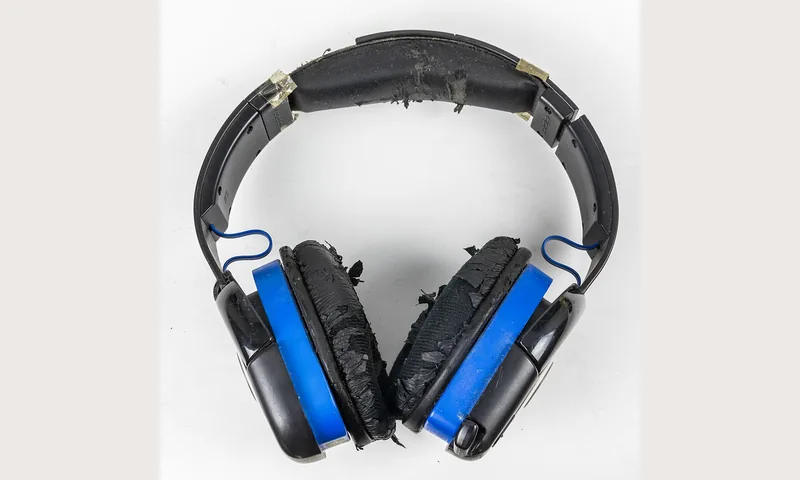
Choose wired or wireless gaming audio
Separate convenience from latency, microphone quality and compatibility.
Read the guide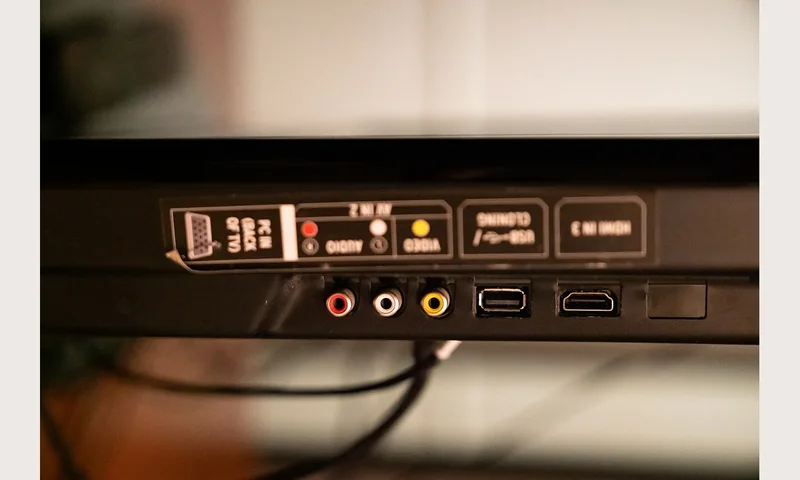
Route audio to a capture card cleanly
Choose one intentional path for each source and monitor return.
Read the guide