Check whether surround sound is really arriving
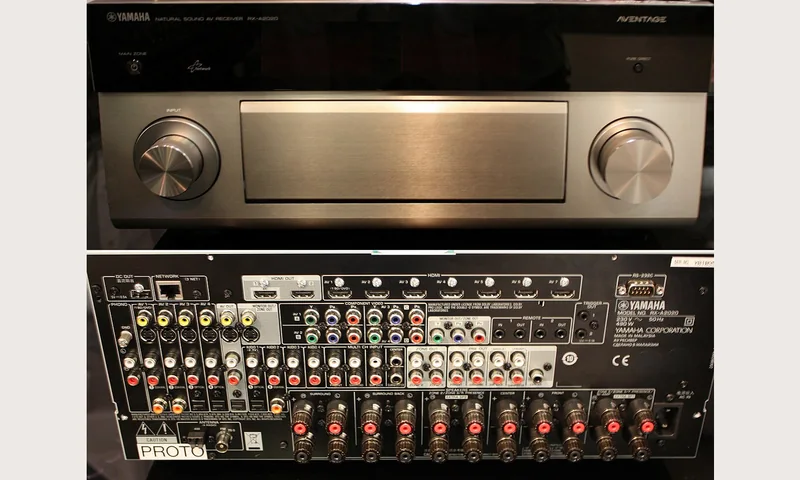
Read the receiver's input signal rather than relying on the programme badge.
The short answer
A title may offer surround audio while the selected language, app setting or connection sends stereo. Check the signal path end to end.
What to do
- Select a known surround track and the desired language in the source app.
- Inspect the receiver or soundbar's signal information to distinguish incoming channels from an upmixing mode.
- Check the source and TV audio output settings against supported formats, then use a channel-identification test where available.
Use a known multichannel source
Choose a track whose available format you can confirm for the actual device and service. A stereo video labelled as a surround test may only contain two channels. Also distinguish the receiver internal speaker test from a source test: the former verifies speaker wiring and assignments, but does not prove that the player sends multichannel audio.
Read the incoming signal information
Open the receiver or soundbar input-status display where available. Separate the incoming format and channel information from the selected listening mode. An upmixer can distribute stereo to many speakers without receiving discrete surround channels. PCM is not inherently stereo; its channel count and the supported connection matter. Record exactly what the device reports before changing settings.
Follow each link upstream
Check player output, television passthrough, the selected soundtrack and HDMI return support. If possible, compare a direct player-to-receiver connection with the television return path. Restore each setting after the test. If one source works and another does not, focus on the differing app or route instead of re-running room calibration, which cannot add absent input channels.
Check the result
The reported input format and audible channel test should agree with the intended setup.
Know the limits
Upmixing stereo can activate many speakers without proving the source is multichannel. Format availability can vary across devices and applications.
Further reading
Sources for the connections and technical principles discussed above. The diagnostic sequences are our editorial explanation. Consult the manual for your exact model before changing hardware or settings.
- Denon AVR-X1800H manual: speaker setup, playback and audio settings
- HDMI: enhanced audio return channel
These are general educational guides, not hands-on product reviews. How we prepare our content. Cover photo source & license.
Keep working on your setup
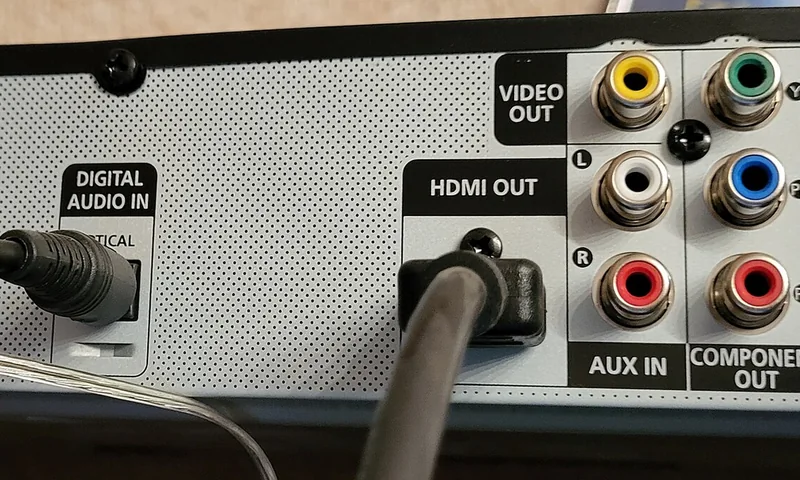
Diagnose sound before or after the picture
Identify the source-specific delay before applying a global offset.
Read the guide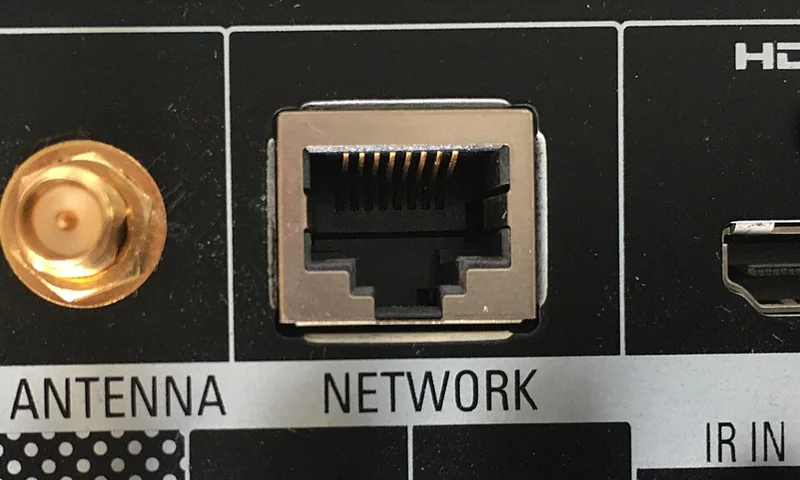
Connect a soundbar using ARC or eARC
Use the labelled ports and confirm both devices support the chosen return channel.
Read the guide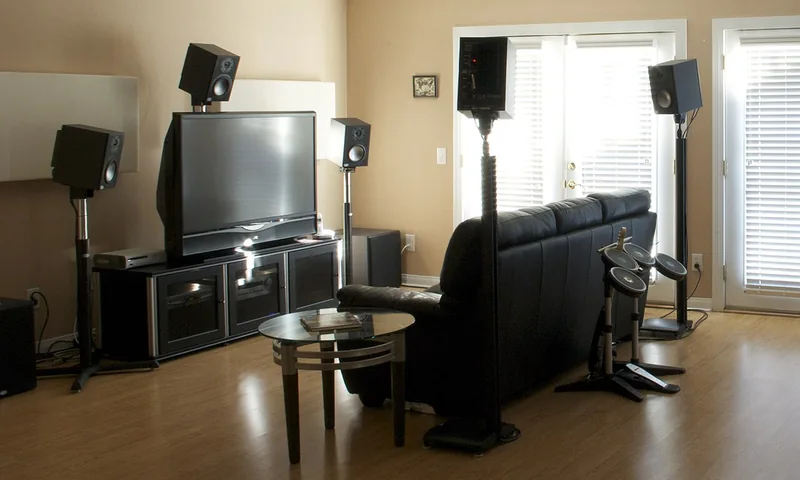
Choose a soundbar or separate speakers
Decide how many boxes, cables and adjustments your room can accommodate.
Read the guide