Import one-shot samples into a compatible drum module
Prepare a small, documented sample set before loading an entire library.
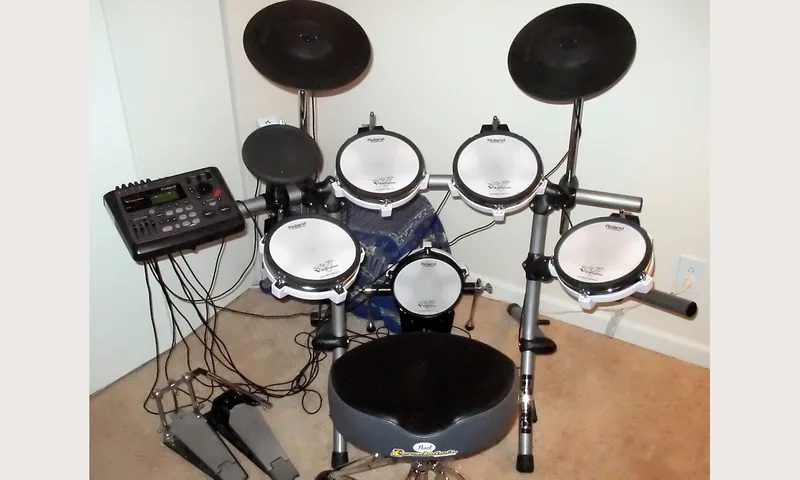
The short answer
Check the modules supported formats and limits, prepare a single test sample, and verify its level, start and decay after import. Only then build the rest of the kit and back up the files needed to restore it.
What to do
- Read the exact model instructions for sample format, storage and import procedure.
- Prepare one clearly named sound with an intentional start and complete decay.
- Copy it using the supported storage method and import it into a user location.
- Assign the sample to one pad and test soft, medium and strong playing.
- Document its source and settings, then repeat with the remaining sounds.
Compatibility comes first
Some modules accept user samples while others do not, and supported file specifications differ. Check channel count, sample format, duration limits and storage requirements before converting a library. Renaming a file extension does not convert its audio. Use a proper audio editor when conversion is necessary and retain an untouched original outside the working set.
Prepare the sound for playing
Listen for unwanted silence at the start, a click at the edit point and a truncated tail. A sample with a slow attack may be musically useful, but it will not feel like an immediate snare merely because it is assigned to the snare pad. Leave enough headroom for the modules playback and any layering rather than normalizing every sound without a listening test.
Check velocity and retrigger behavior
A one-shot may respond to velocity through level changes without offering the timbral variation of a multisampled acoustic instrument. Play repeated strokes and decide whether that behavior suits the part. Investigate the modules available playback, layering or mute options only where documented. Long sounds may overlap on repeated strikes and change the apparent balance of the kit.
Make restoration possible
The user kit may store an assignment while the actual audio remains a separate dependency. Keep the source files, import names and kit backup together. Record where each sound came from and whether you have permission to use or distribute it. When sharing a backup, check the sample license rather than assuming that possession of the file allows redistribution.
Check the result
Recall another kit, return to the user kit and power-cycle only according to the devices normal procedure. Verify that the imported sound remains available and that a backup contains the dependencies needed for restoration.
Know the limits
This guide applies only to modules with documented sample import. File support, memory limits and backup contents are model specific; importing cannot add unsupported multisample features.
Further reading
Sources for the connections and technical principles discussed above. The diagnostic sequences are our editorial explanation. Consult the manual for your exact model before changing hardware or settings.
These are general educational guides, not hands-on product reviews. How we prepare our content. Cover photo source & license.
Keep working on your setup
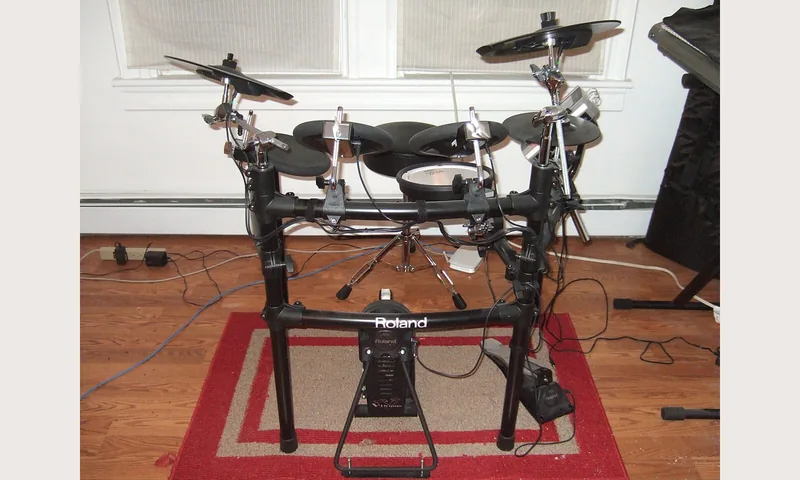
Stop one drum pad triggering another
Separate mechanical vibration from module crosstalk settings.
Read the guide
Land the downbeat after a one-bar drum fill
Build a short fill around a reliable landing rather than a run of notes that happens to stop.
Read the guideBack up a drum module before changing its setup
Preserve kits, trigger settings and sample dependencies before a substantial change.
Read the guide