Set a spoken announcement channel apart from music playback
Keep speech intelligible during a small event announcement.
The short answer
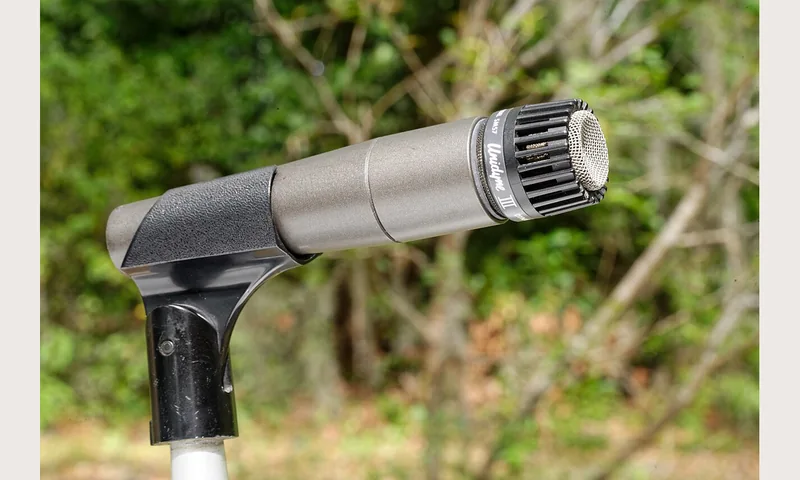
Prepare the announcement microphone before the audience arrives. Establish a controlled speech level and a simple way to reduce music, then rehearse that transition at the expected microphone position.
What to do
- Place the microphone away from the loudspeaker coverage direction
- Line-check the mic at a conservative gain
- Reduce playback manually or with a tested ducking function
- Speak a complete announcement and restore the music gradually
Test the person who will speak
A quiet speaker held far from the microphone can need very different gain from the soundcheck voice. Explain a comfortable working distance and let the actual announcer rehearse where possible. Avoid pushing gain until a distant microphone feeds back.
Check the result
A listener should understand complete sentences without a sudden loud jump when speech or music begins.
Know the limits
Automatic ducking settings can pump or miss soft speech. Keep a manual fallback and do not use this setup for required emergency announcements.
Further reading
Sources for the connections and technical principles discussed above. The diagnostic sequences are our editorial explanation. Consult the manual for your exact model before changing hardware or settings.
These are general educational guides, not hands-on product reviews. How we prepare our content. Cover photo source & license.
Keep working on your setup

Mark mixer channels so a substitute engineer can follow them
Create a useful input list before soundcheck.
Read the guide
Check a mixer mute group before opening the PA
Confirm which channels a mute group affects.
Read the guideCheck an auxiliary send that feeds no monitor sound
Trace a silent stage-monitor send from input to loudspeaker.
Read the guide