Use a headset with separate headphone and mic jacks
Match the plug wiring and connector functions.
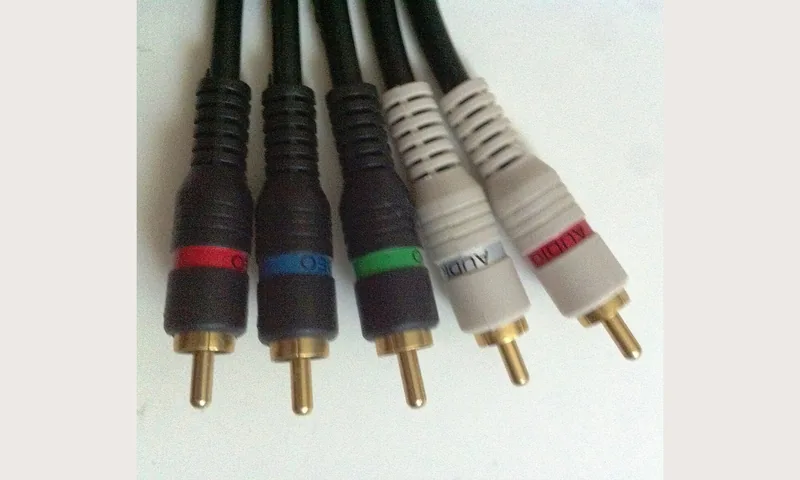
The short answer
A combined headset plug needs a compatible combined socket or the correct breakout. A passive adapter cannot turn any connector into any signal type.
What to do
- Identify whether the headset has one combined plug or separate headphone and microphone plugs.
- Check the computer's port labels and the headset wiring standard. Use the manufacturer's specified adapter when needed.
- Select the correct input and output devices, then make a short recording and stereo test.
Identify both ends before buying an adapter
A headset may use a combined four-contact plug while a desktop has separate headphone and microphone sockets. A suitable headset splitter routes those functions separately; a headphone sharing adapter does a different job. Check the computer and headset wiring specifications, including any supported standard, instead of choosing an adapter solely because its plugs physically fit.
Test playback and recording independently
Connect the headphone branch to the output and the microphone branch to the intended input. Select the devices explicitly in the operating system and voice application. Play a known track, then make a local voice recording. If only one function works, recheck branch labels and connector seating before changing filters or assuming the entire headset is faulty.
Compare another known-working device
Try the headset on a compatible combined socket or use a known-working microphone on the desktop input. This narrows the fault to the headset, adapter, port or settings. Avoid forcing a loose connector or repeatedly flexing a damaged cable. If the computer lacks a compatible microphone input, a documented USB headset adapter may provide a clearer supported path.
Check the result
You should hear left and right correctly while the microphone records at a useful level.
Know the limits
A headphone splitter duplicates listening outputs; it is not necessarily a headset breakout. A line input is not the same as an electret headset microphone input.
Further reading
Sources for the connections and technical principles discussed above. The diagnostic sequences are our editorial explanation. Consult the manual for your exact model before changing hardware or settings.
These are general educational guides, not hands-on product reviews. How we prepare our content. Cover photo source & license.
Keep working on your setup
Fix a headset mic that is not detected
Check hardware mute and device selection before changing drivers.
Read the guide
Choose wired or wireless gaming audio
Separate convenience from latency, microphone quality and compatibility.
Read the guide
Stop game audio leaking into voice chat
Find out whether the leak is acoustic or electronic.
Read the guide