Test left and right channels without changing balance settings
Use a labelled channel test to locate a swapped connection.
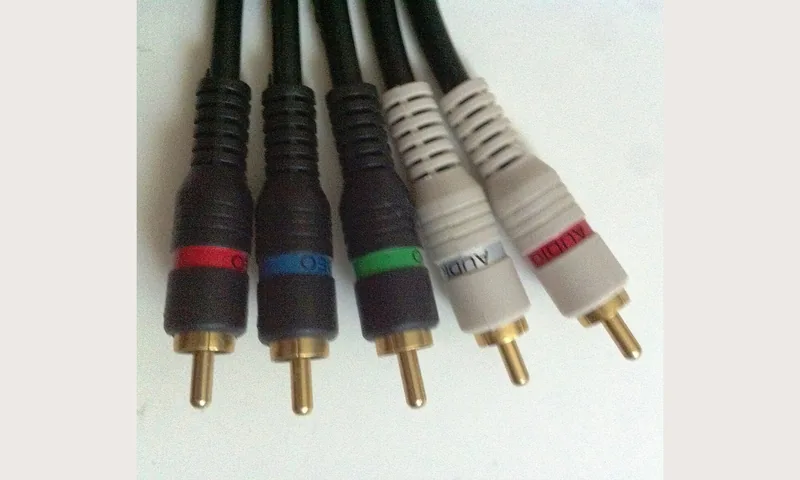
The short answer
A centre voice checks balance but cannot identify a left-right swap. Use a trusted labelled stereo test at low volume and trace each connection.
What to do
- Disable mono playback and temporary accessibility balance changes
- Play a test that clearly announces the left and right channels
- If reversed, power down and trace the cabling or routing before changing it
Fix the swap at its origin
A software swap may hide an analogue cable error for one application while leaving other sources reversed. Correct the physical or routing mistake you identified, then return balance controls to centre. On headphones, check the earcup labels and any detachable cable markings.
Check the result
The announced left signal should come from your left when seated normally, and the right from your right.
Know the limits
Surround upmixers and virtualisation can spread a test signal. Use an ordinary stereo path for diagnosis and restore processing afterwards only if wanted.
Further reading
Sources for the connections and technical principles discussed above. The diagnostic sequences are our editorial explanation. Consult the manual for your exact model before changing hardware or settings.
These are general educational guides, not hands-on product reviews. How we prepare our content. Cover photo source & license.
Keep working on your setup
Check speaker polarity when the centre image feels hollow
Use a mono voice to separate reversed wiring from a room reflection.
Read the guide
Choose fixed or variable output when connecting a DAC
Decide which device owns everyday volume control before playing music.
Read the guide
Find why one album sounds quieter than another
Separate mastering differences from playback normalisation.
Read the guide