The short answer
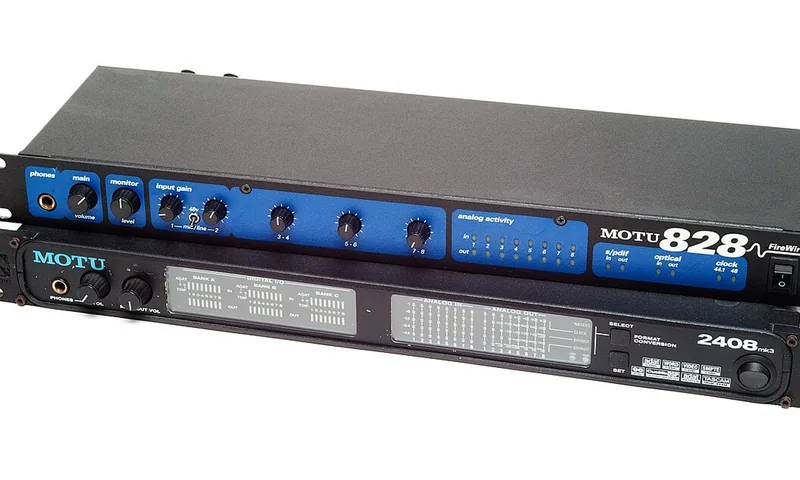
An echo or comb-filtered sound often means you hear both direct hardware monitoring and the delayed software return. Choose the path that suits the session.
What to do
- Mute the track's software monitor and listen through the interface's direct monitor to establish a baseline.
- If you need software effects, disable direct monitoring and enable the track monitor instead. Check latency before recording.
- Where the interface supports a blended mixer, use its documentation to route playback and live input intentionally.
Identify the two routes
An interface can send its input directly to your headphones while the DAW sends a second, delayed copy back through the same outputs. Together these copies may sound like a slapback echo, hollow tone or phasey chorus. Turn down the headphone volume, then disable software input monitoring on the recording track. If the doubling disappears while your live voice remains audible, the direct route is working.
Record without listening twice
Keep the track armed for recording, but turn its input-monitor function off. Use the interface’s direct-monitor switch or mixer to balance the live input against existing backing tracks. Record ten seconds, stop, and listen to playback. The recording should remain present even though software monitoring was off. Track arming and input monitoring are separate functions in many DAWs, but the exact controls vary.
Choose software monitoring when effects matter
If you need to perform through an amp simulation or hear a processed vocal, disable the direct input route and monitor through the DAW instead. Use a stable low buffer and avoid processing that adds excessive delay. Hearing the dry direct signal underneath a processed software signal can be an intentional effect, but it is not a neutral monitoring reference. Make that blend deliberately rather than leaving both paths on accidentally.
If the echo remains
Close or mute other applications that can monitor the microphone, such as streaming software or a communication app. Check the interface mixer for duplicated input routes and the operating system for a listen-to-input option. Change one route at a time. If the sound is a room echo heard even without headphones, address speaker spill and room acoustics instead; software routing controls cannot remove physical reflections already reaching the microphone.
Check the result
Speak or play a short sharp sound. It should have one clear attack rather than a doubled or hollow character.
Know the limits
Direct monitoring may bypass recorded effects. A vocalist can prefer a dry low-delay monitor while the session still records the raw signal.
Further reading
Sources for the connections and technical principles discussed above. The diagnostic sequences are our editorial explanation. Consult the manual for your exact model before changing hardware or settings.
These are general educational guides, not hands-on product reviews. How we prepare our content. Cover photo source & license.
Keep working on your setup
Find a stable audio buffer size
Balance monitoring responsiveness against processing headroom.
Read the guide
Fix a voice that sounds doubled on stream
Find the duplicate route instead of masking the echo with filters.
Read the guide
Set recording gain without clipping
Use the loudest expected performance to set the input.
Read the guide