Reduce hum in a desktop audio system
Locate the connection that introduces the hum.
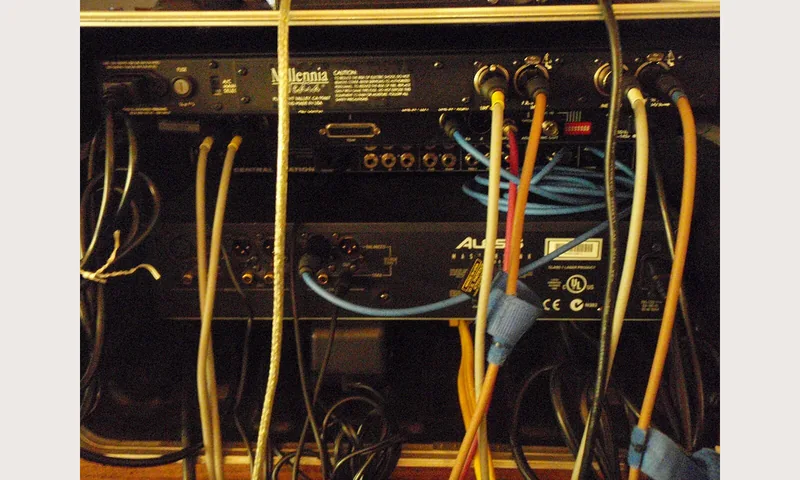
The short answer
Hum can come from grounding relationships, power supplies or a damaged cable. Isolate one path at a time while keeping protective electrical earth intact.
What to do
- Turn down speakers before unplugging signal cables. Begin with the shortest simple source-to-speaker connection.
- Add peripherals one at a time and note when the hum appears. Compare a battery-powered source where practical.
- Use supported balanced connections when both devices provide them. Separate sensitive signal cables from power bricks and try a known-good cable.
Describe when the noise appears
Turn the listening level down and note whether the noise changes with speaker volume, computer activity or connecting a particular device. Hiss, mains-like hum and digital buzzing have different clues. Disconnect optional signal connections one at a time with equipment muted. A simple source-to-speaker arrangement makes it easier to identify which added connection introduces the problem.
Try supported signal-path changes
Use a short known-working audio cable, separate it from power adapters and test balanced line connections only when both devices support them. If a laptop allows normal battery operation, comparing it unplugged from its charger can identify a relationship to that path. That is a diagnostic comparison, not a reason to modify the charger or remove its protective connection.
Fix the identified path
Reconnect devices progressively and keep a note of the combination that produces the noise. An appropriate audio isolation device may help a confirmed signal-ground loop, but it must suit the signal type and levels. Never remove a protective earth pin or use damaged power equipment to silence audio. If hum remains with the speaker input properly disconnected as its manual permits, consult its service guidance.
Check the result
A repeatable before-and-after result identifies which link needs attention. Check silence at normal working gain, not only with everything turned fully up.
Know the limits
Never remove a protective earth pin or modify mains wiring. If equipment tingles, smells hot or appears electrically unsafe, disconnect it and seek qualified service.
Further reading
Sources for the connections and technical principles discussed above. The diagnostic sequences are our editorial explanation. Consult the manual for your exact model before changing hardware or settings.
These are general educational guides, not hands-on product reviews. How we prepare our content. Cover photo source & license.
Keep working on your setup
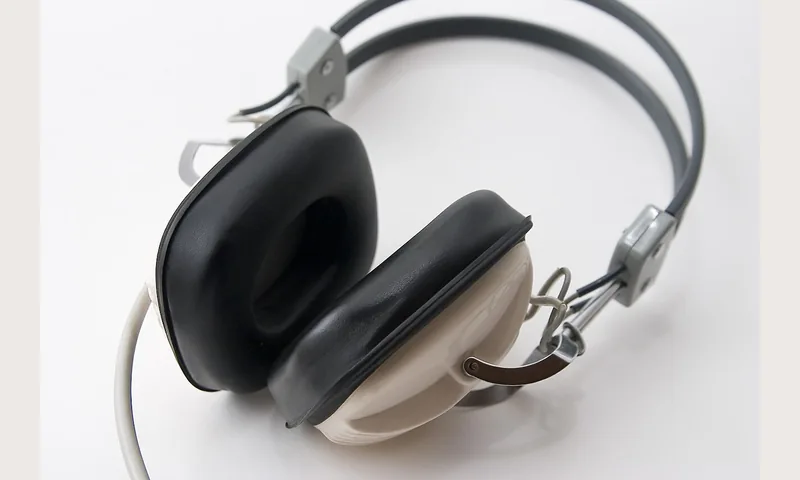
Match headphones to an audio source
Check output capability and sensitivity as well as impedance.
Read the guide
Position desktop speakers for a clearer centre image
Start with symmetry and ear-level orientation.
Read the guide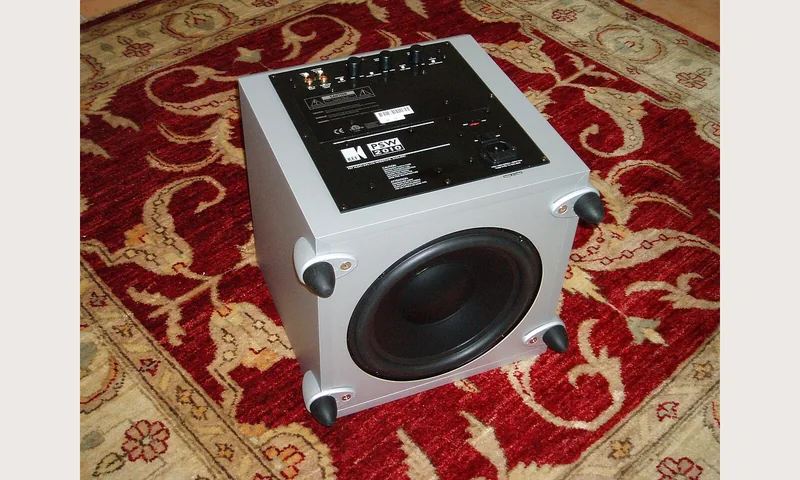
Reduce boomy bass from small speakers
Move the system and listening position before cutting random frequencies.
Read the guide