Export a caption-friendly spoken-word master
Preserve a clear reference and stable timing for transcription.
The short answer
A caption workflow needs the same final edit as the published programme. Sending an earlier cut can make otherwise correct captions drift at every later edit.
What to do
- Lock the spoken edit and export a clearly named reference
- Include the intended opening silence or slate consistently in the caption workflow
- Spot-check caption timing at the beginning, middle and end against the final media
Keep revisions traceable
Record the filename, duration and version associated with the transcript. If a sentence is removed later, update the captions too. For automated transcription, review names, technical terms and speaker changes; clean audio improves recognition but does not remove the need to check it.
Check the result
Captions should follow the published words and transitions, with no accumulating offset.
Know the limits
Caption formats and delivery requirements differ. This workflow does not guarantee accessibility compliance by itself.
Further reading
Sources for the connections and technical principles discussed above. The diagnostic sequences are our editorial explanation. Consult the manual for your exact model before changing hardware or settings.
These are general educational guides, not hands-on product reviews. How we prepare our content. Cover photo source & license.
Keep working on your setup
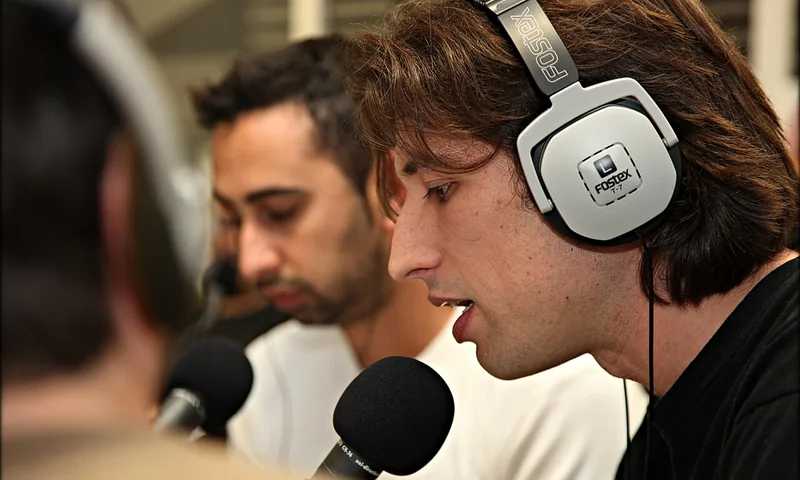
Keep a noise gate open for quiet sentence endings
Adjust release behaviour using real speech instead of a sustained vowel.
Read the guide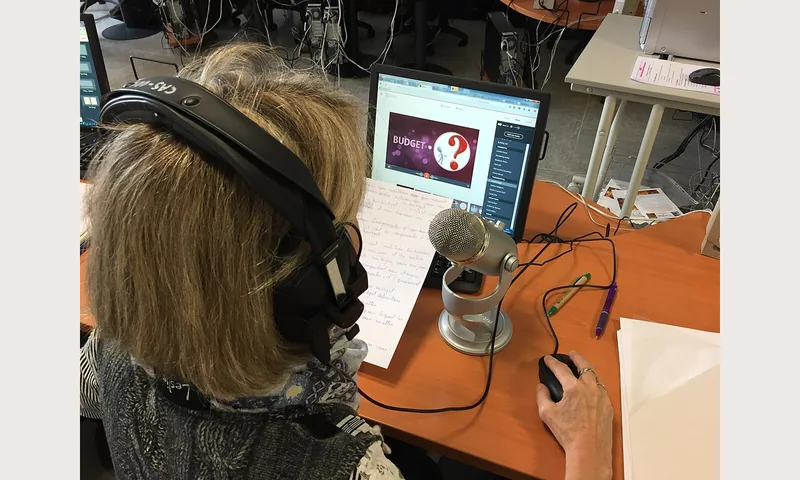
Separate microphone monitoring from stream monitoring
Choose which signal the presenter hears to avoid hearing two copies.
Read the guide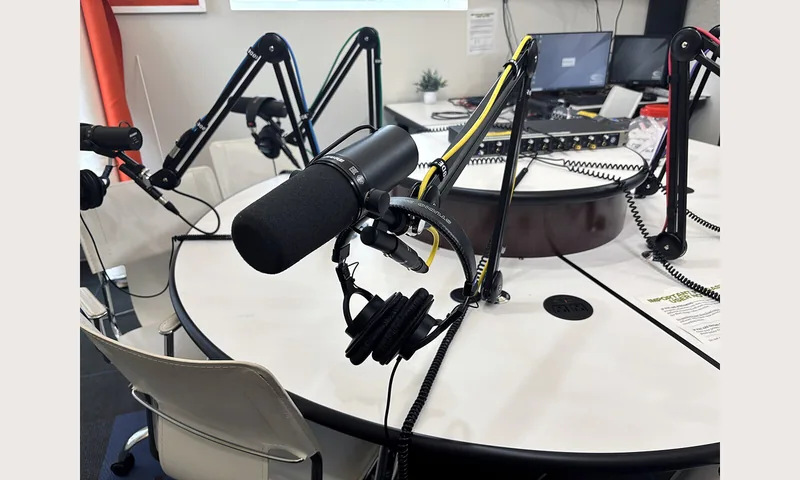
Reduce plosives without making the voice dull
Change microphone angle and distance before heavy filtering.
Read the guide