Separate speaker hiss from a noisy source
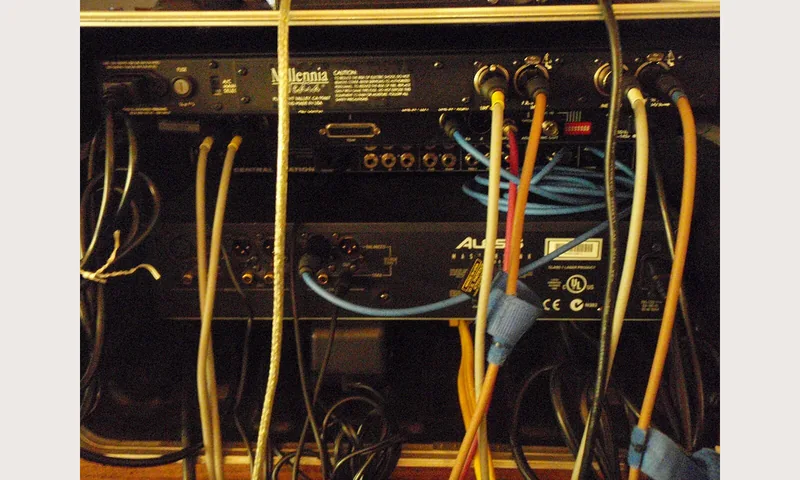
Compare an active speaker with and without its signal cable.
The short answer
Noise present with no source connected can have a different cause from hum or digital chatter introduced by a computer. Diagnose at a normal listening distance before deciding that a fault exists.
What to do
- Turn the speaker down and power it off before disconnecting signal cables
- Power it on with the input safely disconnected and listen from the usual seat
- Reconnect the source and compare noise with playback stopped
Trace where the noise enters
A little hiss close to a tweeter can be normal. Noise that appears only after connecting a source points towards that signal path, gain arrangement or grounding. Lowering an unnecessarily high speaker sensitivity while increasing a clean source level may improve the practical balance.
Check the result
Record which connection changes the noise, and whether it is audible from your seat during normal use.
Know the limits
Do not remove safety earths or open powered speakers. If noise changes abruptly, includes crackles, or accompanies overheating, stop and seek service.
Further reading
Sources for the connections and technical principles discussed above. The diagnostic sequences are our editorial explanation. Consult the manual for your exact model before changing hardware or settings.
These are general educational guides, not hands-on product reviews. How we prepare our content. Cover photo source & license.
Keep working on your setup
Check speaker polarity when the centre image feels hollow
Use a mono voice to separate reversed wiring from a room reflection.
Read the guide
Choose fixed or variable output when connecting a DAC
Decide which device owns everyday volume control before playing music.
Read the guide
Find why one album sounds quieter than another
Separate mastering differences from playback normalisation.
Read the guide