Configure electronic cross-stick sounds separately from rimshots
Check playing technique and zone assignments before editing velocities.
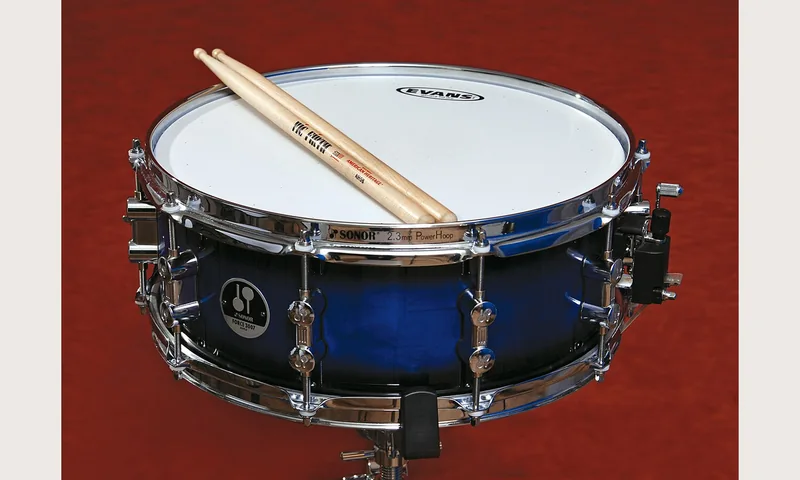
The short answer
Cross-stick and rimshot are different articulations. Some modules distinguish them using pad sensing or a dedicated mode; others require a separate assignment. A low-velocity rim sound is not automatically a supported cross-stick articulation.
What to do
- Read the snare pad compatibility table and select its documented trigger type. Save the current kit.
- Load a factory snare instrument with documented cross-stick support. Try the specified hand contact and stick position, then a normal head hit and rimshot.
- Inspect zone or MIDI assignments only after local module playback is correct. Test the software instrument separately if using one.
Separate sensing from mapping
If cross-stick works in headphones from the module but becomes a rimshot in software, the sensor is probably doing its job. Examine the transmitted articulation and the receiving drum map. If it never works locally, changing the software note cannot create a missing sensor distinction.
Check the result
The three intended articulations remain distinct when played softly and at normal volume, without accidental cross-stick notes during ordinary snare playing.
Know the limits
Support varies by pad and module combination. Do not assume every dual-zone pad offers reliable cross-stick detection.
Further reading
Sources for the connections and technical principles discussed above. The diagnostic sequences are our editorial explanation. Consult the manual for your exact model before changing hardware or settings.
- Roland TD-27 reference manual: connections, settings and care
- Roland: troubleshooting double triggering
These are general educational guides, not hands-on product reviews. How we prepare our content. Cover photo source & license.
Keep working on your setup
Set a drum trigger threshold without losing ghost notes
Separate quiet intentional hits from unwanted trigger noise.
Read the guide
Test a suspect drum pad cable before replacing the pad
Use a controlled cable swap to locate intermittent trigger faults.
Read the guideKeep fast drum rolls when adjusting retrigger cancellation
Distinguish sensor after-vibration from deliberate repeated hits.
Read the guide