Print a hardware effect with a clean return path
Record the return without creating an output-to-input feedback loop.
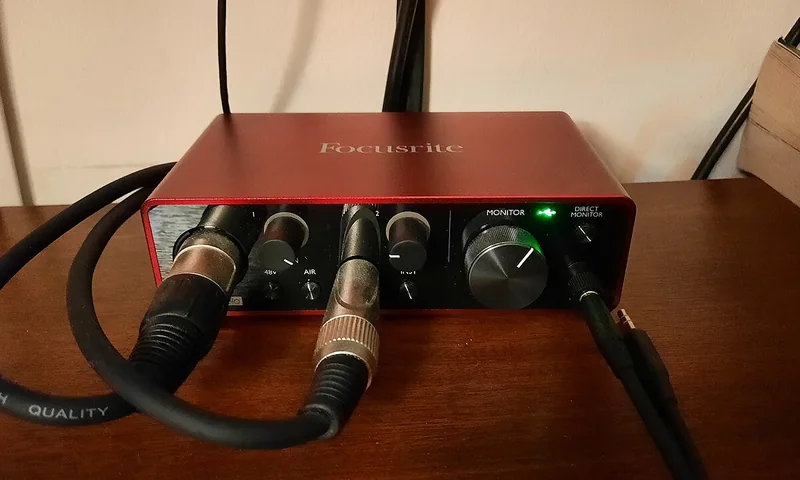
The short answer
An external effect needs a defined send and return. Routing the return back to the same send can produce feedback even when the microphone is unplugged.
What to do
- Turn monitoring and send levels down before connecting line-level inputs and outputs
- Send only the intended source to the hardware and record the return on a separate track
- Keep that return out of its own send while slowly raising a test signal
Compare timing and dry content
Hardware conversion and routing add delay. Record a short transient to see where the return lands, then audition alignment in context. Decide whether the hardware outputs wet-only sound or also includes dry signal; mixing a delayed dry copy with the original can colour the result.
Check the result
The effect should stop when the send is muted, and the return should contain no runaway level rise.
Know the limits
Use appropriate level matching for pedals or specialised equipment. Do not connect speaker outputs to interface line inputs.
Further reading
Sources for the connections and technical principles discussed above. The diagnostic sequences are our editorial explanation. Consult the manual for your exact model before changing hardware or settings.
These are general educational guides, not hands-on product reviews. How we prepare our content. Cover photo source & license.
Keep working on your setup

Export a mono vocal without accidentally making a stereo pair
Choose a mono render path and check the delivered channel count.
Read the guide
Apply fades without softening a drum transient
Place edits around the attack and audition the transition.
Read the guide
Freeze a virtual instrument before moving a session
Create an audio fallback as well as preserving editable MIDI.
Read the guide