Position desktop speakers for a clearer centre image
Start with symmetry and ear-level orientation.
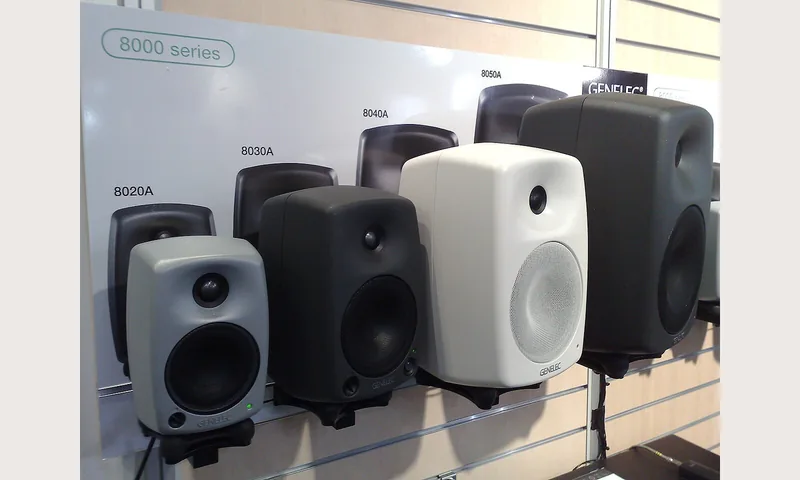
The short answer
A centred voice should appear between the speakers. A lopsided desk, screen reflection or mismatched distance can pull it sideways.
What to do
- Place the left and right speaker at equal distances from the listening position and begin with similar distances from nearby walls.
- Aim their intended listening axes toward you and use stable stands if the desk puts them too low.
- Play a mono voice recording, move the speakers in small increments and compare from your normal chair position.
Begin with symmetry, not equalisation
Place the two speakers at equal distances from your normal listening position and at matching heights. Aim their acoustic axes according to the manufacturer’s guidance; for many compact monitors this puts the tweeters near ear height. Start with a roughly equilateral triangle and clear the space between each speaker and your ears. A screen blocking one speaker can undermine imaging before any EQ is involved.
Use a mono voice as a diagnostic signal
Play the same mono speech signal through both speakers at a comfortable level. It should appear centred between them when you sit in the middle. If it leans left, check the balance control, equal speaker gain settings and equal listening distances. Swap the left and right input signals at a convenient point. If the lean follows the signal, investigate the source; if it stays on the same physical side, investigate placement, level and the speaker path.
Move one thing at a time
Mark the initial positions with removable tape. Try a small change to speaker angle or distance, then replay exactly the same passage at the same level. Keep changes that improve centre stability without making either speaker dominate. Nearby walls, a desk surface and shelving can create different reflections on each side. If full symmetry is impossible, first remove the most obvious obstruction and avoid making claims of precise room correction by ear.
Know when positioning is not the whole problem
A weak, diffuse centre accompanied by reduced bass can indicate a wiring-polarity problem, particularly with passive speakers. Power down before checking exposed speaker-wire terminals and follow the amplifier manual. Do not open powered speakers or modify mains connections. If one speaker distorts or drops out independently, treat that as a cable, input or hardware fault before changing room treatment.
Check the result
The voice should remain centred without adjusting software balance. Then use stereo music to check width and depth.
Know the limits
Follow the speaker's placement guidance, especially for boundary controls and rear clearance. Moving a speaker can help more than boosting a missing frequency with EQ.
Further reading
Sources for the connections and technical principles discussed above. The diagnostic sequences are our editorial explanation. Consult the manual for your exact model before changing hardware or settings.
These are general educational guides, not hands-on product reviews. How we prepare our content. Cover photo source & license.
Keep working on your setup
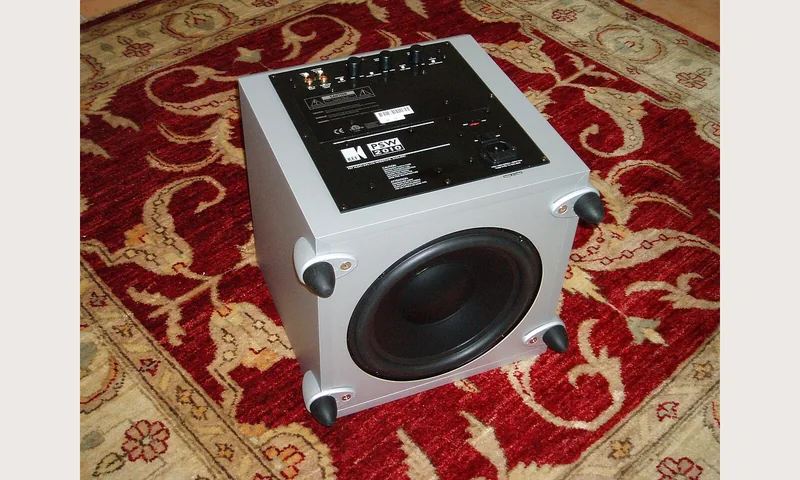
Reduce boomy bass from small speakers
Move the system and listening position before cutting random frequencies.
Read the guide
Compare audio equipment without a loudness trap
Use the same passage and closely matched playback level.
Read the guide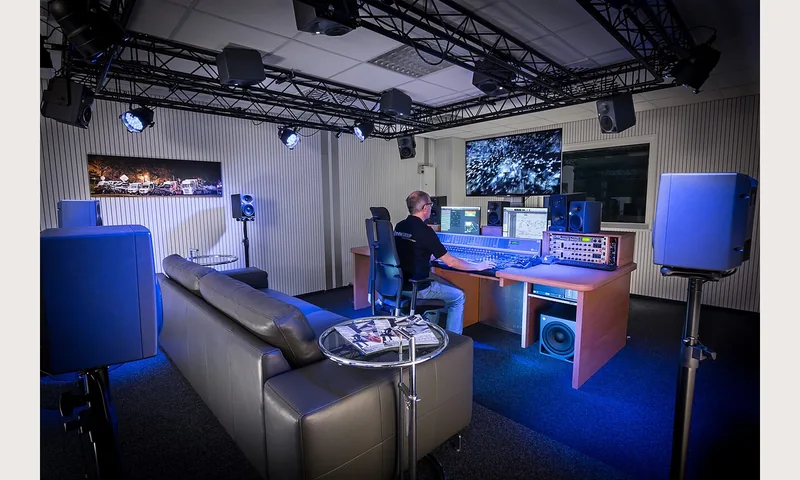
Make a useful speaker audition playlist
Choose passages that expose your needs rather than impress in a showroom.
Read the guide