Stop a boom arm from transmitting desk knocks
Isolate the mechanical path before adding a noise filter.
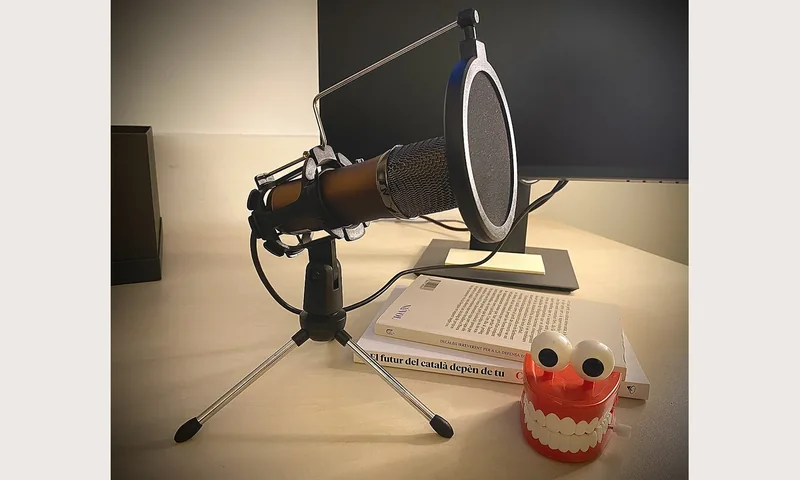
The short answer
Desk impacts can travel through a clamp and arm directly to the microphone. Lowering bass in software may hide some thumps while changing the voice.
What to do
- Record a short desk tap at the normal microphone gain
- Compare a secure stand position on a separate surface where practical
- Use a compatible shock mount and leave a relaxed cable loop without strain
Inspect the full mechanical route
A cable pulled tight between desk and microphone can bypass a shock mount. Keep the arm inside its load rating and tighten only as the manufacturer specifies. Move typing and mouse activity away from the clamp if the desk itself flexes.
Check the result
Normal keyboard use should produce less low-frequency thump while the microphone remains stable.
Know the limits
An isolator cannot remove airborne keyboard clicks. Do not balance a heavy microphone on an unsuitable stand.
Further reading
Sources for the connections and technical principles discussed above. The diagnostic sequences are our editorial explanation. Consult the manual for your exact model before changing hardware or settings.
These are general educational guides, not hands-on product reviews. How we prepare our content. Cover photo source & license.
Keep working on your setup
Keep a noise gate open for quiet sentence endings
Adjust release behaviour using real speech instead of a sustained vowel.
Read the guide
Separate microphone monitoring from stream monitoring
Choose which signal the presenter hears to avoid hearing two copies.
Read the guide
Reduce plosives without making the voice dull
Change microphone angle and distance before heavy filtering.
Read the guide