Keep notification sounds out of a recorded interview
Test the capture path after silencing apps.
The short answer
Muting a notification in one application does not prove it cannot enter a desktop-audio recording. Check both operating-system alerts and the sources in the recording software.
What to do
- Enable an appropriate focus mode and silence messaging apps
- Close unnecessary browser tabs and launch only the required interview tools
- Record a controlled notification test before the guest joins
Prefer a deliberate source list
When supported, capturing the intended application can reduce accidental desktop sounds. It may also omit something you need, so test the exact call and playback path. Keep emergency contact options available according to your situation rather than indiscriminately disabling everything.
Check the result
The test recording should contain the interview sound but no notification or unrelated application audio.
Know the limits
Updates, permission prompts and application restarts can change routing. Repeat the short preflight after a major setup change.
Further reading
Sources for the connections and technical principles discussed above. The diagnostic sequences are our editorial explanation. Consult the manual for your exact model before changing hardware or settings.
These are general educational guides, not hands-on product reviews. How we prepare our content. Cover photo source & license.
Keep working on your setup
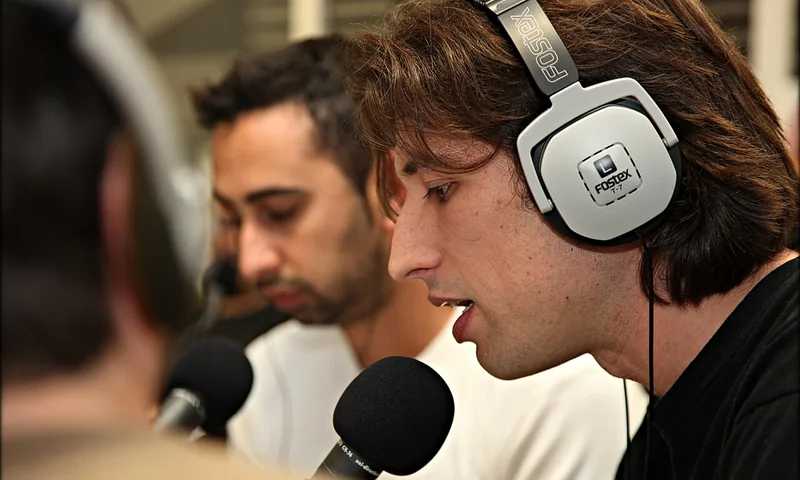
Keep a noise gate open for quiet sentence endings
Adjust release behaviour using real speech instead of a sustained vowel.
Read the guide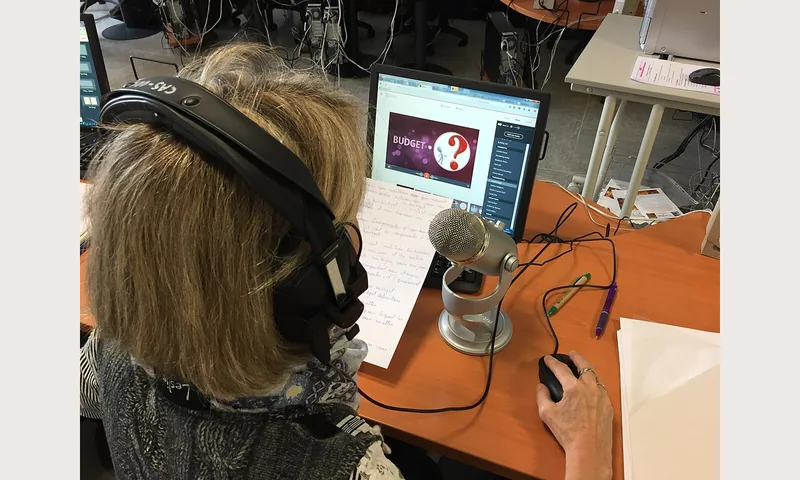
Separate microphone monitoring from stream monitoring
Choose which signal the presenter hears to avoid hearing two copies.
Read the guide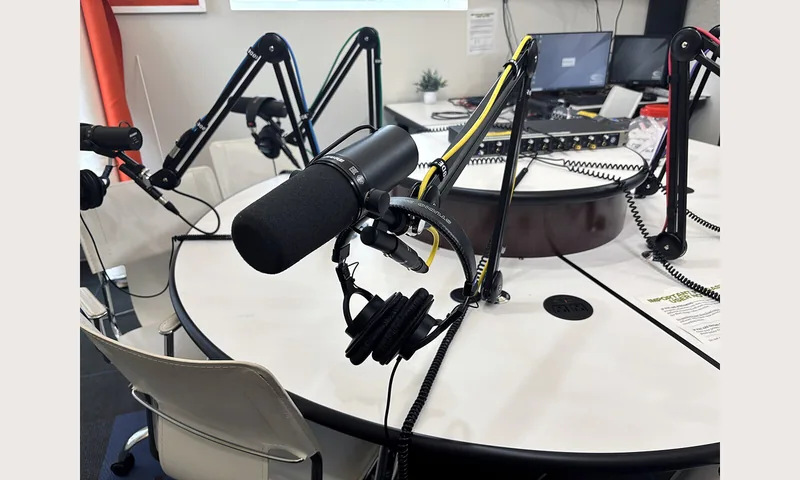
Reduce plosives without making the voice dull
Change microphone angle and distance before heavy filtering.
Read the guide