Check electronic cymbal rotation before changing trigger settings
Stop a cymbal twisting its cable or moving the striking zone.
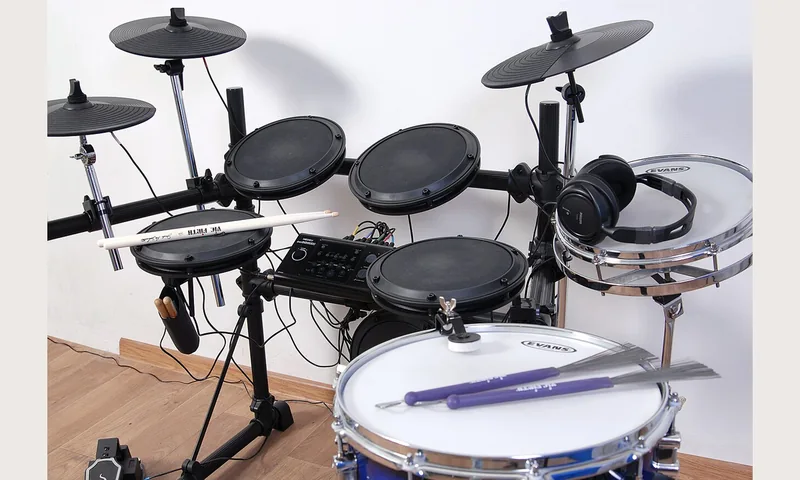
The short answer
Many electronic cymbals have an intended orientation and an anti-rotation fitting. A cymbal that turns during playing may put its connector under strain or move a sensing area away from the player.
What to do
- Power down and inspect the stand fitting, washer and any anti-rotation stopper. Compare their order with the cymbal manual.
- Route the cable with enough slack for normal swinging but without a loop that can catch a stick or wrap around the stand.
- Set the striking orientation, secure the fitting as directed and test head, edge and choke response after powering up.
Leave the designed movement available
Preventing unlimited rotation is different from clamping a cymbal rigidly. The cymbal should retain the movement allowed by its design. If tightening the wing nut is the only way to stop rotation, the stopper or sleeve may be missing or incorrectly installed.
Check the result
The cymbal returns to a usable orientation, its cable remains relaxed and the required zones work after several ordinary accents.
Know the limits
Acoustic cymbal mounting parts are not automatically suitable for electronic cymbals. Do not improvise metal stops against a plastic housing.
Further reading
Sources for the connections and technical principles discussed above. The diagnostic sequences are our editorial explanation. Consult the manual for your exact model before changing hardware or settings.
- Roland TD-27 reference manual: connections, settings and care
- Roland: troubleshooting double triggering
These are general educational guides, not hands-on product reviews. How we prepare our content. Cover photo source & license.
Keep working on your setup
Set a drum trigger threshold without losing ghost notes
Separate quiet intentional hits from unwanted trigger noise.
Read the guide
Test a suspect drum pad cable before replacing the pad
Use a controlled cable swap to locate intermittent trigger faults.
Read the guideKeep fast drum rolls when adjusting retrigger cancellation
Distinguish sensor after-vibration from deliberate repeated hits.
Read the guide