Choose HDMI cables without guesswork
Buy for the required connection and use recognised certification where relevant.
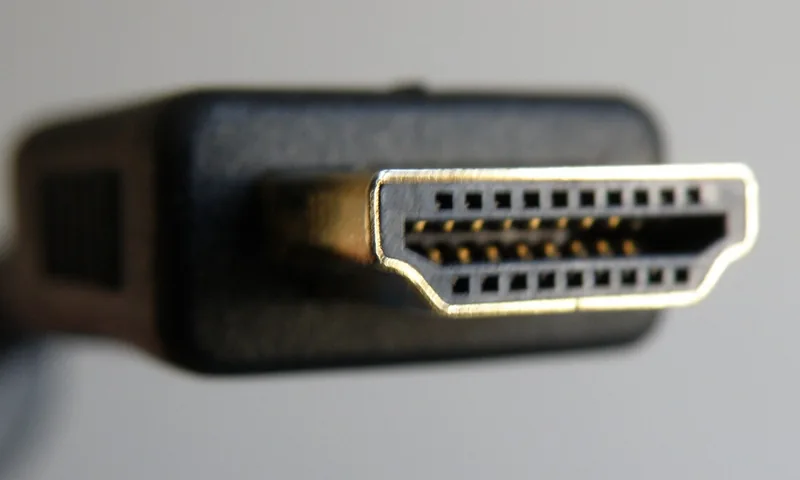
The short answer
The equipment's video and audio requirements set the cable needs. A high price or a vague version label is not a useful compatibility test.
What to do
- List resolution, refresh rate, HDR and return-channel requirements for the exact source-to-display path.
- Choose a suitable certified cable category and a practical length. Avoid unnecessary adapters and tight bends.
- Test the most demanding mode you intend to use, including wake from standby and several minutes of playback.
Write down the required connection
Identify the actual resolution, refresh rate and features used between two devices. Audio return, a long cable run and a high-bandwidth game signal create different practical requirements. Choose a certified cable category that supports the task, then check length and connector clearance. An expensive cable cannot enable a video mode or audio format that either endpoint does not support.
Check certification and installation
Use the certification label and official verification process where provided. Avoid choosing by a vague version claim alone. If the cable is active or optical, follow its direction labels and power requirements. Leave enough slack to prevent strain, respect bend limits and avoid pinching the connector behind wall-mounted equipment. Do not conceal a new run before testing it.
Test the demanding real mode
Try the desired refresh rate, HDR mode and audio route together, including waking devices and switching inputs. A menu image at a lower bandwidth does not prove the final mode is reliable. If problems occur, temporarily use a known-good short cable and simplify the chain. Compare adapters, wall plates and receivers one at a time before replacing every cable.
Check the result
The connection should remain stable with no dropouts, sparkles or unexplained mode changes.
Know the limits
A cable cannot add a feature unsupported by a device port. Long runs or active cables may have direction and power requirements that must be followed.
Further reading
Sources for the connections and technical principles discussed above. The diagnostic sequences are our editorial explanation. Consult the manual for your exact model before changing hardware or settings.
These are general educational guides, not hands-on product reviews. How we prepare our content. Cover photo source & license.
Keep working on your setup
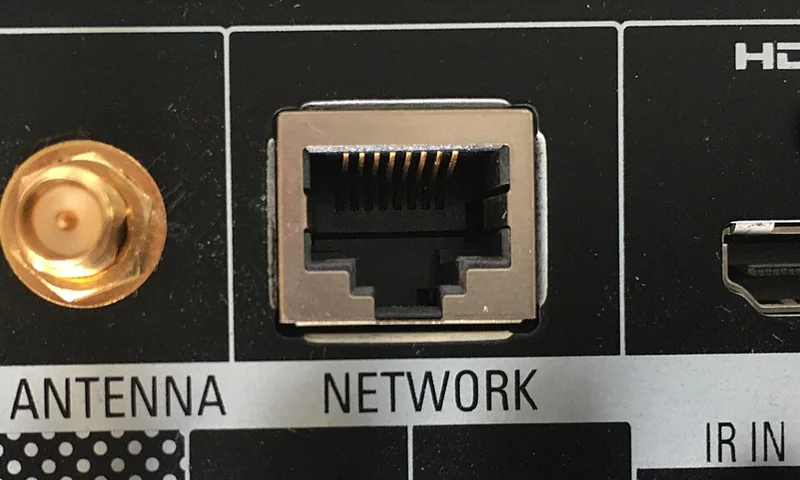
Connect a soundbar using ARC or eARC
Use the labelled ports and confirm both devices support the chosen return channel.
Read the guide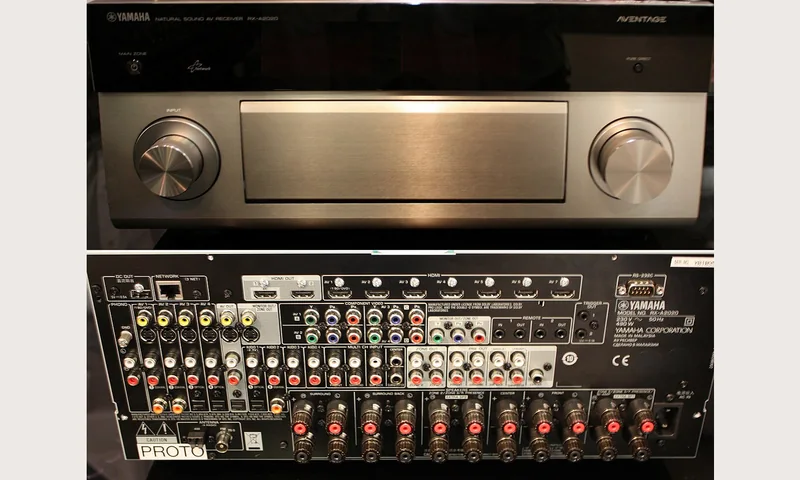
Check whether surround sound is really arriving
Read the receiver's input signal rather than relying on the programme badge.
Read the guide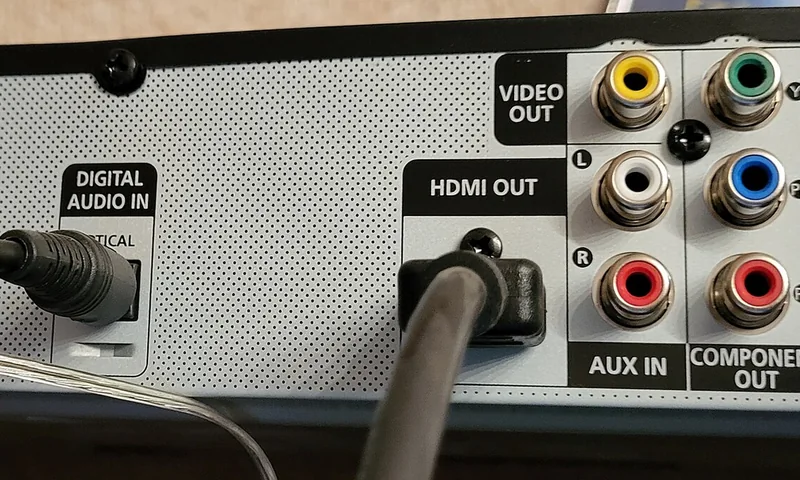
Diagnose sound before or after the picture
Identify the source-specific delay before applying a global offset.
Read the guide