Choose a recording sample rate
Use a consistent rate that fits the destination and devices.
The short answer
A project needs a sensible shared sample rate, not the highest number on the box. Compatibility and processing load matter when recording with multiple applications.
What to do
- Check the delivery requirement and choose the project rate before recording.
- Set the interface and audio applications consistently. Reopen the session and confirm playback speed and device availability.
- Record and export a small test, then open the exported file in another player to check duration and pitch.
Start with delivery and session requirements
Check whether a client, video workflow or existing session specifies a rate. Use one supported rate consistently across the DAW, interface and connected digital devices. A mismatch can cause errors, pitch changes in incorrectly interpreted files or a failure to lock. Higher rates create more data and processing work; the number alone does not guarantee a better recording.
Test the project you will actually run
Create a short session at the proposed rate using the plug-ins and input count you expect. Confirm clean recording and playback at a practical buffer. If the system becomes unreliable, a standard lower rate may be the better choice. Check whether digital expansion channels or particular processing features change at the selected rate rather than assuming all interface functions remain identical.
Convert at a deliberate boundary
Keep the session rate stable while tracking. When delivery requires a different rate, export a copy using proper sample-rate conversion and verify its duration and pitch. Do not merely relabel the file header. Preserve the original project and high-quality source recordings. Sample rate, bit depth and lossy compression describe different decisions; changing one is not a substitute for choosing the others correctly.
Check the result
A successful test plays at the expected speed and causes no device conflict when switching applications.
Know the limits
Changing rate after recording may invoke conversion. Higher rates can increase storage and processor use and do not replace good microphones, placement or performance.
Further reading
Sources for the connections and technical principles discussed above. The diagnostic sequences are our editorial explanation. Consult the manual for your exact model before changing hardware or settings.
These are general educational guides, not hands-on product reviews. How we prepare our content. Cover photo source & license.
Keep working on your setup
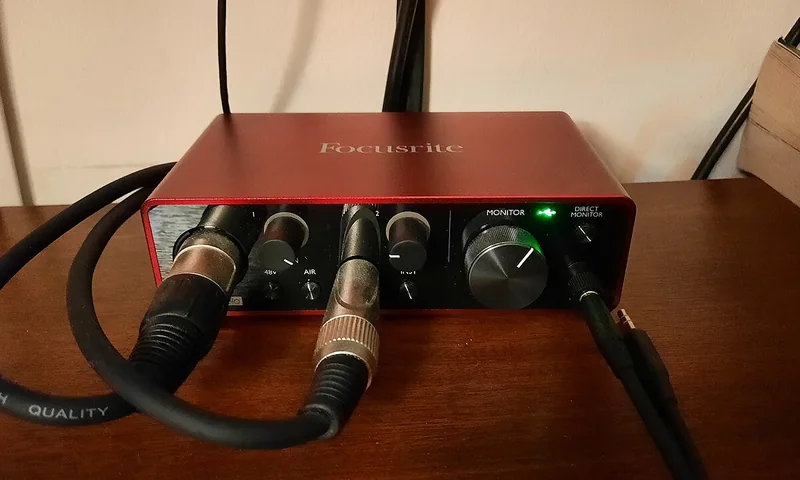
Choose an audio interface by inputs
Count simultaneous sources before comparing specifications.
Read the guide
Set recording gain without clipping
Use the loudest expected performance to set the input.
Read the guide
Diagnose clicks in an audio recording
Find out whether the click is in the file or only in playback.
Read the guide