Choose the intended audio track in a streaming film
Check the language and mix selection before troubleshooting speakers.

The short answer
A streaming title can offer stereo, multichannel, audio description and several languages. The selected track can determine what your receiver gets.
What to do
- Start a title known to offer the desired language and surround format on your service
- Open that title's audio menu and select the intended track
- Check the receiver's input information rather than only its listening-mode name
Separate input format from processing
A receiver may create sound from every speaker by upmixing a stereo input. That is different from receiving a multichannel track. Compare the input channel display before changing cables, and note that app, subscription and device support can affect available tracks.
Check the result
The input information should correspond to the selected track, and dialogue should use the intended language without audio description unless requested.
Know the limits
Availability changes by region and service. A surround logo in a catalogue does not guarantee every playback device receives that format.
Further reading
Sources for the connections and technical principles discussed above. The diagnostic sequences are our editorial explanation. Consult the manual for your exact model before changing hardware or settings.
- Denon AVR-X1800H manual: speaker setup, playback and audio settings
- HDMI: enhanced audio return channel
These are general educational guides, not hands-on product reviews. How we prepare our content. Cover photo source & license.
Keep working on your setup
Find why a receiver plays stereo from one source only
Compare source settings without resetting the whole system.
Read the guide
Use a receiver test tone without confusing it with movie playback
Distinguish speaker wiring checks from source decoding checks.
Read the guide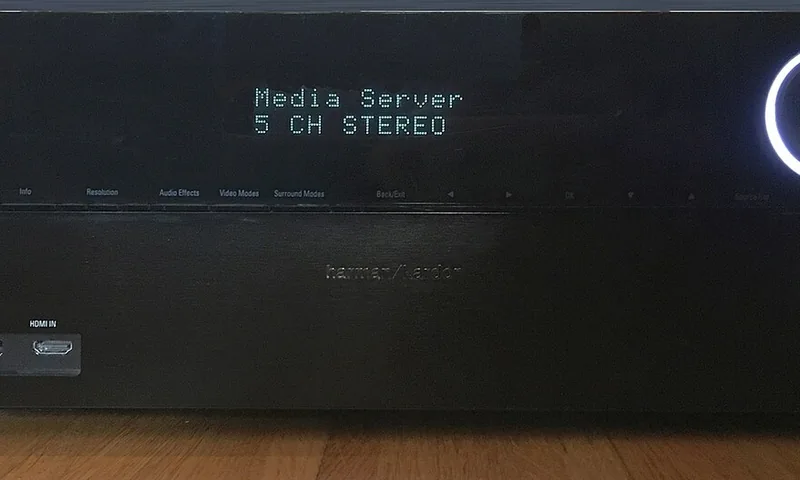
Check a subwoofer that works in tests but not with music
Inspect bass management and listening mode before raising the gain.
Read the guide