Set up a basic 5.1 speaker layout
Map the channels to the room before running calibration.
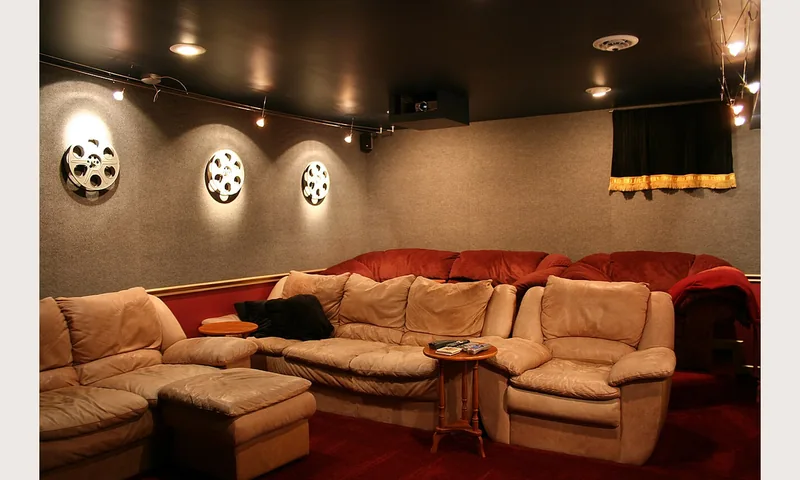
The short answer
A conventional 5.1 layout uses three front channels, two surrounds and a subwoofer. The speaker assignments must match their actual positions.
What to do
- Follow a layout guide for the seating position and place left, centre and right speakers symmetrically where practical.
- Place the surround pair according to the receiver's supported layout, then label both ends of each cable.
- Run a low-level channel-identification test before room calibration. Confirm every spoken or displayed channel matches the correct speaker.
Choose the listening reference point
Use the main seat as the starting point for the front left, centre and front right speakers. Place surrounds to the sides and somewhat behind that area according to the layout guide, rather than treating them as another front pair. Keep stands secure and routes clear. Room compromises are normal, but a diagram makes them deliberate instead of accidental.
Confirm channel identity before calibration
With power off, check receiver labels, speaker polarity and each cable termination. Then use the receiver test signal at a sensible level to identify every speaker in order. A surround connected to a front terminal cannot be fixed by equalisation. If a speaker is missing, solve the wiring or assignment before running automatic room measurement.
Check more than one seat
After calibration, play speech, music and a familiar surround scene. Listen for sudden jumps when sounds move between speakers and for a rear speaker dominating someone sitting nearby. Adjust placement where practical before making large level changes. Preserve the calibration values for reference; a single-seat improvement can make the shared listening area less balanced.
Check the result
A left-surround test should play from the physical left surround. Calibration should then use the real main seat, following the microphone instructions.
Know the limits
Calibration cannot move a badly placed speaker or correct a cable connected to the wrong channel. Keep wires away from walking routes.
Further reading
Sources for the connections and technical principles discussed above. The diagnostic sequences are our editorial explanation. Consult the manual for your exact model before changing hardware or settings.
These are general educational guides, not hands-on product reviews. How we prepare our content. Cover photo source & license.
Keep working on your setup
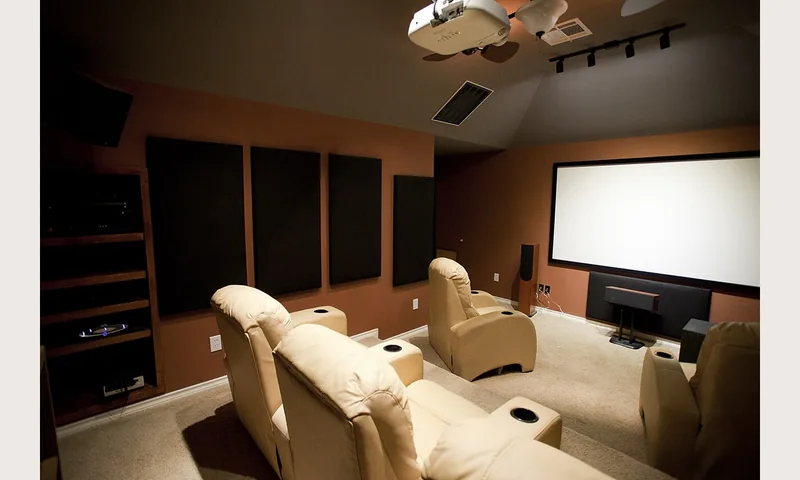
Place a centre speaker for clearer dialogue
Aim the centre channel toward the seats and keep the front unobstructed.
Read the guide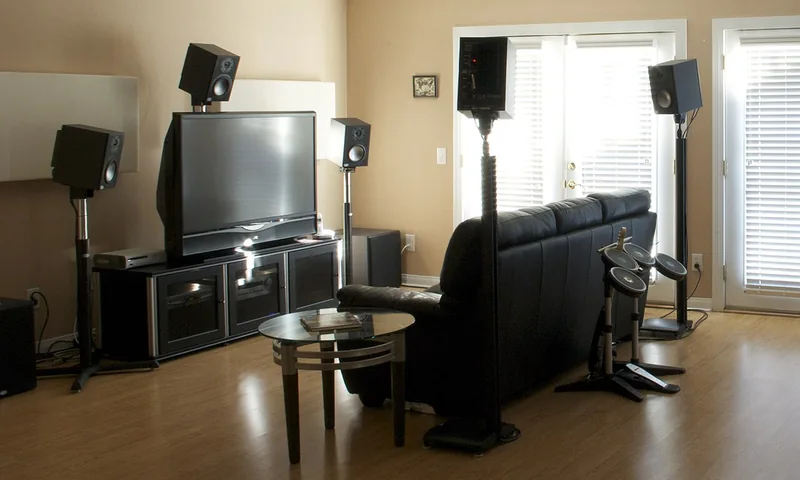
Choose a soundbar or separate speakers
Decide how many boxes, cables and adjustments your room can accommodate.
Read the guide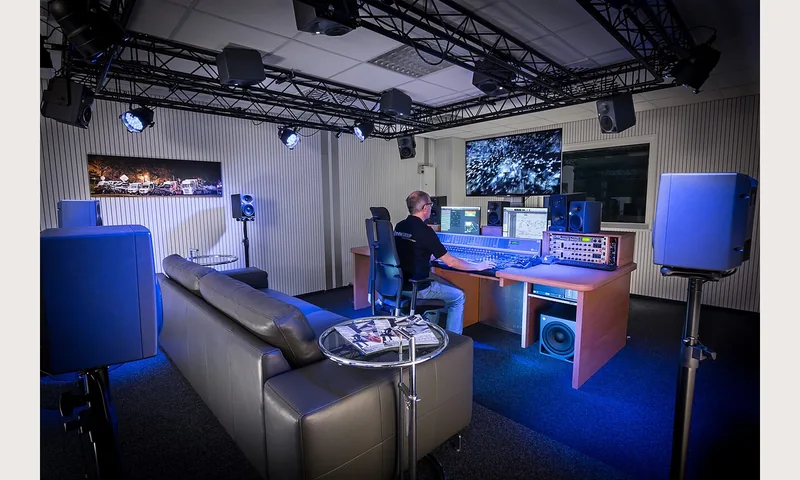
Understand Atmos speaker numbers
Read the layout as ear-level channels, subwoofers and height channels.
Read the guide