Set up a shared listening desk
Plan controls and cable reach around both users.
The short answer
A shared system is easier to use when the safe startup state is obvious. Most day-to-day problems are routing or level surprises rather than missing sound quality.
What to do
- Decide who controls volume and which input is the default. Mark the input names clearly.
- Route headphone cables where chairs cannot snag them and keep speaker stands stable. Give each listener accessible volume control where supported.
- Test switching from speakers to headphones with a low-level track. Check what happens after sleep, unplugging and reconnecting.
Agree on the main use
Decide whether both people need equal listening quality at once or will take turns at one central seat. Two widely spaced chairs cannot both occupy the same stereo sweet spot. Place speakers symmetrically for the agreed central area and avoid blocking either speaker with displays. Mono playback can be useful for shared speech, but it changes how stereo music is presented.
Make volume ownership clear
Use one obvious master volume and set upstream device levels predictably. Check how switching between a laptop, phone and game changes loudness. If both people use headphones, use an output arrangement designed to drive and control them appropriately; a simple splitter does not provide independent gain and may change the load seen by the source.
Keep the desk usable
Route cables away from chair wheels and leave enough slack to move a device without pulling speakers over. Test a call, music and a quiet working period with both seats occupied. Agree on when headphones are preferable and where unused cables are stored. If either listener needs a much higher level, address fit, placement or a separate listening route instead of raising the shared speakers for everyone.
Check the result
Either user should be able to select the right output without a sudden loud blast or a silent troubleshooting session.
Know the limits
Passive splitters can change loading and do not provide independent volume. Use a suitable distribution device when two headphones need reliable separate control.
Further reading
Sources for the connections and technical principles discussed above. The diagnostic sequences are our editorial explanation. Consult the manual for your exact model before changing hardware or settings.
These are general educational guides, not hands-on product reviews. How we prepare our content. Cover photo source & license.
Keep working on your setup
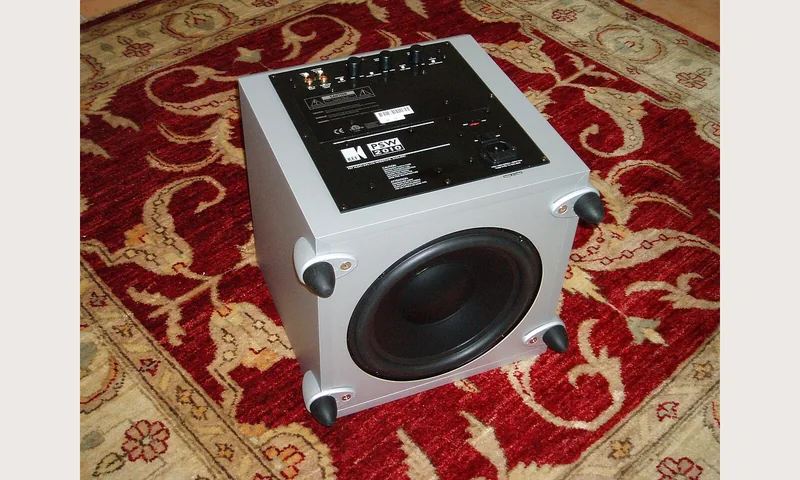
Reduce boomy bass from small speakers
Move the system and listening position before cutting random frequencies.
Read the guide
Choose open-back or closed-back headphones
Decide how much sound must stay inside and outside your headphones.
Read the guide
Match headphones to an audio source
Check output capability and sensitivity as well as impedance.
Read the guide