Connect a game console through a receiver with limited video support
Choose the signal path around the features you actually use.
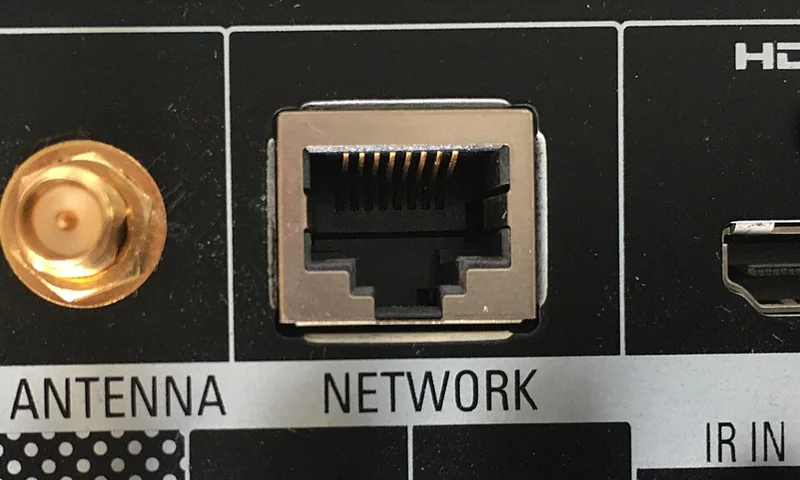
The short answer
An older receiver may handle the audio you need while limiting the console's video mode. Connecting the console to the TV and returning audio can help only if that return path supports the required format.
What to do
- List the desired video resolution and refresh rate plus the audio format
- Check the console, TV ports, receiver and ARC or eARC capabilities
- Compare direct-to-receiver and direct-to-TV paths with a short known test
Treat audio and video as separate requirements
A path that preserves high-refresh video may return a reduced audio format through the TV. A path through the receiver may do the reverse. Choose the compromise from verified specifications and input information, not from HDMI connector appearance alone.
Check the result
Confirm the active video mode and receiver input format during actual gameplay, then check lip sync.
Know the limits
Firmware and port-specific capabilities matter. An HDMI switch adds another compatibility point rather than guaranteeing a solution.
Further reading
Sources for the connections and technical principles discussed above. The diagnostic sequences are our editorial explanation. Consult the manual for your exact model before changing hardware or settings.
These are general educational guides, not hands-on product reviews. How we prepare our content. Cover photo source & license.
Keep working on your setup
Choose the intended audio track in a streaming film
Check the language and mix selection before troubleshooting speakers.
Read the guideFind why a receiver plays stereo from one source only
Compare source settings without resetting the whole system.
Read the guide
Use a receiver test tone without confusing it with movie playback
Distinguish speaker wiring checks from source decoding checks.
Read the guide