Check USB power when a headset disconnects
Investigate a headset that disappears as a device, rather than merely going quiet.
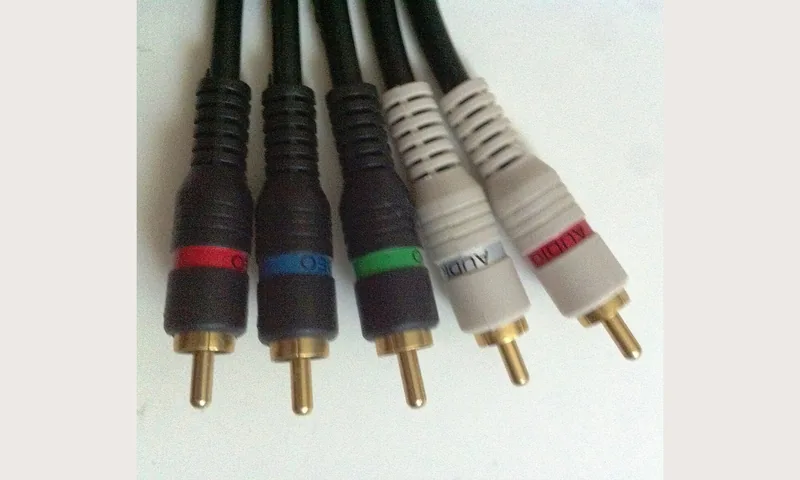
The short answer
A device-disconnect sound or a disappearing input indicates a different problem from muted audio. Test a direct computer port with the original supported cable before changing sound processing settings.
What to do
- Note whether the headset vanishes from sound settings during the fault
- Remove an unpowered hub and use a direct port
- Inspect the accessible cable and connector for obvious damage without opening the device
- Test the manufacturer's recommended power or firmware steps
Separate signal from enumeration
If the device remains listed but its meter is flat, the problem may be routing or mute. If it repeatedly disconnects, capture the time and port used for support. Stop using a damaged connector or a device that becomes unusually hot.
Check the result
A repeat session should keep the device listed continuously and preserve both microphone and playback.
Know the limits
Do not disable system-wide power management as a blanket fix. Port capabilities and firmware procedures differ; follow the device and computer documentation.
Further reading
Sources for the connections and technical principles discussed above. The diagnostic sequences are our editorial explanation. Consult the manual for your exact model before changing hardware or settings.
These are general educational guides, not hands-on product reviews. How we prepare our content. Cover photo source & license.
Keep working on your setup
Hear game chat when a controller becomes the default device
Recover chat after plugging in a controller without disrupting your speaker route.
Read the guideStop a game from selecting a monitor audio output
Keep HDMI display audio from taking over after a screen reconnect.
Read the guide
Check sidetone before blaming voice-chat echo
Tell local microphone monitoring apart from an echo heard by teammates.
Read the guide