Make a changeover patch sheet for a small event
Reduce confusion when two acts share a mixer.

The short answer
Write the differences between acts, including sources that stay plugged in, channels that change and monitor requirements. Keep the patch sheet short enough to read under stage lighting.
What to do
- Reserve shared channels for announcements and playback
- List each act's inputs in the planned channel order
- Mark only the connections and settings that change
- Rehearse the muted changeover and line-check sequence
Separate recall from patching
A digital mixer scene can recall gain, routing or phantom settings depending on its scope. It cannot verify that the intended microphone is now connected. Note scene-safe channels and any settings that need a manual check before outputs are reopened.
Check the result
A helper should be able to explain the connection changes and the order of checks from the sheet alone.
Know the limits
Do not recall an unverified scene into a live PA. Mixer recall behaviour is model-specific and can affect monitor levels.
Further reading
Sources for the connections and technical principles discussed above. The diagnostic sequences are our editorial explanation. Consult the manual for your exact model before changing hardware or settings.
These are general educational guides, not hands-on product reviews. How we prepare our content. Cover photo source & license.
Keep working on your setup
Mark mixer channels so a substitute engineer can follow them
Create a useful input list before soundcheck.
Read the guide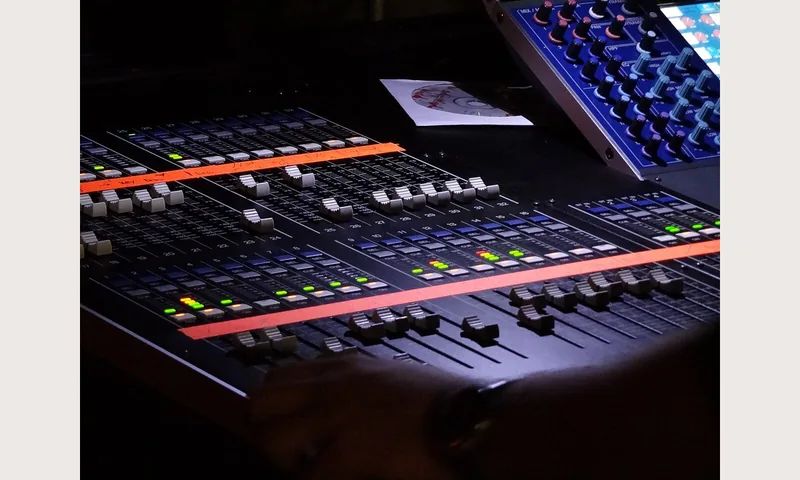
Check a mixer mute group before opening the PA
Confirm which channels a mute group affects.
Read the guide
Check an auxiliary send that feeds no monitor sound
Trace a silent stage-monitor send from input to loudspeaker.
Read the guide