Choose a direct input for guitar or bass
Match the instrument signal to an appropriate input.
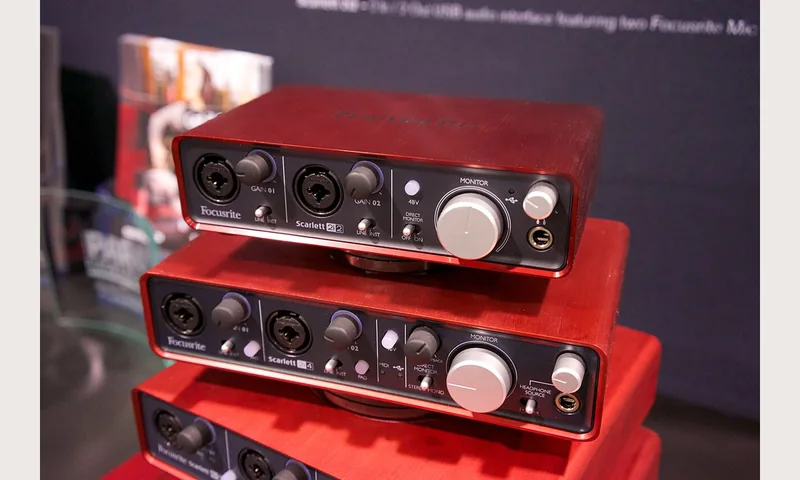
The short answer
A passive pickup, an active instrument and a line output are not interchangeable sources. Begin with the interface manual and the output type you actually have.
What to do
- For a passive instrument, select a suitable instrument or high-impedance input where provided.
- Turn gain down before connecting, then play the hardest notes and raise it without clipping. Use a pad only if the manual recommends it.
- Record a clean part before adding amp simulation. Compare noise with the instrument volume down and with the cable disconnected safely.
Identify the source before selecting the socket
A passive pickup generally needs a high-impedance instrument input to avoid unwanted loading. An active instrument, effects unit and amplifier line output can have different level and impedance requirements. Read the interface input specifications and select instrument or line mode accordingly. A socket accepting the same plug does not mean that every input mode is interchangeable.
Record a clean diagnostic passage
Bypass effects and record sustained notes, hard attacks and a moment with your hands muting the strings. If the clean signal clips, reduce input gain or use the documented pad before adjusting any amp simulation. If hum changes as you turn or move away from a power supply, investigate pickup interference and placement. Do not assume a DI box will remove noise already produced by the instrument.
Choose a DI for a specific routing need
A DI can help when a stage instrument must feed a suitable microphone input over a balanced run, or when a compatible thru output is needed for an amplifier. Check active versus passive design, power requirements and input headroom for the source. A ground-lift switch on an audio DI is not permission to disconnect protective mains earth. Keep the direct track so the processed sound can be changed later.
Check the result
A clean recording should preserve attack and decay without a harsh clipped edge. Check both the interface meter and the software track.
Know the limits
A DI box is useful for specific impedance, balancing or routing needs, not mandatory in every home setup. Never assume any jack socket accepts a speaker-level signal.
Further reading
Sources for the connections and technical principles discussed above. The diagnostic sequences are our editorial explanation. Consult the manual for your exact model before changing hardware or settings.
These are general educational guides, not hands-on product reviews. How we prepare our content. Cover photo source & license.
Keep working on your setup
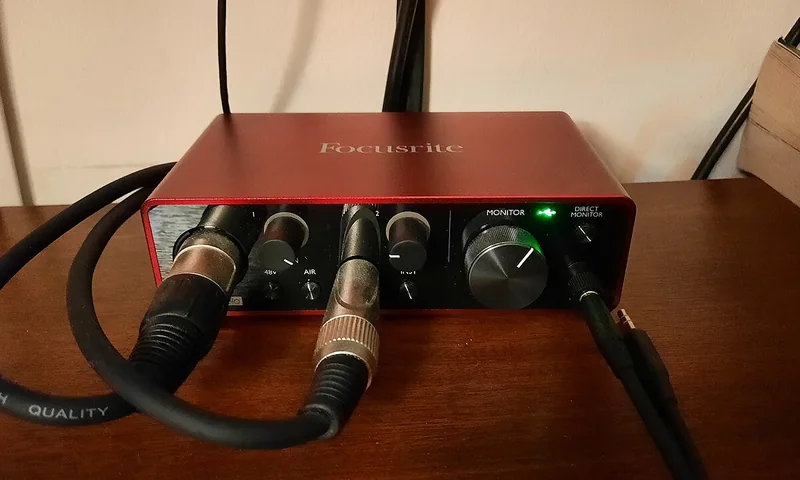
Choose an audio interface by inputs
Count simultaneous sources before comparing specifications.
Read the guide
Set recording gain without clipping
Use the loudest expected performance to set the input.
Read the guide
Use direct monitoring without an echo
Listen through one live path at a time.
Read the guide