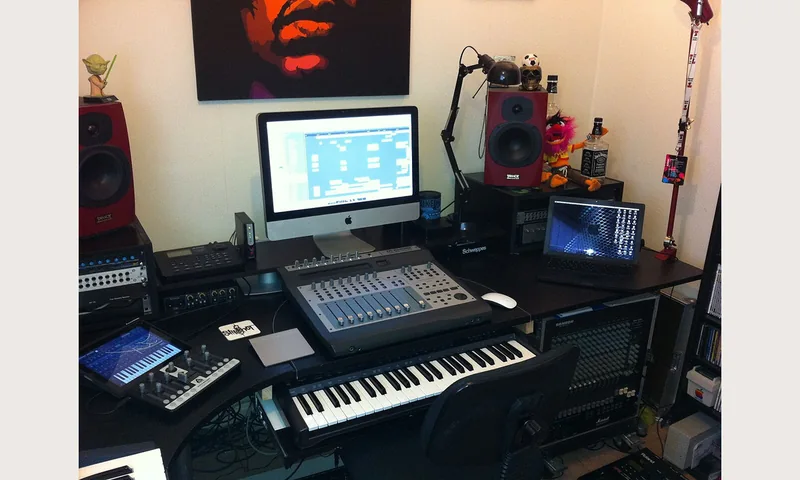
The short answer
A desk that forces repeated reaching can interrupt both attention and comfort. Arrange the controls you use most often around a relaxed working posture.
What to do
- Set the chair and primary surface so that shoulders can relax and feet have support. Keep the screen easy to view without leaning.
- Place the keyboard, mouse and frequently used controller within comfortable reach. Move rarely used equipment farther away.
- Alternate tasks and take movement breaks. Recheck the layout while actually playing, editing and recording.
Place the repeated tasks within reach
Identify what you touch most: keyboard, pointing device, controller, instrument or mixer. Arrange them so you do not repeatedly stretch, twist or lift your shoulders. Adjust the chair and working height to support a relaxed posture with feet supported. A photograph of a studio is not an ergonomic plan for a different person, instrument or room.
Bring information into a useful sightline
Position the main screen and music where you can read them without sustained neck bending. If a microphone or controller blocks the display, move the equipment rather than adapting your body around it for hours. Keep the headphone lead and foot controls clear of chair movement. Check the arrangement while actually recording or editing, not only while sitting still.
Build movement into the work
Alternate tasks and take short opportunities to stand, look away and change position. Fine adjustments often matter more than buying a particular chair or desk accessory. If pain, numbness or persistent discomfort appears, stop the provoking activity and seek appropriate professional guidance. A comfortable setup should support normal movement; it does not require holding one rigid ideal posture all day.
Check the result
Work through a short normal session and note where you lean, twist or raise your shoulders. Change one position and compare.
Know the limits
There is no single ideal measurement for every person. Ongoing pain, numbness or weakness should be assessed by an appropriate professional.
Further reading
Sources for the connections and technical principles discussed above. The diagnostic sequences are our editorial explanation. Consult the manual for your exact model before changing hardware or settings.
These are general educational guides, not hands-on product reviews. How we prepare our content. Cover photo source & license.
Keep working on your setup
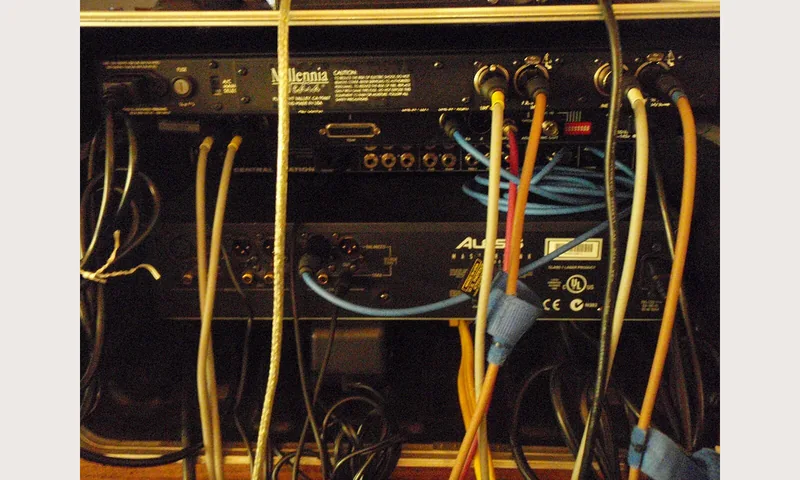
Organise desk cables for reliable audio
Reduce strain and make the signal path visible.
Read the guide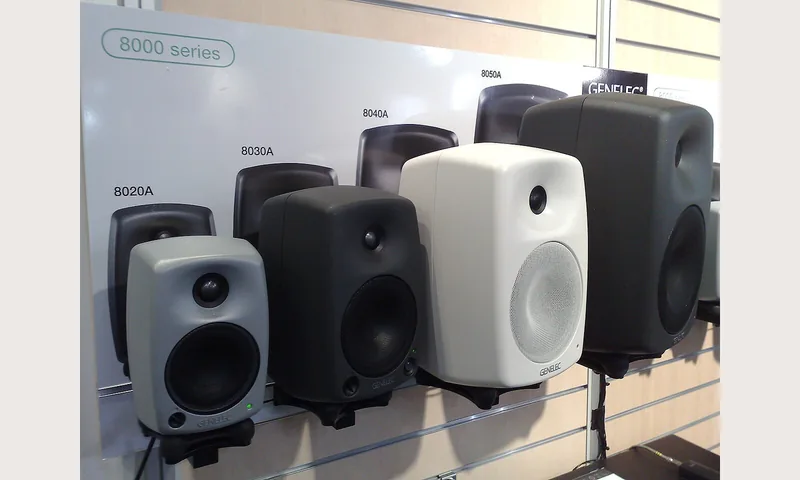
Position desktop speakers for a clearer centre image
Start with symmetry and ear-level orientation.
Read the guide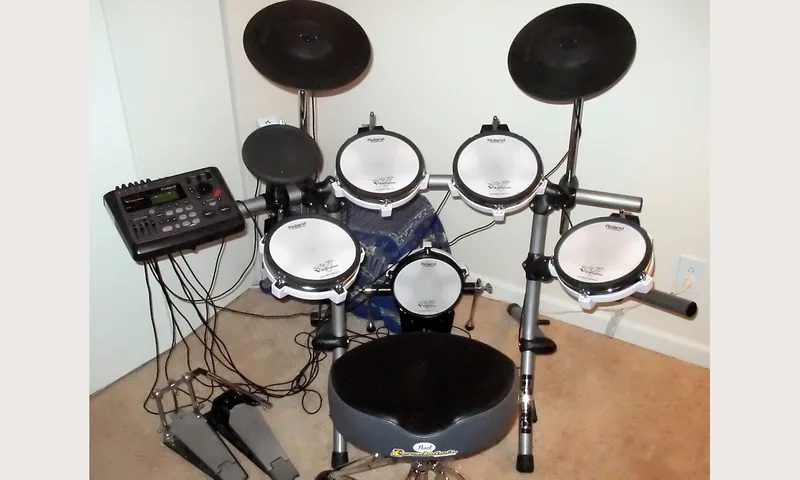
Arrange a quiet practice corner
Reduce setup friction and avoid transmitting unnecessary vibration.
Read the guide