Check a mixer mute group before opening the PA
Confirm which channels a mute group affects.
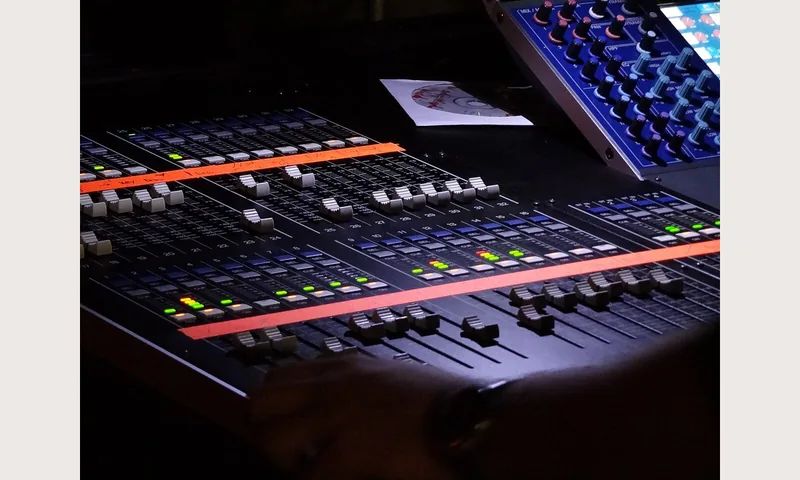
The short answer
A mute group is useful only when its membership and operating behaviour are known. Verify it with outputs down and source meters visible before relying on it for a break or a changeover.
What to do
- Save or note the current configuration
- Lower the main and monitor outputs to a safe level
- Apply the group and test every intended source
- Check playback, effects returns and monitor sends separately
Account for pre-fader sends
A muted main channel does not universally guarantee silence at every auxiliary output. Mixer designs and mute options differ. Read the routing diagram and test the monitor path you actually use. Clearly label any source that must remain audible during an announcement.
Check the result
The intended sources should stop at every required destination while an intentionally excluded announcement source remains available.
Know the limits
Never use a mute group as electrical isolation for plugging or servicing powered equipment. Some analogue mixers do not offer configurable mute groups.
Further reading
Sources for the connections and technical principles discussed above. The diagnostic sequences are our editorial explanation. Consult the manual for your exact model before changing hardware or settings.
These are general educational guides, not hands-on product reviews. How we prepare our content. Cover photo source & license.
Keep working on your setup

Mark mixer channels so a substitute engineer can follow them
Create a useful input list before soundcheck.
Read the guide
Check an auxiliary send that feeds no monitor sound
Trace a silent stage-monitor send from input to loudspeaker.
Read the guide
Prevent a playback laptop alert from reaching the PA
Prepare an event computer for deliberate playback.
Read the guide