Keep a USB microphone from changing level unexpectedly
Look for automatic processing before diagnosing a hardware fault.
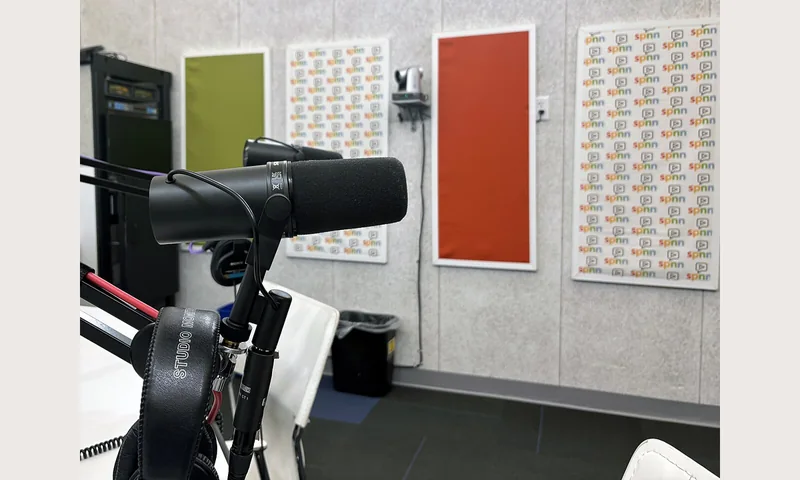
The short answer
Call software or operating-system enhancements may adjust microphone gain while you speak. A level that rises during silence is not necessarily a failing microphone.
What to do
- Note the input device and current gain settings
- Check the call app and operating system for automatic gain or voice processing
- Record the same quiet-to-loud phrase with one automatic stage changed at a time
Avoid competing processors
Two automatic gain stages can react to each other. If your software permits manual operation, establish a safe fixed input level and then decide whether one automatic stage helps the actual call. Keep essential accessibility features in mind before disabling them.
Check the result
A repeated phrase should produce repeatable levels without background noise swelling during each pause.
Know the limits
Some conferencing services impose processing that cannot be fully disabled. Document that limitation rather than promising raw audio.
Further reading
Sources for the connections and technical principles discussed above. The diagnostic sequences are our editorial explanation. Consult the manual for your exact model before changing hardware or settings.
These are general educational guides, not hands-on product reviews. How we prepare our content. Cover photo source & license.
Keep working on your setup

Keep a noise gate open for quiet sentence endings
Adjust release behaviour using real speech instead of a sustained vowel.
Read the guide
Separate microphone monitoring from stream monitoring
Choose which signal the presenter hears to avoid hearing two copies.
Read the guide
Reduce plosives without making the voice dull
Change microphone angle and distance before heavy filtering.
Read the guide