47 practical guides
Home recording
Trace the signal from the instrument to a finished recording.

Export a mono vocal without accidentally making a stereo pair
Choose a mono render path and check the delivered channel count.
Read the guide
Apply fades without softening a drum transient
Place edits around the attack and audition the transition.
Read the guide
Freeze a virtual instrument before moving a session
Create an audio fallback as well as preserving editable MIDI.
Read the guideFind a missing sample before consolidating a session
Resolve offline media before making the archive copy.
Read the guide
Print a hardware effect with a clean return path
Record the return without creating an output-to-input feedback loop.
Read the guide
Check a stereo recording before summing it to mono
Listen for disappearing content before delivering a mono version.
Read the guidePreserve reverb tails when exporting a song
Define the end by listening beyond the final note.
Read the guide
Identify distortion that is already in the recorded waveform
Separate input clipping from later processing before changing gain.
Read the guide
Set a headphone cue mix without changing the recorded balance
Use a separate monitor path for performer comfort.
Read the guide
Convert an old session to a new sample rate safely
Convert the media rather than relabelling its playback rate.
Read the guide
Record a short room-noise sample for speech editing
Capture a useful reference without promising a silent room.
Read the guideCheck an exported mix for an accidental solo or mute
Verify the deliverable outside the session that created it.
Read the guide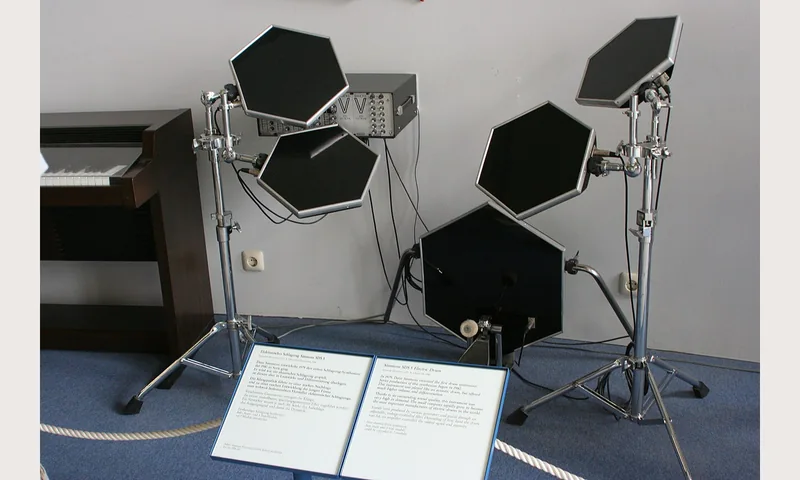
Record drum MIDI and module audio together
Capture an editable performance and the sound you actually played in one take.
Read the guide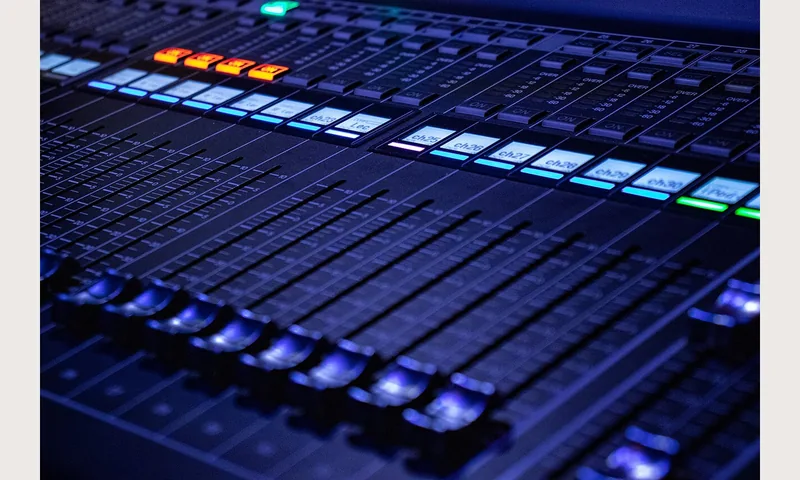
Route a software drum kit to separate mixer channels
Give kick, snare and cymbals independent processing while preserving the instrument balance.
Read the guideRecord an electronic kit through stereo analog outputs
Capture the modules finished sound with a clean, balanced two-channel recording.
Read the guidePrint a virtual drum performance to audio
Turn an editable software performance into stable audio for mixing and sharing.
Read the guide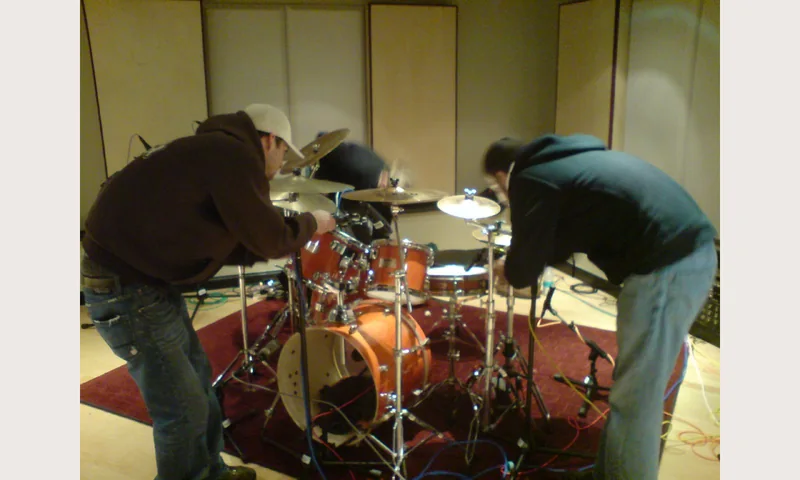
Set up a three-microphone drum recording
Build a coherent kit picture with two overheads and a kick microphone.
Read the guide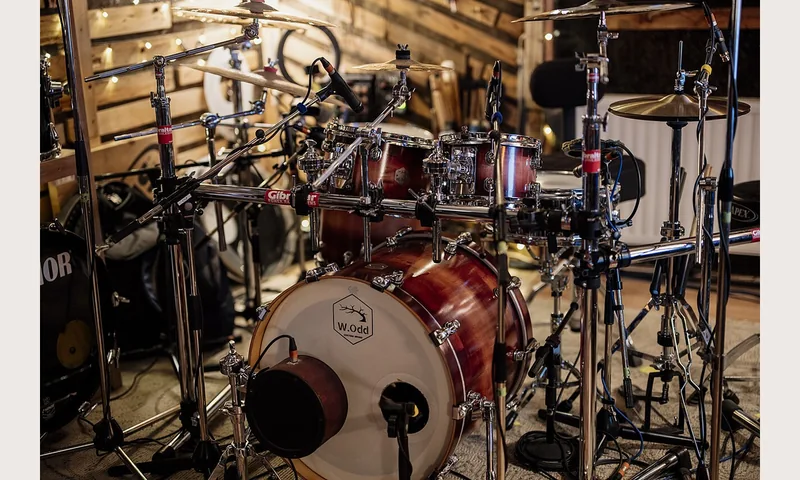
Place stereo overheads for a stable drum image
Keep the snare anchored while the rest of the kit has a clear place in the stereo field.
Read the guide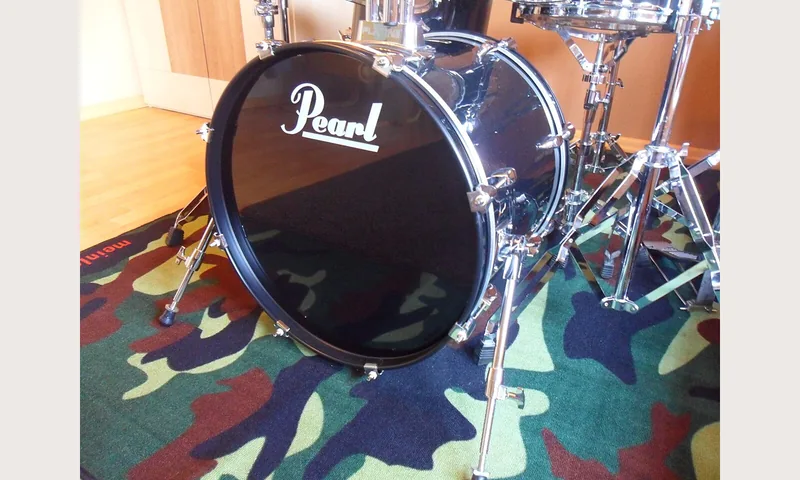
Record kick drum attack and body together
Use placement to choose how much impact and low resonance reaches the microphone.
Read the guide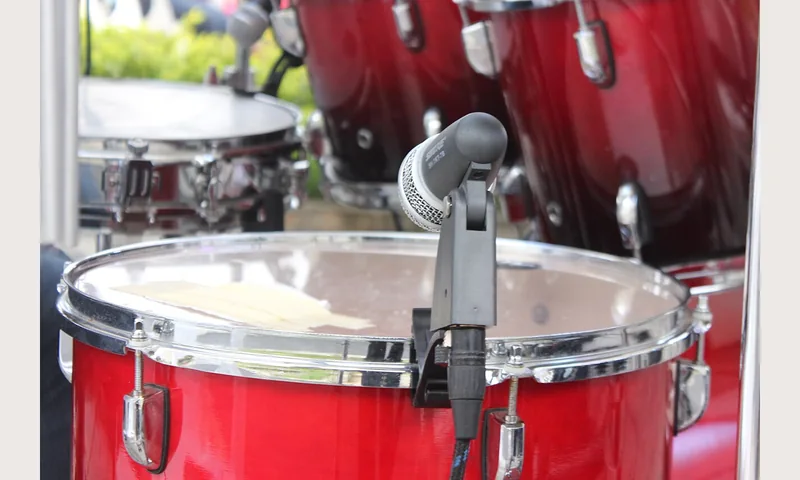
Reduce hi-hat spill in a snare microphone
Improve the snare-to-hat balance at the source before using a gate.
Read the guide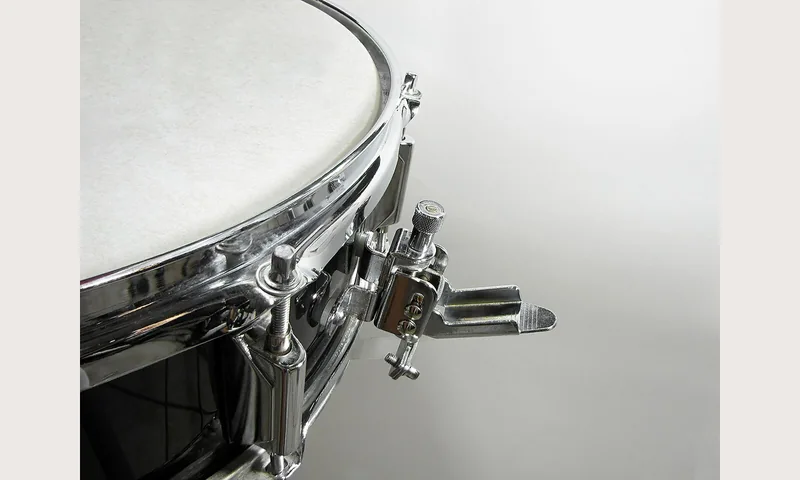
Add a snare-bottom microphone carefully
Capture wire detail without weakening the existing snare sound.
Read the guide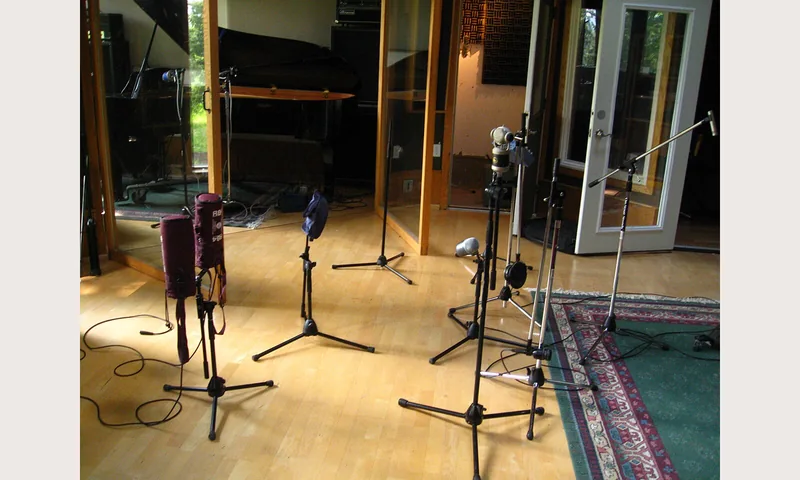
Choose a room-microphone position for drums
Find a useful sense of space by listening to the room before committing a stand.
Read the guideKeep drum microphone stands out of the playing area
Arrange microphones so a good sound does not interfere with a complete performance.
Read the guideLabel and document a multitrack drum session
Make every microphone, take and setup change understandable when the session is reopened.
Read the guideEdit multitrack drums without shifting microphone timing
Keep all microphones aligned when trimming and moving a recorded performance.
Read the guide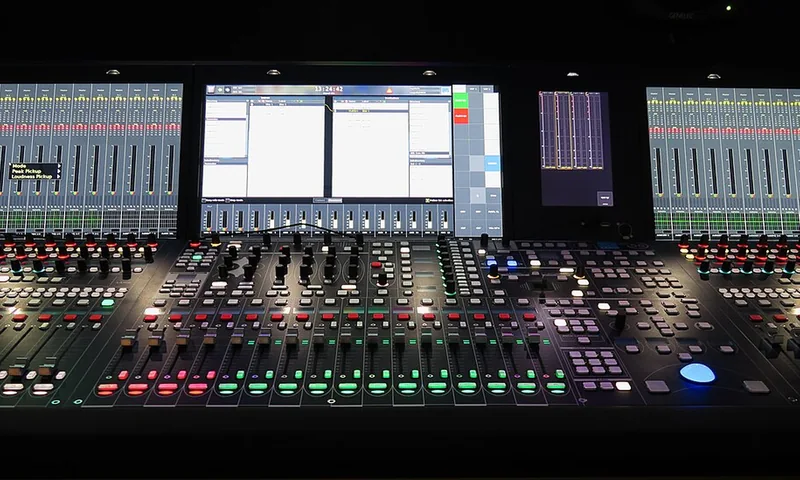
Comp drum takes across all microphones together
Build a complete performance without combining microphones from mismatched hits.
Read the guide
Quantize drum MIDI without flattening the groove
Correct distracting timing while preserving the performances useful movement.
Read the guide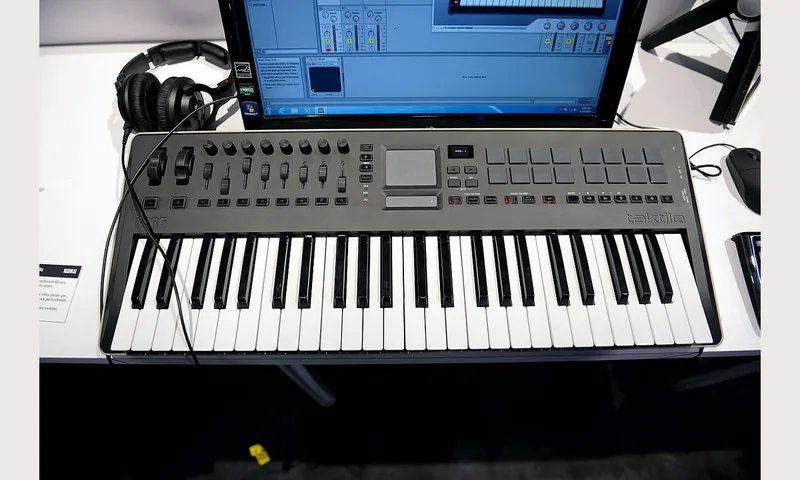
Shape ghost-note velocities in drum MIDI
Keep quiet snare notes supportive while preserving clear backbeats and accents.
Read the guide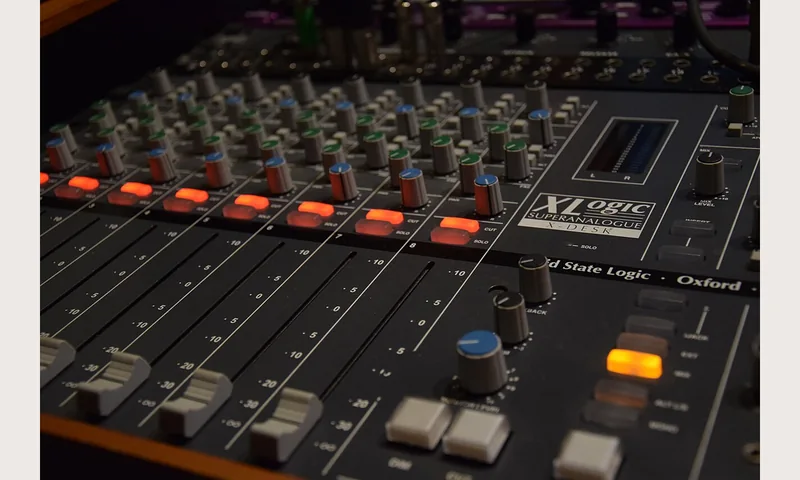
Use drum bus compression without losing the attack
Control the group while keeping kick and snare transients useful.
Read the guideGate tom microphones without cutting off resonance
Reduce unwanted spill while keeping the beginning and decay of every fill.
Read the guide
Fit kick drum and bass together in a mix
Use arrangement, envelope and tone to give both low-end parts a clear role.
Read the guide
Reduce cymbal harshness in a drum recording
Find whether the problem comes from performance, placement or processing before cutting the whole top end.
Read the guide
Blend sample reinforcement with a recorded snare
Add support while keeping the original performance and microphone relationships audible.
Read the guide
Build a drummer headphone cue mix
Give the player the timing and musical information needed for a confident take.
Read the guideChoose an audio interface by inputs
Count simultaneous sources before comparing specifications.
Read the guideSet recording gain without clipping
Use the loudest expected performance to set the input.
Read the guideChoose a recording sample rate
Use a consistent rate that fits the destination and devices.
Read the guide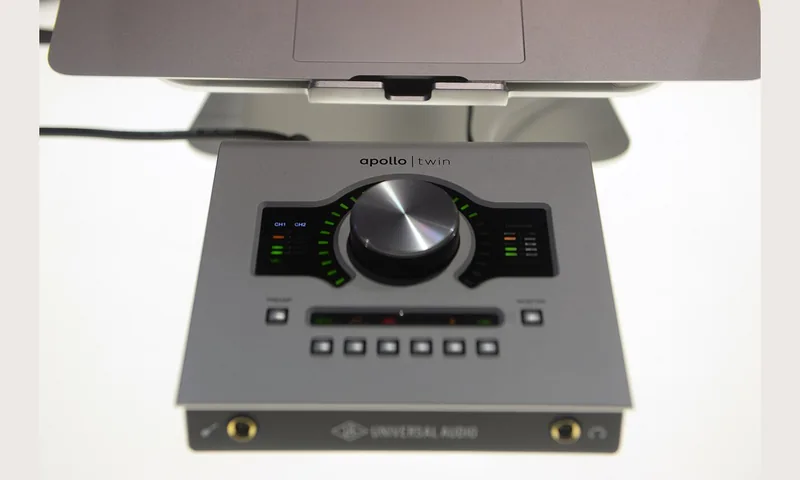
Find a stable audio buffer size
Balance monitoring responsiveness against processing headroom.
Read the guideUse direct monitoring without an echo
Listen through one live path at a time.
Read the guideDiagnose clicks in an audio recording
Find out whether the click is in the file or only in playback.
Read the guide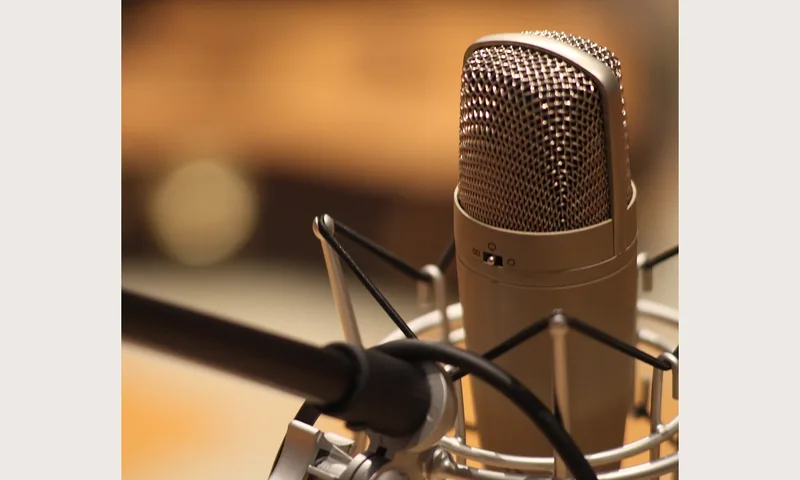
Record vocals in an untreated room
Reduce the unwanted room contribution at capture.
Read the guide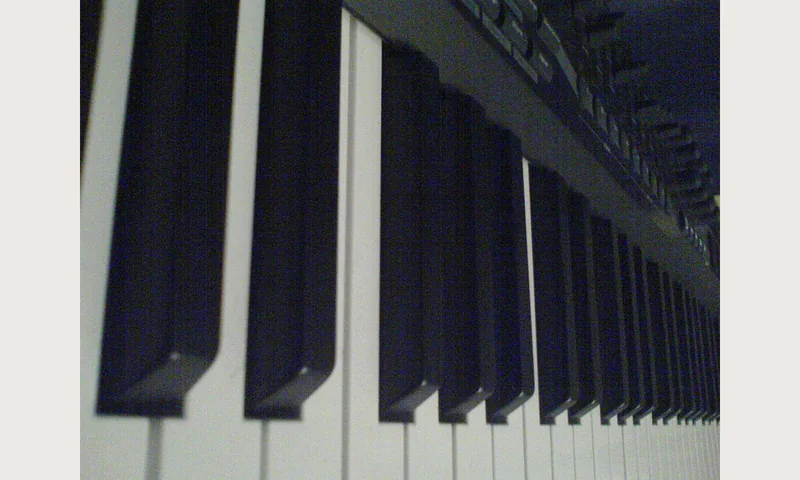
Record a stereo keyboard without losing a side
Check the output labels and stereo routing.
Read the guideOrganise a recording session before tracking
Name and route the tracks while there is time to check them.
Read the guideBack up a music project for another computer
Collect assets and test the copy before trusting it.
Read the guideUse noise reduction without damaging speech
Start with the quietest recording you can capture, then process conservatively.
Read the guideExport stems that line up correctly
Give every stem the same start and end range.
Read the guideCheck a mix on ordinary playback systems
Use comparisons to find problems, not to chase every speaker's tone.
Read the guide