Check an auxiliary send that feeds no monitor sound
Trace a silent stage-monitor send from input to loudspeaker.
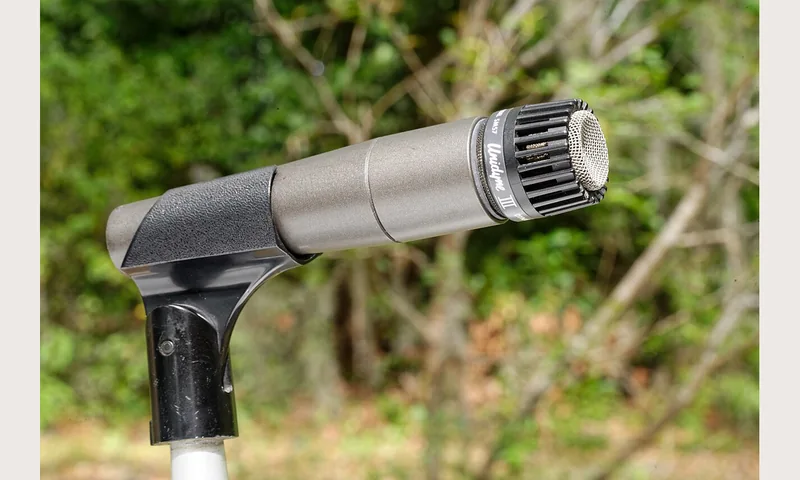
The short answer
Follow the signal in order: channel input, channel auxiliary send, auxiliary master, output connector, powered monitor input. A main mix that works only proves part of that path.
What to do
- Confirm the source reaches the mixer input meter
- Set the intended channel auxiliary send and inspect the bus meter if provided
- Check the auxiliary master mute and level
- With levels low, verify the labelled output cable and monitor input
Know what the send follows
A pre-fader send can remain independent of the main channel fader, while a post-fader send usually follows it. This distinction helps explain why a monitor changes when the main mix changes. Do not switch the send mode mid-performance without understanding the result.
Check the result
The chosen source should reach the monitor at a controlled level and react as expected to the channel fader.
Know the limits
Keep the microphone away from the monitor's strongest pickup direction. Stop if feedback begins rather than compensating with more gain.
Further reading
Sources for the connections and technical principles discussed above. The diagnostic sequences are our editorial explanation. Consult the manual for your exact model before changing hardware or settings.
These are general educational guides, not hands-on product reviews. How we prepare our content. Cover photo source & license.
Keep working on your setup

Mark mixer channels so a substitute engineer can follow them
Create a useful input list before soundcheck.
Read the guide
Check a mixer mute group before opening the PA
Confirm which channels a mute group affects.
Read the guide
Prevent a playback laptop alert from reaching the PA
Prepare an event computer for deliberate playback.
Read the guide