Build a drum practice recording setup
Capture the groove and the click in a way you can review.
The short answer
A practice recording needs to reveal timing and dynamics, not resemble a finished album. Choose the least complicated signal path that makes your playing audible.
What to do
- For an electronic kit, record module audio or MIDI. For an acoustic kit, begin with one safely placed microphone.
- Record the click on a separate track or route it only to headphones. Avoid letting a loud speaker click dominate the drum microphone.
- Play one short exercise and one musical section. Name the takes with tempo and date and listen back before changing settings.
Pick the smallest useful recording
To review time and consistency, a stereo module recording or simple audio track may be enough. To examine note placement and velocity in detail, add MIDI if the kit supports it. Decide which question you want the take to answer before adding cameras or extra microphones. A recording setup that takes longer to prepare than the practice itself is unlikely to become a habit.
Check backing-track routing explicitly
Record ten seconds containing drums and a backing track, then play the saved file with live monitoring turned down. Some module recording routes include the auxiliary input and others do not. A track that sounds complete through headphones can still contain drums only. Keep a separate backing-track source where licensing and your software allow, and document how it is routed into the recording.
Use consistent review conditions
Record one short target exercise at the start and end of the session. Keep tempo, kit sounds and playback level comparable. Name files with date, exercise and tempo, then note one change to try next time. Do not infer that a higher MIDI velocity always means a mechanically harder or better stroke; the pad curve and module processing influence those values. Review timing and sound together.
Check the result
You should be able to hear whether notes land early or late and whether quiet strokes remain intentional.
Know the limits
Automatic phone processing can exaggerate pumping or mask dynamics. Use the same recording setup for progress comparisons so that microphone changes do not masquerade as playing changes.
Further reading
Sources for the connections and technical principles discussed above. The diagnostic sequences are our editorial explanation. Consult the manual for your exact model before changing hardware or settings.
- Roland TD-27 reference manual: connections, settings and care
- Roland: troubleshooting double triggering
These are general educational guides, not hands-on product reviews. How we prepare our content. Cover photo source & license.
Keep working on your setup
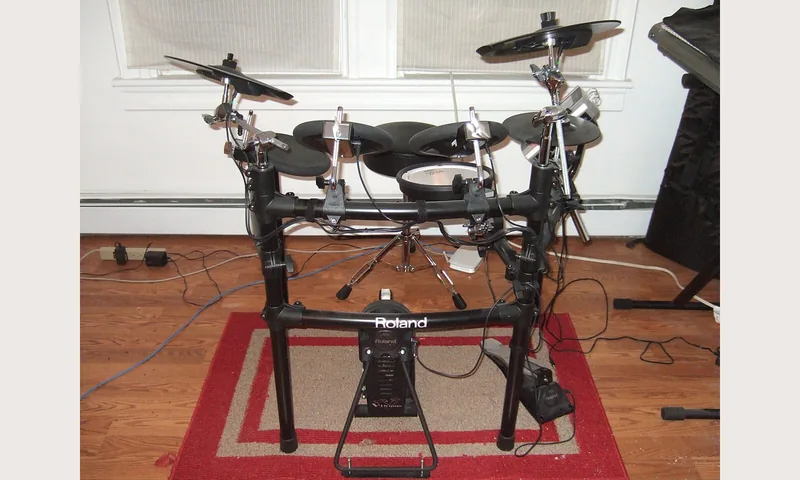
Connect electronic drums to a computer
USB MIDI and USB audio do different jobs. Check what your module actually sends before buying an interface.
Read the guide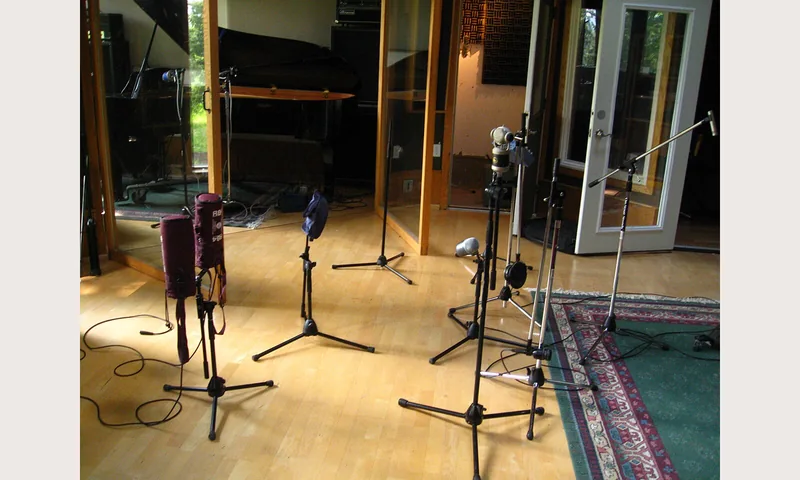
Record acoustic drums with one microphone
Find the balance in the room before reaching for processing.
Read the guide
Compare two practice recordings fairly
Keep the conditions consistent.
Read the guide