Compare a controller headphone socket with a USB headset route
Check level, microphone support and latency before choosing a connection.
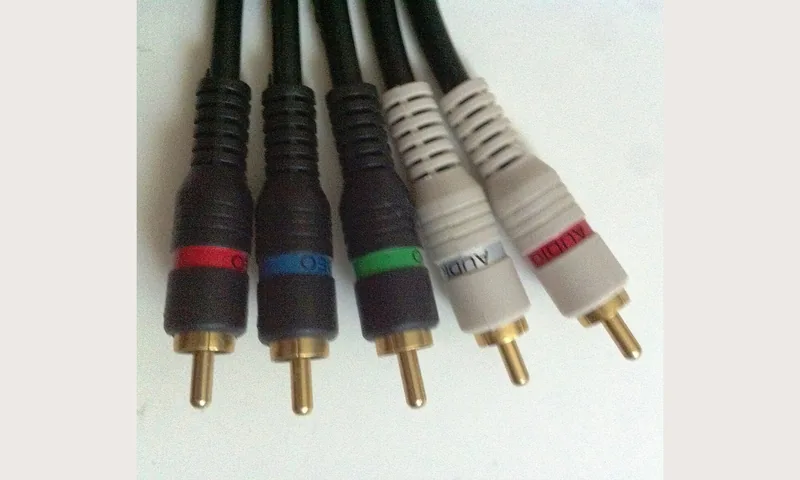
The short answer
Treat each connection as a complete route. A controller socket may use a different microphone connection and volume control from a USB headset. Compare at a comfortable matched level with the same game and voice test.
What to do
- Confirm the headphone plug and microphone wiring are supported
- Select the controller audio device and record a short voice sample
- Repeat through the USB route at a similar listening level
- Compare comfort, dropouts and voice quality during normal play
Document the practical differences
The more useful route is the one that works reliably for your session. Note cable reach, mute access and what happens when the controller sleeps. Avoid inferring audio quality solely from the connector type or a product's sample-rate label.
Check the result
Game playback and voice chat should work through the chosen route without an unexpected change when the controller idles.
Know the limits
Console and computer support differs. A passive adapter cannot add an unsupported digital audio function or guarantee microphone compatibility.
Further reading
Sources for the connections and technical principles discussed above. The diagnostic sequences are our editorial explanation. Consult the manual for your exact model before changing hardware or settings.
These are general educational guides, not hands-on product reviews. How we prepare our content. Cover photo source & license.
Keep working on your setup
Hear game chat when a controller becomes the default device
Recover chat after plugging in a controller without disrupting your speaker route.
Read the guideStop a game from selecting a monitor audio output
Keep HDMI display audio from taking over after a screen reconnect.
Read the guide
Check sidetone before blaming voice-chat echo
Tell local microphone monitoring apart from an echo heard by teammates.
Read the guide