Diagnose sound before or after the picture
Identify the source-specific delay before applying a global offset.
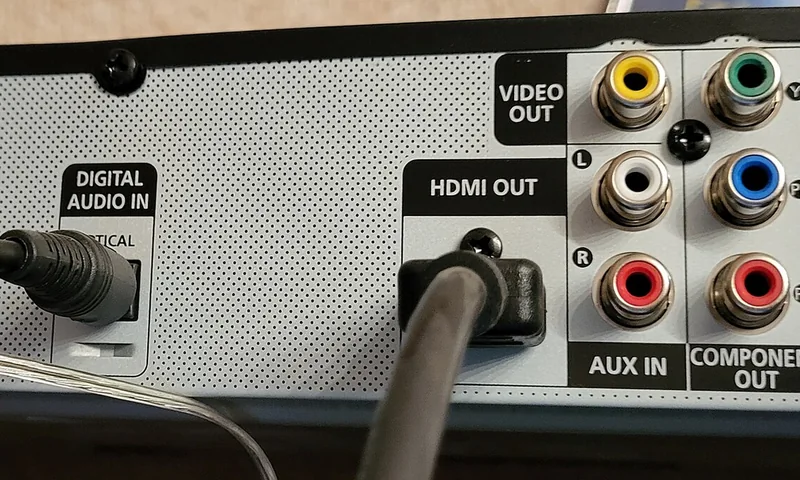
The short answer
Lip-sync errors may come from TV processing, a streaming app or the route through a receiver. One correction can fix one source and spoil another.
What to do
- Test a TV app and an external player with visible speech. Note whether sound is early or late.
- Temporarily use a simpler picture mode and documented sync settings, changing one item at a time.
- Apply an audio delay only in the direction and device that supports the needed correction. Retest all regular sources.
Establish the direction of the error
Use a local test clip with a visible clap or another sharp event whose sound is unambiguous. Note whether audio arrives before or after the picture. Compare more than one source to separate a programme problem from a system problem. Avoid calibrating against an ordinary conversation where camera cuts, dubbing and editing can make timing hard to judge.
Trace different paths separately
Compare television speakers with the external system, and compare a television app with an HDMI player. Video processing, wireless audio and intermediary devices can add different delays. Record the active picture mode as well as audio settings. If a game mode fixes one input, do not assume the same setting automatically applies to every television app or port.
Delay only the path that is early
An audio-delay control helps when sound arrives first; adding more delay cannot fix sound already arriving late. For late audio, investigate processing, connection choices or a supported video-delay option. Change one control in small steps and recheck the same clip. A delay that steadily grows during playback suggests another fault and should not be hidden with one fixed offset.
Check the result
Speech should align after switching sources and resuming playback, not only in one paused scene.
Know the limits
Some devices can delay audio but cannot advance it. A growing drift or intermittent error needs different troubleshooting from a fixed offset.
Further reading
Sources for the connections and technical principles discussed above. The diagnostic sequences are our editorial explanation. Consult the manual for your exact model before changing hardware or settings.
These are general educational guides, not hands-on product reviews. How we prepare our content. Cover photo source & license.
Keep working on your setup
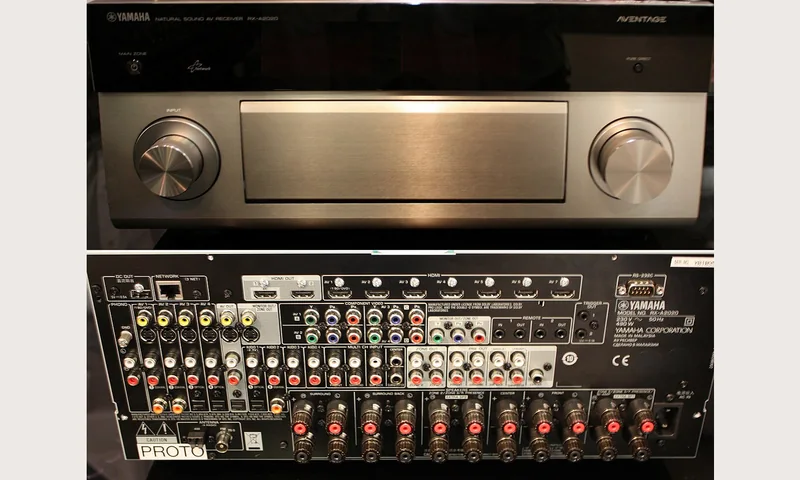
Check whether surround sound is really arriving
Read the receiver's input signal rather than relying on the programme badge.
Read the guide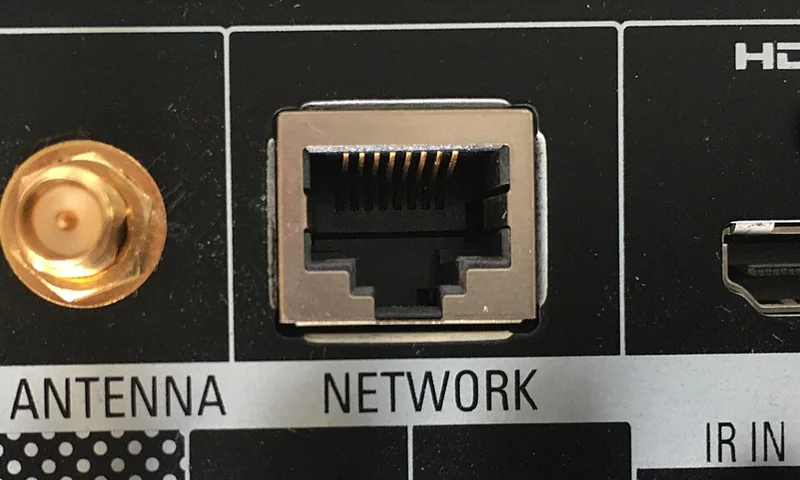
Connect a soundbar using ARC or eARC
Use the labelled ports and confirm both devices support the chosen return channel.
Read the guide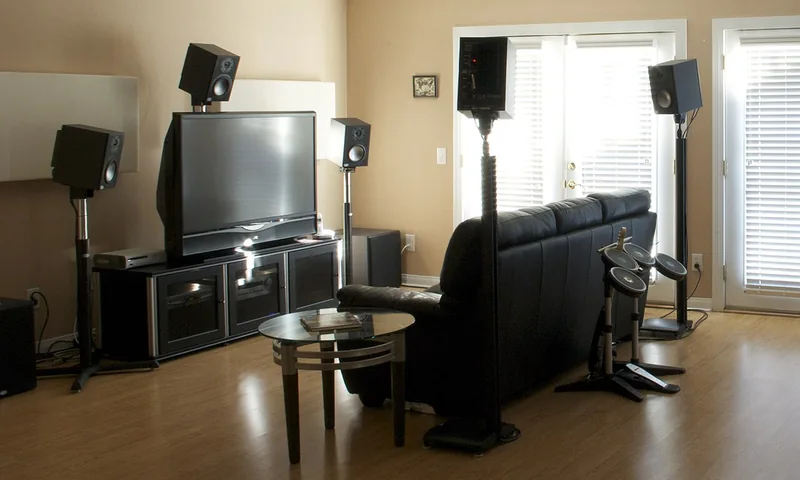
Choose a soundbar or separate speakers
Decide how many boxes, cables and adjustments your room can accommodate.
Read the guide