Choose wired or wireless gaming audio
Separate convenience from latency, microphone quality and compatibility.
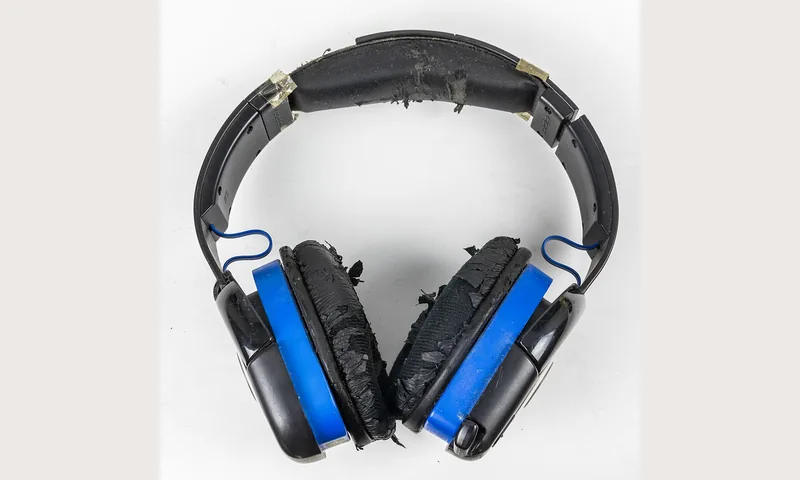
The short answer
Wireless systems use different connection methods. Bluetooth, a proprietary dongle and a wired connection should not be treated as interchangeable.
What to do
- List the exact devices you need to connect and check support for game sound and microphone at the same time.
- Test lip-sync and response with the intended connection, then compare a wired baseline if available.
- Check comfort, battery routine and microphone recordings during a real session rather than a short menu test.
Test timing in the intended mode
Compare dialogue, menu sounds and a repeatable in-game action using the connection you plan to keep. Bluetooth and dedicated wireless links are different systems; codec names alone do not establish end-to-end delay. Include any television, console or USB adapter in the test. A wired baseline helps distinguish the wireless path from delays elsewhere in the game or display.
Check microphone behaviour at the same time
Start voice chat and listen for changes in playback quality or available audio modes. Some Bluetooth combinations change profiles when the microphone is active. Verify microphone support on the actual platform rather than assuming headphones with a phone microphone will work identically on a console. Check sidetone, mute feedback and whether the controls remain accessible during play.
Consider a full session
Comfort, battery life, charging, reliable range and a backup connection matter after the initial demonstration. Walk only within the space you expect to use and listen for dropouts. Compare at matched loudness and avoid treating extra bass as better positional information. Choose the connection that remains dependable during your real game and chat workflow.
Check the result
Choose the option that stays reliable and intelligible throughout your normal session.
Know the limits
A wireless logo alone does not establish low latency or full console support. Microphone use can change the available audio mode on some connections.
Further reading
Sources for the connections and technical principles discussed above. The diagnostic sequences are our editorial explanation. Consult the manual for your exact model before changing hardware or settings.
These are general educational guides, not hands-on product reviews. How we prepare our content. Cover photo source & license.
Keep working on your setup
Stop game audio leaking into voice chat
Find out whether the leak is acoustic or electronic.
Read the guide
Route audio to a capture card cleanly
Choose one intentional path for each source and monitor return.
Read the guide
Organise desk cables for reliable audio
Reduce strain and make the signal path visible.
Read the guide