Keep a DJ export compatible with the venue player
Resolve player compatibility before preparing the full music drive.
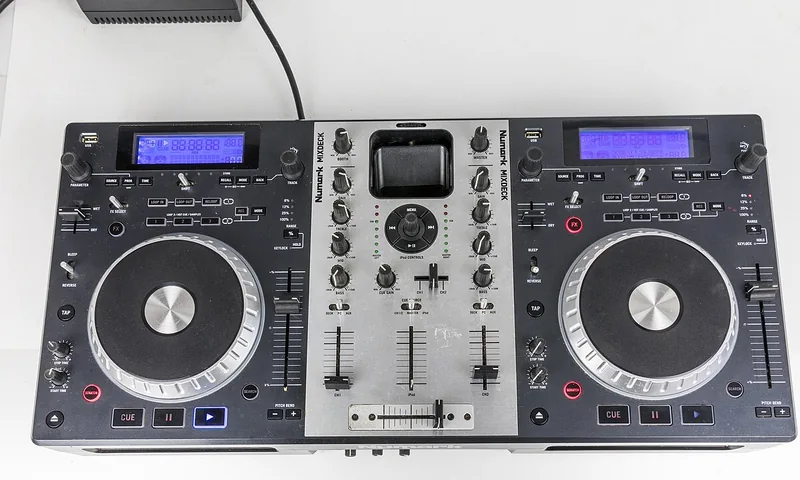
The short answer
Start with the exact player model and firmware information supplied by the venue. Check its supported drive format, file types and library-export mode, then test a small set before exporting everything.
What to do
- Ask for the player model and supported setup
- Check its official manual against your drive and audio formats
- Export a small playlist using the supported library workflow
- Test loading, waveform display and playback before making the full export
Avoid a last-minute conversion
A drive that mounts on a laptop can still be unusable on a player. Leave time for a properly backed-up reformat or supported audio conversion. Formatting erases data, so confirm the correct drive and backup before proceeding.
Check the result
Several representative tracks should load and play on the intended player without missing files or database warnings.
Know the limits
Do not assume all players from one brand share capabilities. Carry a separately prepared backup rather than the only copy of your music.
Further reading
Sources for the connections and technical principles discussed above. The diagnostic sequences are our editorial explanation. Consult the manual for your exact model before changing hardware or settings.
These are general educational guides, not hands-on product reviews. How we prepare our content. Cover photo source & license.
Keep working on your setup

Mark mixer channels so a substitute engineer can follow them
Create a useful input list before soundcheck.
Read the guide
Check a mixer mute group before opening the PA
Confirm which channels a mute group affects.
Read the guide
Check an auxiliary send that feeds no monitor sound
Trace a silent stage-monitor send from input to loudspeaker.
Read the guide