25 practical guides
Headphones & listening
Choose the connection, fit and speaker position that suit your room.
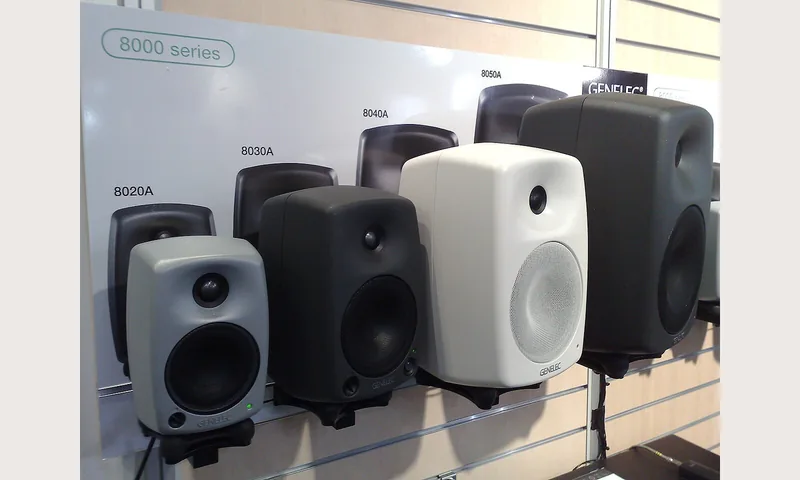
Check speaker polarity when the centre image feels hollow
Use a mono voice to separate reversed wiring from a room reflection.
Read the guide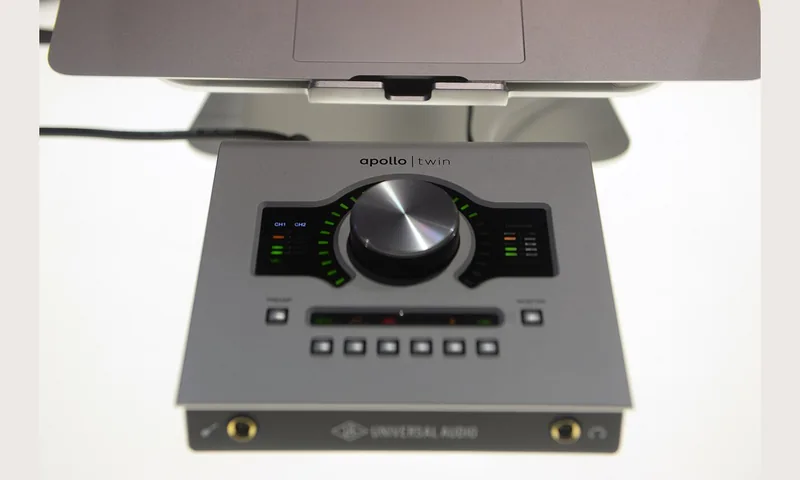
Choose fixed or variable output when connecting a DAC
Decide which device owns everyday volume control before playing music.
Read the guide
Find why one album sounds quieter than another
Separate mastering differences from playback normalisation.
Read the guideCheck an optical audio connection that stays silent
Verify format and input selection before replacing the cable.
Read the guide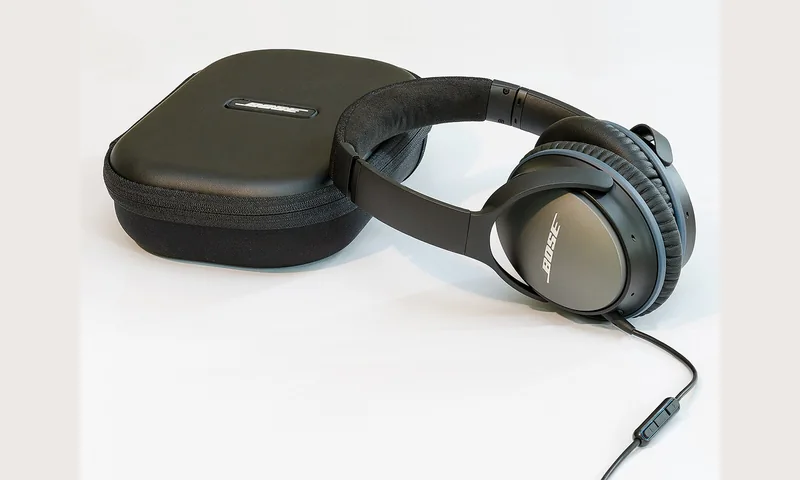
Compare headphone pads before replacing them
Identify the exact pad and control fit during your comparison.
Read the guideTest whether a desk reflection is colouring speaker sound
Move the reflection path before reaching for equalisation.
Read the guide
Separate speaker hiss from a noisy source
Compare an active speaker with and without its signal cable.
Read the guide
Keep a comfortable startup volume across several audio sources
Make source switching predictable without relying on memory.
Read the guide
Check the selected master on a music service
Compare the same release before attributing a difference to resolution.
Read the guide
Test left and right channels without changing balance settings
Use a labelled channel test to locate a swapped connection.
Read the guideReconnect a USB DAC after changing computer ports
Check device selection when the DAC powers up but music is silent.
Read the guide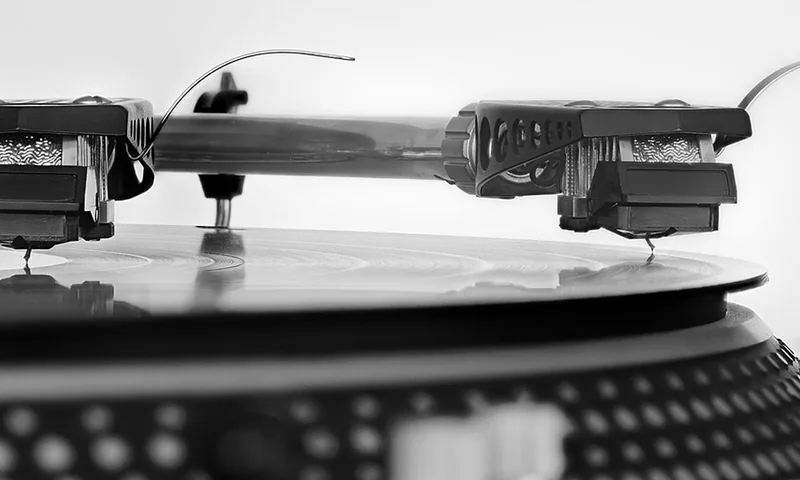
Check a turntable hum that changes when you touch the arm
Inspect the specified ground path without defeating mains safety.
Read the guide
Choose open-back or closed-back headphones
Decide how much sound must stay inside and outside your headphones.
Read the guide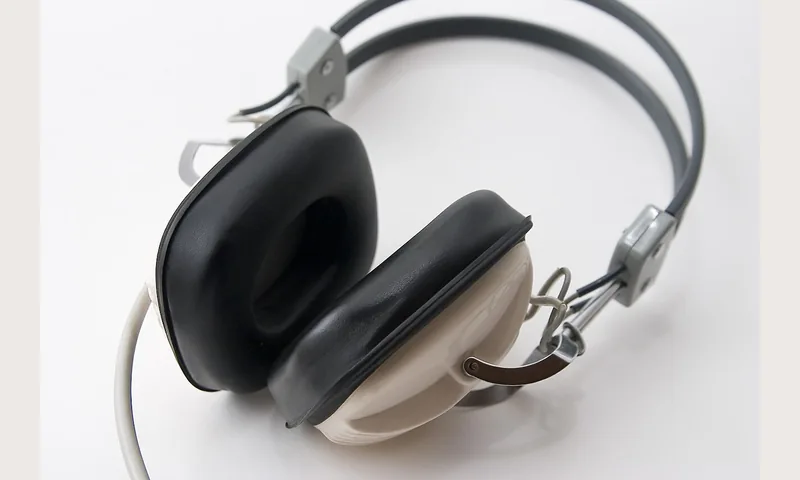
Match headphones to an audio source
Check output capability and sensitivity as well as impedance.
Read the guideFind a comfortable headphone fit
Adjust the physical fit before judging bass or buying replacement pads.
Read the guideFix a headphone channel that cuts out
Separate the headphone, cable, adapter and source.
Read the guidePosition desktop speakers for a clearer centre image
Start with symmetry and ear-level orientation.
Read the guide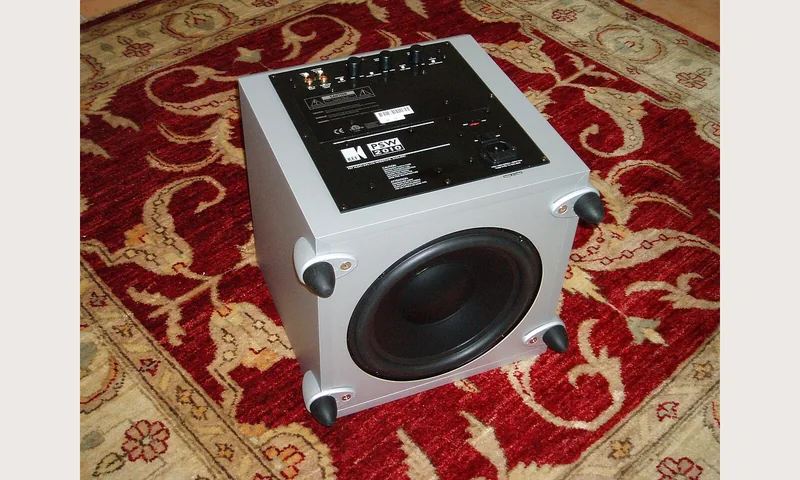
Reduce boomy bass from small speakers
Move the system and listening position before cutting random frequencies.
Read the guideChoose a DAC for a desktop setup
Buy for the connection and problem you can identify.
Read the guideConnect a turntable to powered speakers
Identify where the phono stage and volume control live.
Read the guideReduce hum in a desktop audio system
Locate the connection that introduces the hum.
Read the guideCompare audio equipment without a loudness trap
Use the same passage and closely matched playback level.
Read the guideSet up a shared listening desk
Plan controls and cable reach around both users.
Read the guideChoose lossless or compressed music sensibly
Match the format to storage, connection and listening needs.
Read the guide
Make a useful speaker audition playlist
Choose passages that expose your needs rather than impress in a showroom.
Read the guide