Place a podcast microphone for clear speech
Keep the mouth-to-mic relationship consistent and control air blasts.
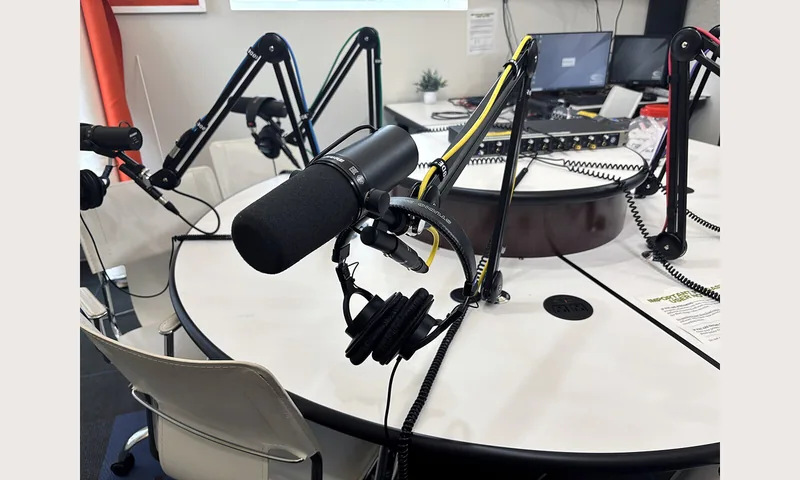
The short answer
Small changes in distance can alter bass, room pickup and level. A repeatable position usually helps more than an elaborate filter chain.
What to do
- Put the microphone on a stable stand outside the keyboard's vibration path and identify its intended speaking side.
- Use a pop filter and try a slightly off-axis position so plosive air does not strike the capsule directly.
- Record a paragraph while turning naturally toward notes or a guest. Adjust the setup to reduce large level changes.
Find the correct pickup side
Identify the front and pickup pattern in the manual. A side-address microphone and an end-address microphone face differently, even if their stands look similar. Speak toward the intended side and record a short sentence. If a large gain increase is needed for an apparently close position, check orientation before deciding the microphone needs an additional amplifier.
Control breath without losing consistency
Use a pop filter and try a slightly off-axis speaking angle. Compare plosive words, quiet endings and a louder laugh. Keep the distance reasonably repeatable as you turn toward a screen or guest. Moving closer can improve the voice-to-room ratio but may increase bass and breath noise; moving farther away gives more room sound. Choose a position that survives normal conversation.
Check the whole episode posture
Place the microphone where you can read notes without hunching or looking away from it. Keep it out of the keyboard path and isolate the stand from desk knocks where practical. Record a minute while using the desk normally, then listen for vibration and clothing noise. A position that sounds excellent only while holding completely still is unlikely to work for a full interview.
Check the result
Listen for plosives, muffled words and changing tone. Mark the useful position so you can repeat it next session.
Know the limits
Do not assume every microphone is addressed from the end. The pickup direction and useful distance depend on its design.
Further reading
Sources for the connections and technical principles discussed above. The diagnostic sequences are our editorial explanation. Consult the manual for your exact model before changing hardware or settings.
These are general educational guides, not hands-on product reviews. How we prepare our content. Cover photo source & license.
Keep working on your setup
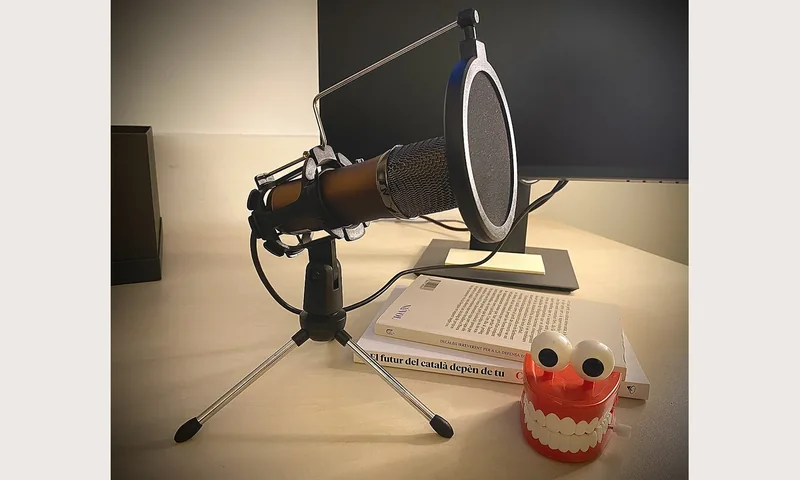
Reduce keyboard noise in voice recordings
Change distance and mechanics before relying on suppression.
Read the guide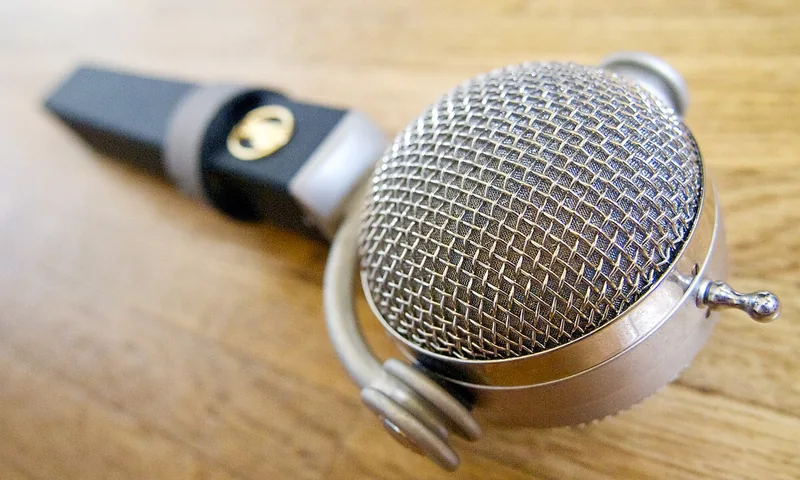
Place a desktop microphone away from vibration
Make the support and cable path part of the setup.
Read the guide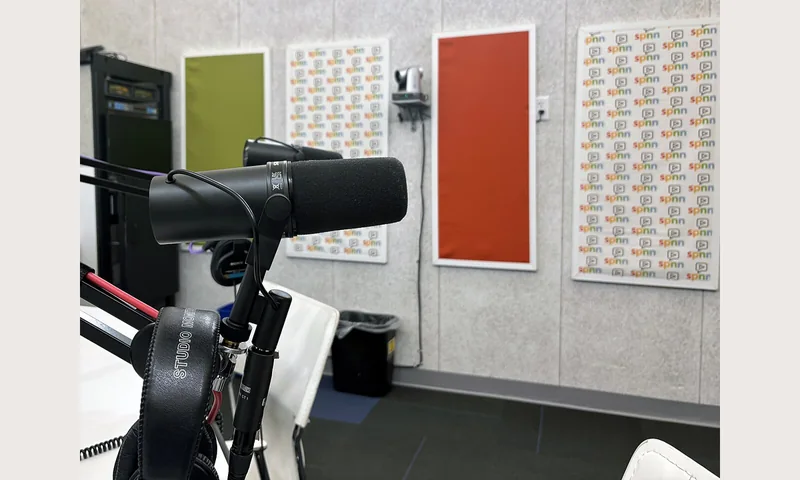
Set podcast levels before adding filters
Capture clean speech first, then shape the output.
Read the guide