Set a headphone cue mix without changing the recorded balance
Use a separate monitor path for performer comfort.
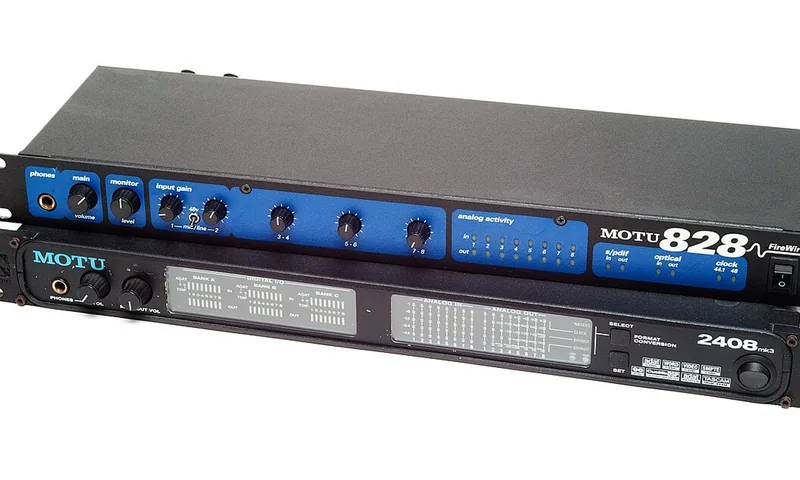
The short answer
The performer may need more voice or click than the recording balance requires. A separate cue bus avoids baking that monitoring preference into the recorded source.
What to do
- Identify which outputs feed the performer's headphones
- Build the cue mix on its own bus or interface mixer while keeping recording inputs unchanged
- Ask for a short loud performance and adjust the cue level gradually
Keep the signal paths visible
Name the cue output and check whether sends are pre-fader or post-fader. A pre-fader send can continue after a channel is lowered in the main mix, so use an explicit cue mute when needed. Record a test to confirm that click and backing are not entering a live microphone through excessive spill.
Check the result
Playback of the isolated recorded track should contain only the intended source, while headphone balance remains comfortable.
Know the limits
Interface mixers vary, and software monitoring adds latency. Use the manual to avoid duplicating direct and DAW monitoring.
Further reading
Sources for the connections and technical principles discussed above. The diagnostic sequences are our editorial explanation. Consult the manual for your exact model before changing hardware or settings.
These are general educational guides, not hands-on product reviews. How we prepare our content. Cover photo source & license.
Keep working on your setup

Export a mono vocal without accidentally making a stereo pair
Choose a mono render path and check the delivered channel count.
Read the guide
Apply fades without softening a drum transient
Place edits around the attack and audition the transition.
Read the guide
Freeze a virtual instrument before moving a session
Create an audio fallback as well as preserving editable MIDI.
Read the guide