Check speaker distance readings after room calibration
Distinguish an acoustic delay estimate from a tape measurement.
The short answer
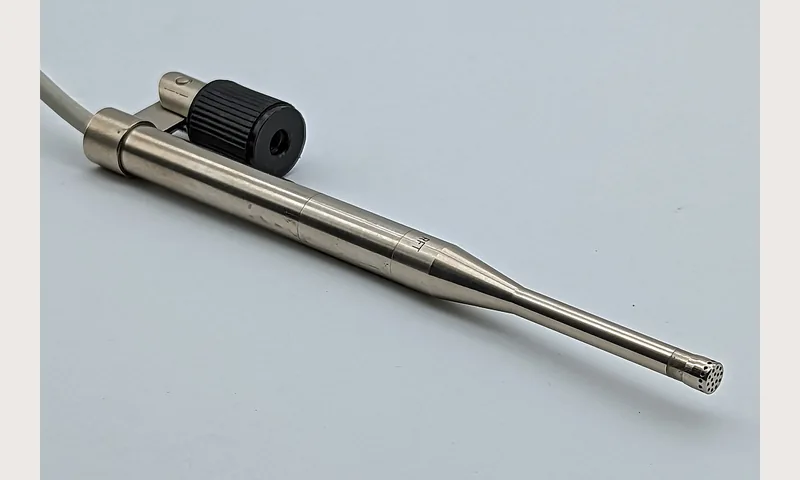
A receiver's distance value may represent timing, including processing delay. A subwoofer reading can therefore differ from its physical distance without being a mistake.
What to do
- Read the calibration notes for your receiver before editing results
- Check speaker assignment and microphone position for obvious setup errors
- Listen across the crossover region and compare only reversible changes
Do not force every value to match a ruler
Changing a subwoofer distance simply because it looks long can disturb its timing relationship with the mains. If the value is implausible or inconsistent, inspect the signal path and rerun the documented process. Keep the original result available for comparison.
Check the result
The calibrated system should blend across channels without a clear bass hole or disconnected subwoofer sound.
Know the limits
Distance displays use model-specific limits and algorithms. Advanced alignment needs suitable measurements, not guesswork from one film scene.
Further reading
Sources for the connections and technical principles discussed above. The diagnostic sequences are our editorial explanation. Consult the manual for your exact model before changing hardware or settings.
- Denon AVR-X1800H manual: speaker setup, playback and audio settings
- Genelec: studio monitor calibration
These are general educational guides, not hands-on product reviews. How we prepare our content. Cover photo source & license.
Keep working on your setup
Choose the intended audio track in a streaming film
Check the language and mix selection before troubleshooting speakers.
Read the guideFind why a receiver plays stereo from one source only
Compare source settings without resetting the whole system.
Read the guideUse a receiver test tone without confusing it with movie playback
Distinguish speaker wiring checks from source decoding checks.
Read the guide