Choose a first MIDI keyboard
Count the keys you need for your actual task, then check controls and connections.
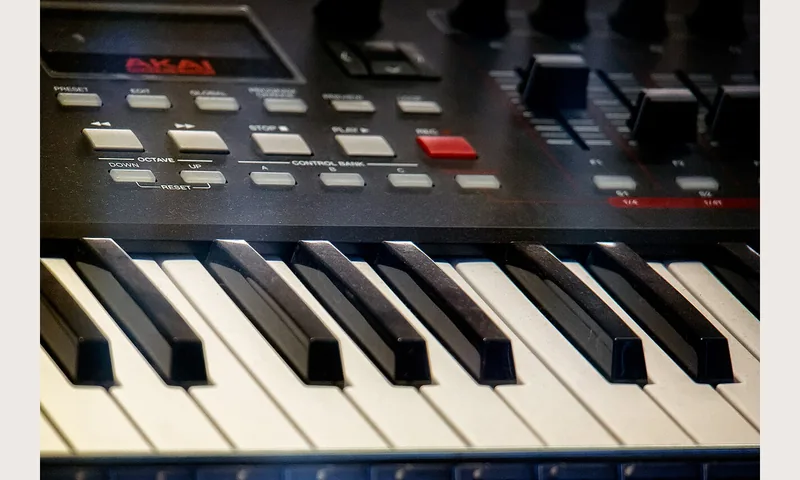
The short answer
Beat programming, chord practice and two-handed piano work impose different requirements. The largest keyboard is not automatically the most useful on a small desk.
What to do
- Play or sketch your intended part and note the lowest and highest notes used. Include room for changing octaves.
- Check whether the keyboard is a controller only or has built-in sounds. Confirm USB compatibility, sustain input and power requirements.
- Try the key action and velocity response if possible. For desk production, check whether knobs or pads map easily to your software.
Decide whether the computer is part of the instrument
A controller sends performance information but may make no sound by itself. Check whether you want standalone playing, a computer instrument, or both. USB, traditional MIDI sockets and audio outputs serve different roles. Confirm that the intended computer or mobile device supports the controller and its power requirements; a connector that fits is not a complete compatibility check.
Try your real musical task
For chords, try the widest voicing you expect to play. For two-handed parts, include the bass notes instead of testing only the middle octave. Check whether octave buttons interrupt the phrase and whether the sustain pedal behaves naturally. For drum programming, compare pads with the keys rather than assuming pads are essential. The useful controls are the ones you can reach and assign in your own software.
Budget space for playing and storage
Measure the desk with the computer keyboard, mouse and cables in place. A controller that fits only after everything else is removed may discourage short sessions. Include a suitable pedal, stand or stable support where required, and check driver support before buying used. Key count and weighted action do not measure quality by themselves; they describe tradeoffs between portability, playing technique and available space.
Check the result
A satisfactory setup lets you enter the part without repeatedly stopping to change octave or move the keyboard.
Know the limits
Small keys and compact layouts save space but can impede technique transfer. Weighted action adds weight and cost; it is a preference tied to the instrument you want to play.
Further reading
Sources for the connections and technical principles discussed above. The diagnostic sequences are our editorial explanation. Consult the manual for your exact model before changing hardware or settings.
These are general educational guides, not hands-on product reviews. How we prepare our content. Cover photo source & license.
Keep working on your setup
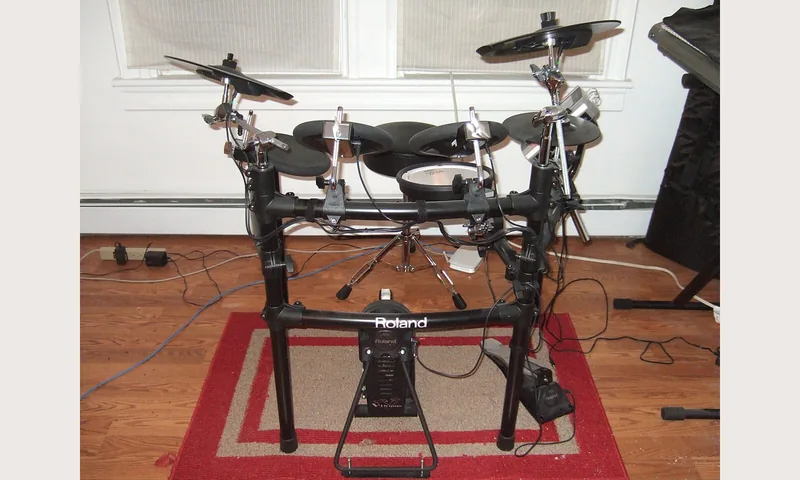
Connect electronic drums to a computer
USB MIDI and USB audio do different jobs. Check what your module actually sends before buying an interface.
Read the guide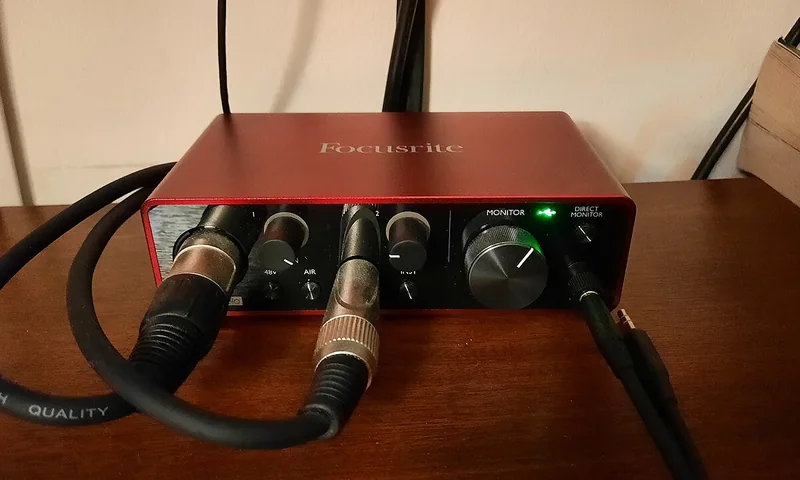
Choose an audio interface by inputs
Count simultaneous sources before comparing specifications.
Read the guide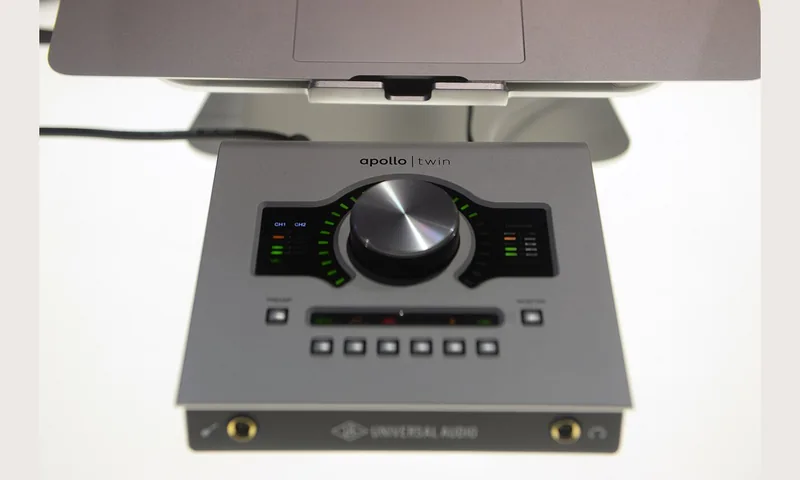
Find a stable audio buffer size
Balance monitoring responsiveness against processing headroom.
Read the guide