Send a click to the drummer without sending it to the audience
Use an independent output route and verify it from the audience mix before the show.
The short answer
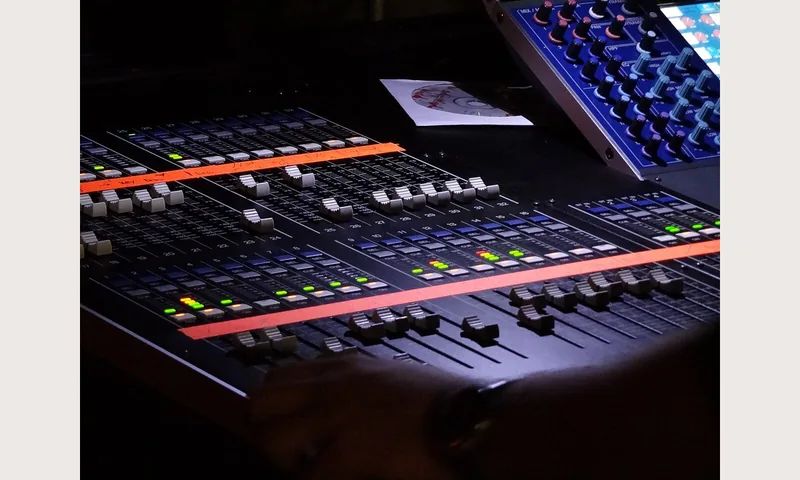
Assign the click only to a dedicated monitor or cue output, keep it out of the main bus, and test the routing with the live engineer. Check every scene and playback state that will be used during the performance.
What to do
- Identify the exact physical output that feeds the drummers monitor system.
- Route the click track to that output using the playback systems documented controls.
- Remove or disable its send to the main audience mix.
- Test the click while the engineer listens to the main outputs and relevant feeds.
- Save the configuration and repeat the check after loading show scenes.
Draw the route before connecting
Write down where the click originates, which software or mixer bus carries it, and which physical socket feeds the drummer. Then list the audience destinations separately. This simple map makes unintended sends easier to notice. Do not rely on a track name such as private click; the actual output assignment determines who can hear it.
Check sends as well as the main fader
A click can reach an audience feed through an auxiliary send, group, loopback or another output even when its main fader is down. Inspect the whole path. Pre-fader sends can behave differently from post-fader sends, so learn the mixers routing. Use a dedicated destination when the equipment supports it and label the connections physically.
Treat stereo splitting as equipment dependent
Some compact playback arrangements place different content on left and right outputs. That only works when channel separation is maintained throughout the downstream chain. Mono summing, an incorrect adapter or a changed pan setting can combine them. Prefer explicit separate outputs where available, and verify the exact hardware arrangement instead of assuming a generic cable solves the routing.
Rehearse failure and scene behavior
Loading a new session or mixer scene can restore old assignments. Check the first count-in, song transitions and any backup playback source. Make sure the engineer knows which channel contains the click and should never reach the audience mix. Keep a clearly labeled mute or stop procedure available for an unexpected routing problem during rehearsal.
Check the result
Play the click alone and have the engineer verify the main mix, recording feed and any stream feed while the drummer confirms the cue. Repeat after the final scene load and cable check.
Know the limits
Available routing depends on the playback system and mixer. A software assignment alone cannot guarantee isolation if downstream hardware sums or reroutes the channels.
Further reading
Sources for the connections and technical principles discussed above. The diagnostic sequences are our editorial explanation. Consult the manual for your exact model before changing hardware or settings.
These are general educational guides, not hands-on product reviews. How we prepare our content. Cover photo source & license.
Keep working on your setup

Practise a groove with the click on beats two and four
Hear a slower metronome setting as the backbeat while preserving the full four-beat bar.
Read the guide
Build a drummer headphone cue mix
Give the player the timing and musical information needed for a confident take.
Read the guide
Run a line check before a soundcheck
Confirm every source before balancing the band.
Read the guide