Choose a DAC for a desktop setup
Buy for the connection and problem you can identify.
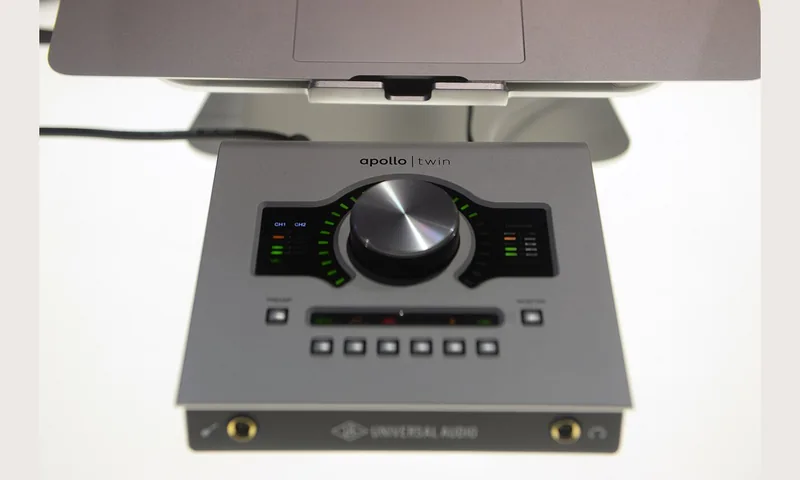
The short answer
A DAC converts digital audio to an analogue signal. It may help with missing outputs or a noisy implementation, but an extra box does not guarantee an audible improvement.
What to do
- List the input from your computer and the output required by headphones, active speakers or an amplifier.
- Test the existing output with the same listening setup. Check for hiss, inadequate volume or interference under computer load.
- Compare a candidate at matched loudness, including everyday usability such as volume control, sleep recovery and switching outputs.
Name the connection problem first
List the digital source and analogue destination: for example a computer USB port feeding powered speakers and headphones. Check supported operating systems, connector types, output level control and whether the unit includes a headphone amplifier. A DAC with only fixed line outputs cannot directly replace a headphone output. Extra format logos are less important than the outputs you will use daily.
Compare the existing output fairly
Listen for hum, hiss, unreliable switching or insufficient clean headphone level using your current device. Then compare a candidate at matched loudness with EQ and enhancements disabled. A louder output can create a misleading impression of improved detail. If the present output already works cleanly, the clearest benefits may be a convenient volume control, more suitable connections or independent speaker and headphone routing.
Check everyday operation
Verify how the DAC behaves after sleep, whether speakers mute when headphones are inserted and which output a volume knob controls. For powered speakers, begin with their gain low before testing. Balanced line connections can help appropriate equipment reject interference, but they are not the same wiring as balanced headphone connections. Keep the return option until normal calls, music and system sounds have all been checked.
Check the result
Keep the device only if it solves a connection need or a repeatable limitation you can hear or measure.
Know the limits
A line output is not necessarily a headphone output. Avoid paying for sample-rate labels that do not address the actual source, speakers or room.
Further reading
Sources for the connections and technical principles discussed above. The diagnostic sequences are our editorial explanation. Consult the manual for your exact model before changing hardware or settings.
- RME ADI-2 DAC manual: digital connections and output settings
- Neumann: headphone impedance and amplifier requirements
These are general educational guides, not hands-on product reviews. How we prepare our content. Cover photo source & license.
Keep working on your setup
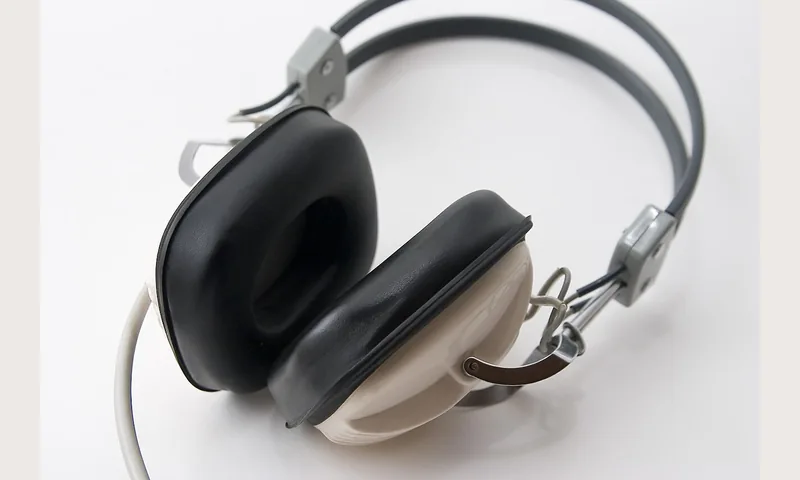
Match headphones to an audio source
Check output capability and sensitivity as well as impedance.
Read the guide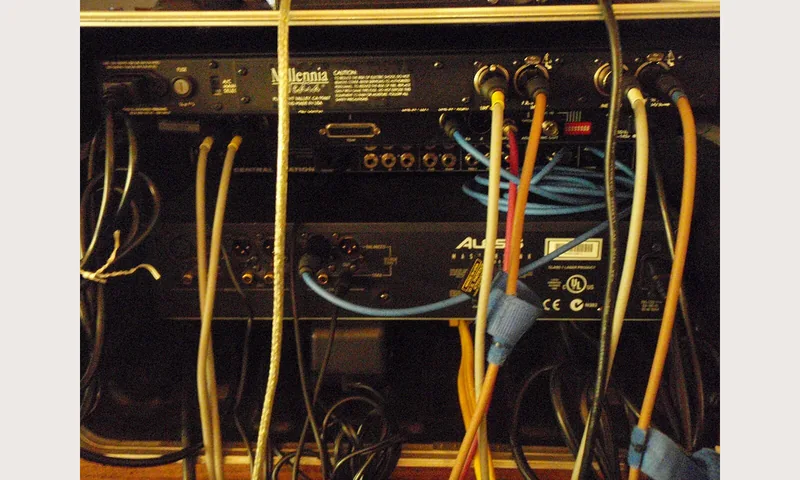
Reduce hum in a desktop audio system
Locate the connection that introduces the hum.
Read the guide
Compare audio equipment without a loudness trap
Use the same passage and closely matched playback level.
Read the guide