Set a limiter as a final safeguard for speech
Control unexpected peaks without using limiting to set every sentence.

The short answer
A limiter can catch occasional peaks, but constant gain reduction usually signals a problem earlier in the chain. Establish input gain and ordinary compression first.
What to do
- Record a normal sentence and the loudest delivery you expect
- Place a suitable limiter late in the intended speech processing path
- Lower its ceiling to meet the delivery requirement and inspect how often it acts
Check more than the meter
Listen for flattened laughter, pumping and distorted consonants. If the limiter works continuously, reduce upstream level rather than driving harder into it. Keep enough margin for the recording or stream encoder's requirements and verify the final file separately.
Check the result
Loud moments should remain clear and controlled without making quiet sentences surge up unnaturally.
Know the limits
A limiter after capture cannot repair input clipping. Peak and loudness requirements depend on the destination.
Further reading
Sources for the connections and technical principles discussed above. The diagnostic sequences are our editorial explanation. Consult the manual for your exact model before changing hardware or settings.
These are general educational guides, not hands-on product reviews. How we prepare our content. Cover photo source & license.
Keep working on your setup

Keep a noise gate open for quiet sentence endings
Adjust release behaviour using real speech instead of a sustained vowel.
Read the guide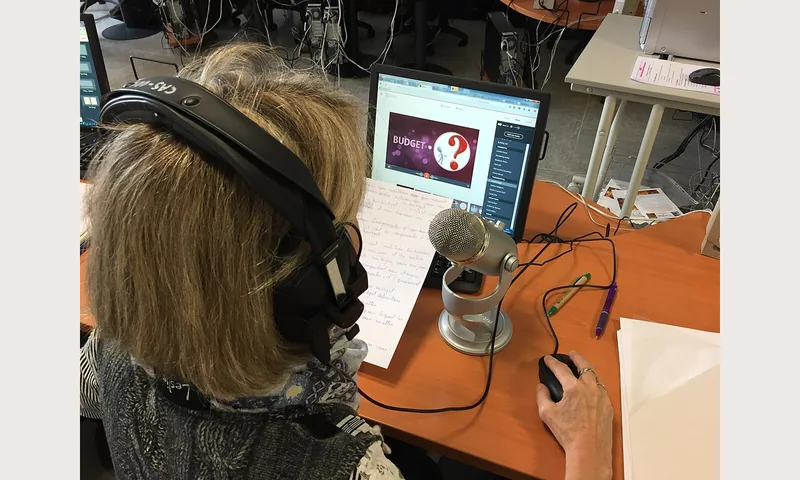
Separate microphone monitoring from stream monitoring
Choose which signal the presenter hears to avoid hearing two copies.
Read the guide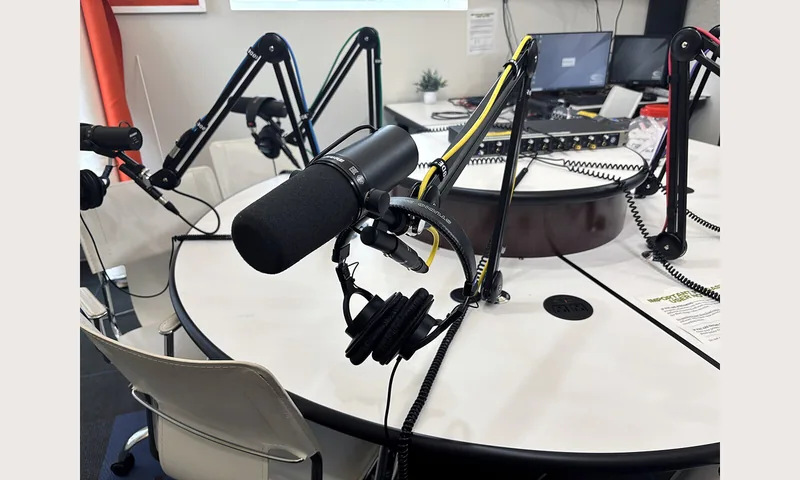
Reduce plosives without making the voice dull
Change microphone angle and distance before heavy filtering.
Read the guide