Build an audio setup for two computers
Keep microphone, monitoring and programme feeds clearly separated.
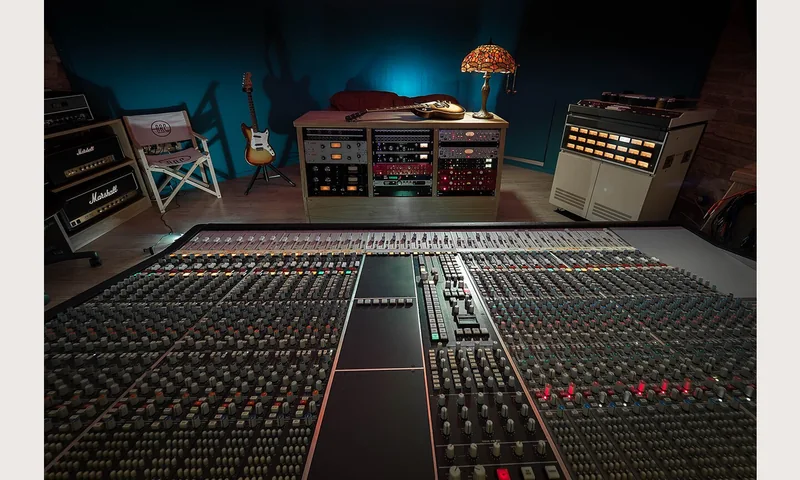
The short answer
A work computer and gaming computer can share some equipment, but passive combining is not a universal solution. Use devices designed for switching or mixing the required signals.
What to do
- List which computer needs the microphone and whether you need both playback sources simultaneously.
- Choose a supported switch, mixer or interface arrangement. Confirm USB host switching separately from analogue audio routing.
- Test each computer alone, then the combined mode, checking for hum, echo and missed microphone input.
Assign a role to each connection
Write a routing table for game, microphone, chat and music, showing which computer produces and receives each. Decide whether both machines need a microphone or whether one handles calls. An interface with one USB host port usually cannot attach to two computers with a passive splitter. Use documented dual-host hardware or separate supported audio paths.
Prevent return loops
A computer receiving a mixed feed should not send that same feed straight back into the mixer that created it. Build a separate return or mix-minus where required so callers do not hear themselves. Test with headphones and begin at low monitoring level. Label input and output paths clearly, since a virtual device name alone rarely explains its direction.
Test every operating state
Record from each computer separately, then run both together. Check mute behaviour, sleep, reboot and what happens when one machine disconnects. Different devices may have independent clocks, so long recordings can reveal drift that a short test misses. Choose a routing arrangement that preserves an intelligible backup path when either application stops, and document it beside the desk.
Check the result
Switching should be predictable without exposing private meeting audio to a recording or stream.
Know the limits
Do not connect two powered outputs directly together with a simple Y cable. Mixing and splitting solve different electrical problems.
Further reading
Sources for the connections and technical principles discussed above. The diagnostic sequences are our editorial explanation. Consult the manual for your exact model before changing hardware or settings.
These are general educational guides, not hands-on product reviews. How we prepare our content. Cover photo source & license.
Keep working on your setup

Understand mix-minus for remote interviews
Send the guest the programme without returning their own voice.
Read the guide
Choose wired or wireless gaming audio
Separate convenience from latency, microphone quality and compatibility.
Read the guide
Stop game audio leaking into voice chat
Find out whether the leak is acoustic or electronic.
Read the guide