Stop a browser tab from entering your game capture
Choose specific application audio instead of an unrestricted desktop mix.
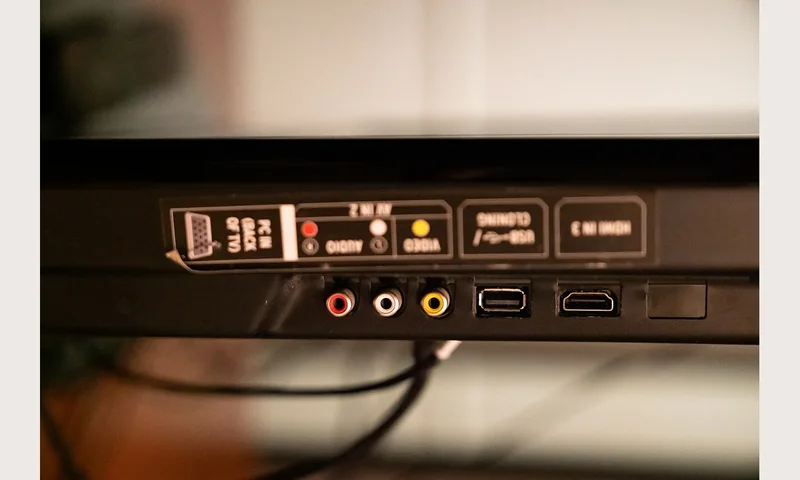
The short answer
Desktop audio captures whatever reaches that output, which can include a browser, message sound or private call. Use supported application-audio capture where available and test what happens when another app plays sound.
What to do
- List the sources the recording should contain
- Configure the capture application's supported per-app source
- Avoid capturing the same device again through desktop audio
- Record a game sample while a harmless browser sound plays
Test the exclusion
Watch the intended source meters, but also listen to the saved recording. A quiet meter in one channel does not rule out an unwanted source arriving through another channel. Keep private conversations closed during tests and use a non-sensitive sound as the exclusion check.
Check the result
The game should be present once, and the browser test sound should be absent from the saved file.
Know the limits
Application capture support depends on operating system and software version. Some games require a different capture method, so recheck after switching.
Further reading
Sources for the connections and technical principles discussed above. The diagnostic sequences are our editorial explanation. Consult the manual for your exact model before changing hardware or settings.
These are general educational guides, not hands-on product reviews. How we prepare our content. Cover photo source & license.
Keep working on your setup
Hear game chat when a controller becomes the default device
Recover chat after plugging in a controller without disrupting your speaker route.
Read the guideStop a game from selecting a monitor audio output
Keep HDMI display audio from taking over after a screen reconnect.
Read the guide
Check sidetone before blaming voice-chat echo
Tell local microphone monitoring apart from an echo heard by teammates.
Read the guide