Diagnose a drum pad that responds only to hard hits
Find whether quiet notes are lost at the pad, trigger input or sound stage.
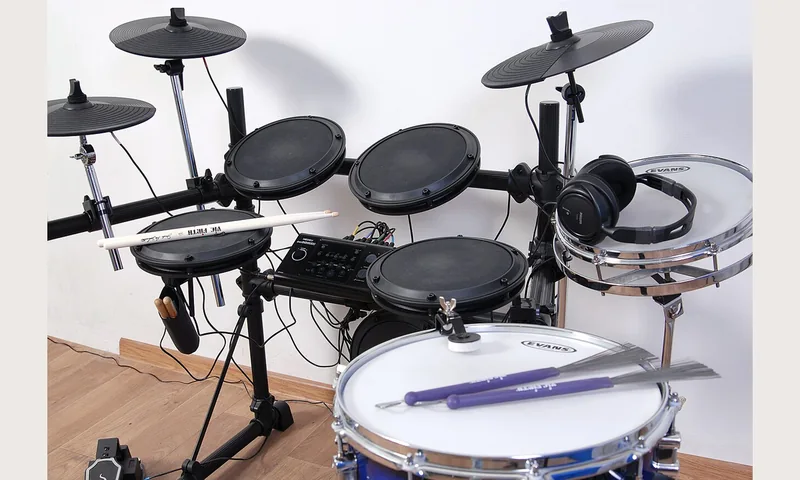
The short answer
Compare the pad response with a known working setup, then inspect the correct pad type, connection and threshold-related settings. Change one parameter at a time and test quiet notes alongside fast repeated strokes.
What to do
- Check the pad cable and connect it firmly to the intended trigger input.
- Confirm that the module is configured for a supported pad type.
- Play soft-to-strong strokes and watch the trigger or MIDI response where available.
- Compare with another compatible cable or input only as the manual permits.
- Adjust documented threshold or response settings gradually, then retest a full groove.
Locate the missing information
A quiet strike can fail to produce a trigger event, produce a very low velocity, or produce a sound too quiet to notice in the mix. Those are different problems. Watch a trigger meter or record MIDI if available while listening. If events are present but the sound disappears, inspect the instrument level and velocity response before increasing input sensitivity.
Start with the physical path
A partially seated connector or incorrect cable type can cause unreliable operation or missing zones. Use the cable arrangement specified for the pad and module. Check whether the problem follows the pad, the cable or the input through a controlled comparison with compatible equipment. Avoid opening the pad or changing several connections at once, because that removes the evidence needed to isolate the fault.
Use the recommended pad configuration
Modules often provide model-specific trigger types that influence multiple underlying parameters. Choose the supported type before fine adjustment. If the exact pad is not listed, consult the manufacturer for compatibility guidance instead of selecting an arbitrary type and compensating with extreme settings. Note the original configuration so a test can be reversed.
Balance detection against false triggers
A threshold that rejects quiet playing may need adjustment, but lowering it too far can admit vibration or noise. Likewise, settings intended to suppress repeated triggers may interfere with rapid notes if pushed too far. Test ghost notes, ordinary backbeats, rolls and hits on neighboring pads after each small change. Judge the result across the kit, not from a single successful soft tap.
Check the result
Record a short passage containing quiet notes, accents, a roll and neighboring pad strikes. Confirm that intended notes appear once and unwanted notes remain absent. Save the working settings with a clear name or backup.
Know the limits
Parameter names and interactions differ. Persistent failure after supported cable and configuration checks can indicate hardware service is needed; software adjustments are not a repair for physical damage.
Further reading
Sources for the connections and technical principles discussed above. The diagnostic sequences are our editorial explanation. Consult the manual for your exact model before changing hardware or settings.
These are general educational guides, not hands-on product reviews. How we prepare our content. Cover photo source & license.
Keep working on your setup
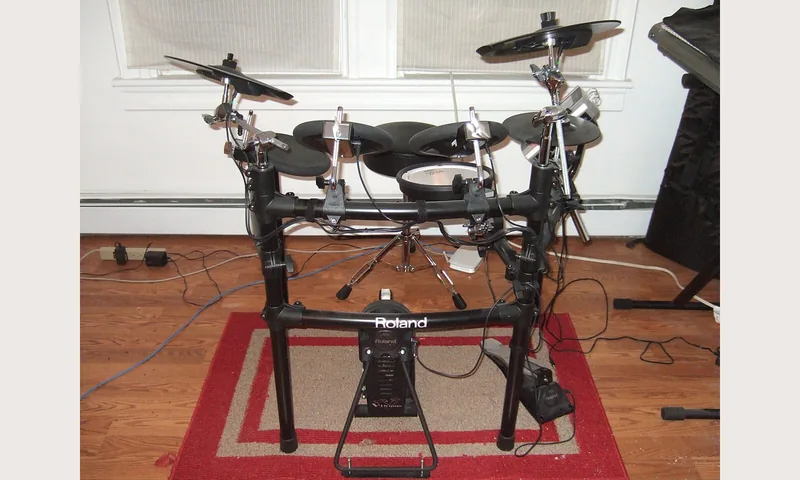
Stop one drum pad triggering another
Separate mechanical vibration from module crosstalk settings.
Read the guide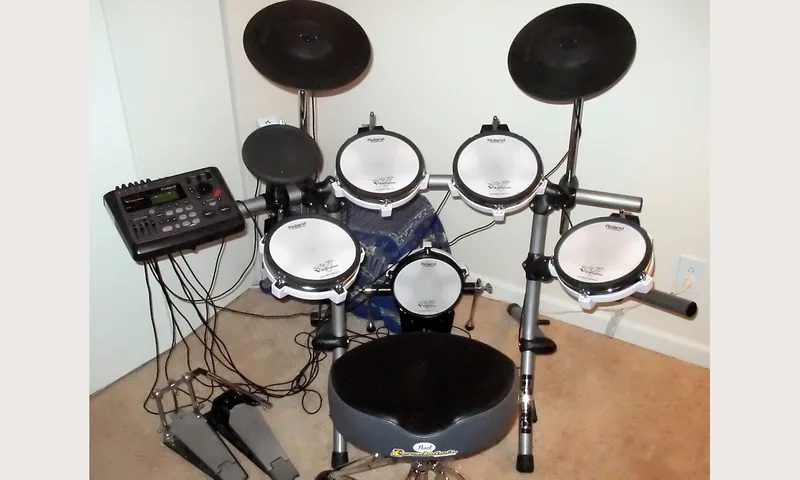
Reduce electronic drum latency
Work through the complete monitoring path before changing trigger settings.
Read the guide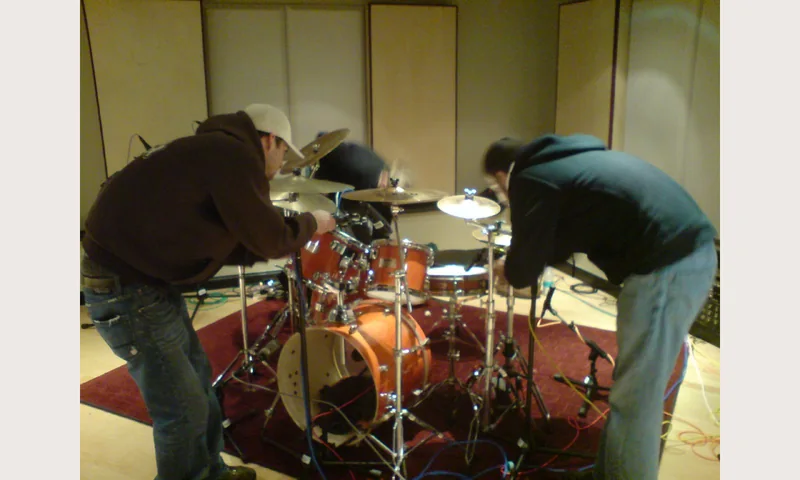
Check phase in a two-microphone drum recording
Compare the microphones together, not only in solo.
Read the guide