Balance game, chat and music levels
Give speech enough room instead of raising all sources.
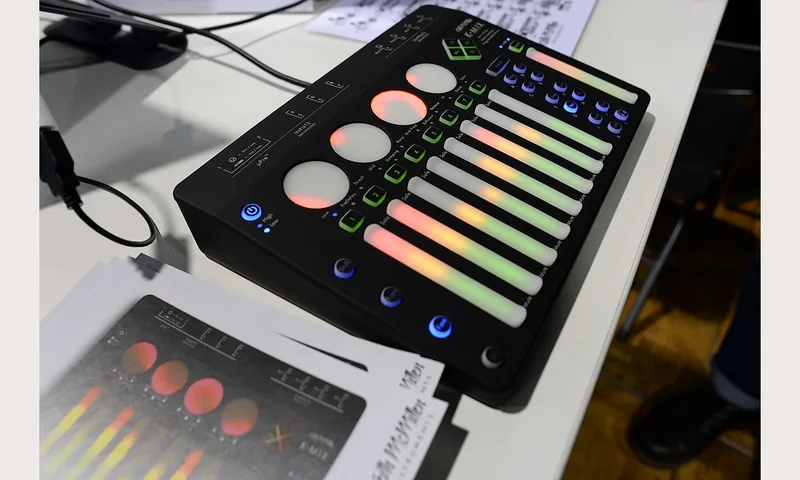
The short answer
A usable mix keeps team communication intelligible without making game peaks uncomfortable. Separate controls are more useful than one master-volume fix.
What to do
- Set the headphone master to a comfortable range, then lower music and game levels while a friend speaks normally.
- Adjust chat gain without clipping and check incoming voices from more than one person.
- Save a profile or note the settings. Recheck if a new game has a much louder default mix.
Choose where the balance will live
Identify whether the headset dial, operating-system mixer or streaming software controls each source. A chat-mix dial may require separate game and communication endpoints, and some platforms expose different controls. Assign those endpoints as documented before judging the dial. Keep one main place for everyday adjustment so multiple software sliders do not fight each other.
Test a realistic loud moment
Play the game and music while someone speaks at normal conversational level. Lower competing sources until speech remains intelligible instead of increasing everything. Check your microphone separately: turning up incoming chat does not make your transmitted voice louder. Leave headroom at any mixer that combines sources so a busy moment does not clip.
Check the stream or recording independently
Your headphones may use a different mix from the broadcast. Make a short recording and listen to it after stopping playback. Confirm that chat and music are permitted for the intended use and that private conversation is not being captured unintentionally. Save the mix once it survives both quiet exploration and a loud action sequence.
Check the result
Words should be clear during action without straining or needing sudden volume changes.
Know the limits
Automatic gain and per-person settings can interact. Check your own microphone separately; a good headphone mix does not prove your transmitted voice is clean.
Further reading
Sources for the connections and technical principles discussed above. The diagnostic sequences are our editorial explanation. Consult the manual for your exact model before changing hardware or settings.
These are general educational guides, not hands-on product reviews. How we prepare our content. Cover photo source & license.
Keep working on your setup
Stop game audio leaking into voice chat
Find out whether the leak is acoustic or electronic.
Read the guide
Choose wired or wireless gaming audio
Separate convenience from latency, microphone quality and compatibility.
Read the guide
Use a headset with separate headphone and mic jacks
Match the plug wiring and connector functions.
Read the guide