Prevent a playback laptop alert from reaching the PA
Prepare an event computer for deliberate playback.
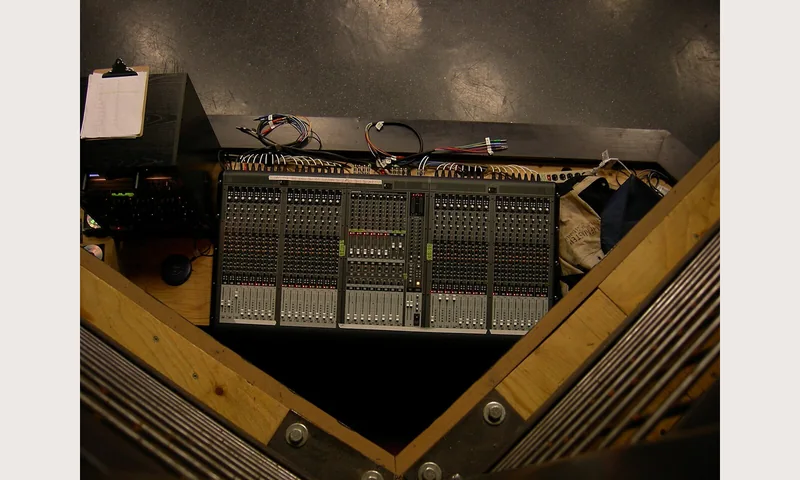
The short answer
Use a dedicated, tested playback route and silence ordinary notifications before the event. A notification setting alone does not prove that every application will stay quiet, so rehearse with the actual output selected.
What to do
- Choose the audio output used by the mixer
- Close unnecessary apps and enable the system's suitable notification mode
- Play a local test file with the computer connected to the event system
- Trigger a harmless test notification at low PA level and listen
Keep a known local backup
Streaming availability, account prompts and automatic updates can interrupt a show. Keep an authorised local copy of essential playback and a second tested playback device when the event needs one. Record the connection and operating level so a replacement can be patched calmly.
Check the result
Only intentional playback should reach the mixer. The backup should work through its own tested cable and input.
Know the limits
Do not defeat venue safety announcements or disable protection features blindly. Music-use permissions remain separate from the technical setup.
Further reading
Sources for the connections and technical principles discussed above. The diagnostic sequences are our editorial explanation. Consult the manual for your exact model before changing hardware or settings.
These are general educational guides, not hands-on product reviews. How we prepare our content. Cover photo source & license.
Keep working on your setup

Mark mixer channels so a substitute engineer can follow them
Create a useful input list before soundcheck.
Read the guide
Check a mixer mute group before opening the PA
Confirm which channels a mute group affects.
Read the guide
Check an auxiliary send that feeds no monitor sound
Trace a silent stage-monitor send from input to loudspeaker.
Read the guide