25 practical guides
Gaming & desktop
Hear the game, keep chat clear, and organise a dependable desk.
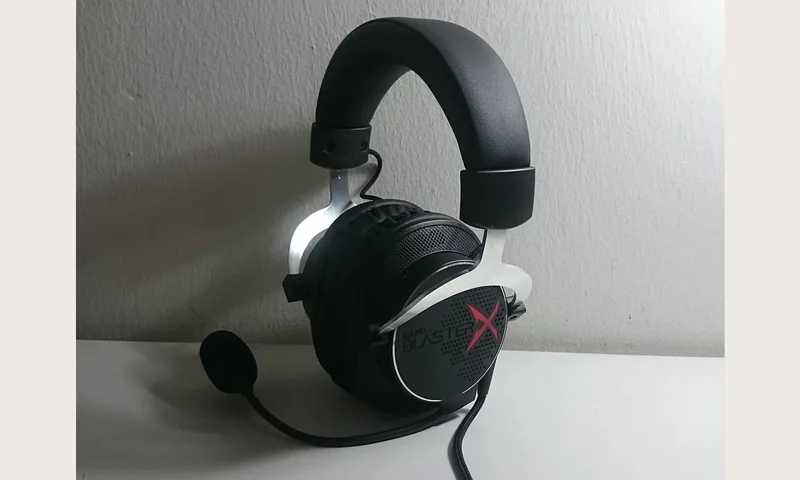
Hear game chat when a controller becomes the default device
Recover chat after plugging in a controller without disrupting your speaker route.
Read the guideStop a game from selecting a monitor audio output
Keep HDMI display audio from taking over after a screen reconnect.
Read the guide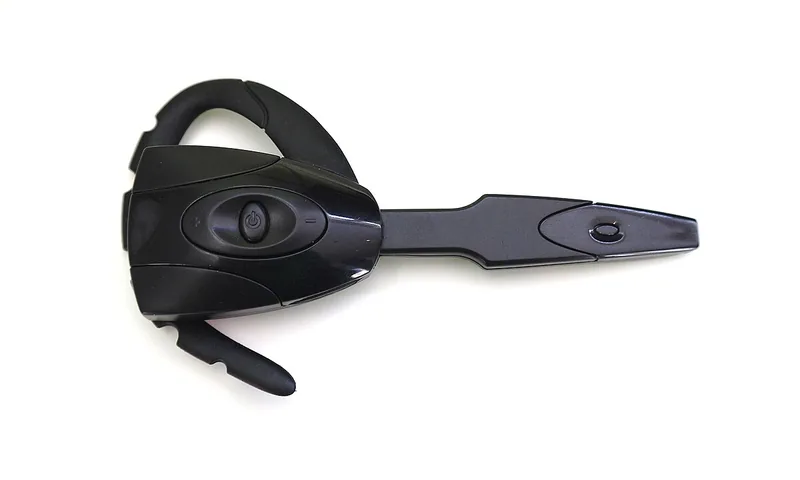
Check sidetone before blaming voice-chat echo
Tell local microphone monitoring apart from an echo heard by teammates.
Read the guide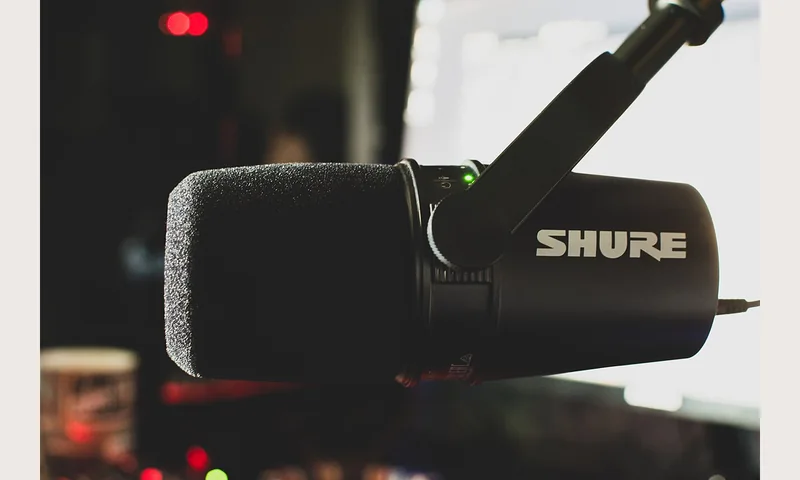
Test push-to-talk without cutting the first word
Check a push-to-talk key and release timing before a team session.
Read the guide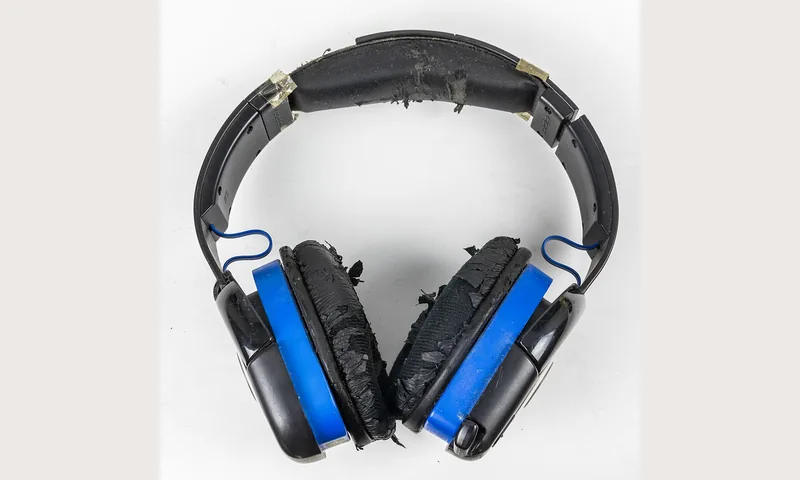
Match headset software and game audio modes
Avoid applying two headphone spatial effects to the same game.
Read the guideCheck a headset mute button before changing software
Trace a silent microphone through physical mute and app mute controls.
Read the guideKeep wireless headset dropouts separate from network lag
Identify whether an interruption affects the headset link or the online connection.
Read the guide
Check USB power when a headset disconnects
Investigate a headset that disappears as a device, rather than merely going quiet.
Read the guide
Preserve a clean microphone track in a gameplay recording
Keep voice separately editable while retaining a playable mixed track.
Read the guide
Compare game dynamic-range modes at a fixed level
Choose a useful game audio mix without confusing loudness with detail.
Read the guideStop a browser tab from entering your game capture
Choose specific application audio instead of an unrestricted desktop mix.
Read the guideCompare a controller headphone socket with a USB headset route
Check level, microphone support and latency before choosing a connection.
Read the guideChoose wired or wireless gaming audio
Separate convenience from latency, microphone quality and compatibility.
Read the guideUse a headset with separate headphone and mic jacks
Match the plug wiring and connector functions.
Read the guideFix a headset mic that is not detected
Check hardware mute and device selection before changing drivers.
Read the guideStop game audio leaking into voice chat
Find out whether the leak is acoustic or electronic.
Read the guideMake footsteps clearer without harsh EQ
Start with the game's mix and avoid chasing a universal curve.
Read the guideAvoid stacked virtual surround processing
Let one stage handle the spatial rendering.
Read the guide
Balance game, chat and music levels
Give speech enough room instead of raising all sources.
Read the guideRoute audio to a capture card cleanly
Choose one intentional path for each source and monitor return.
Read the guide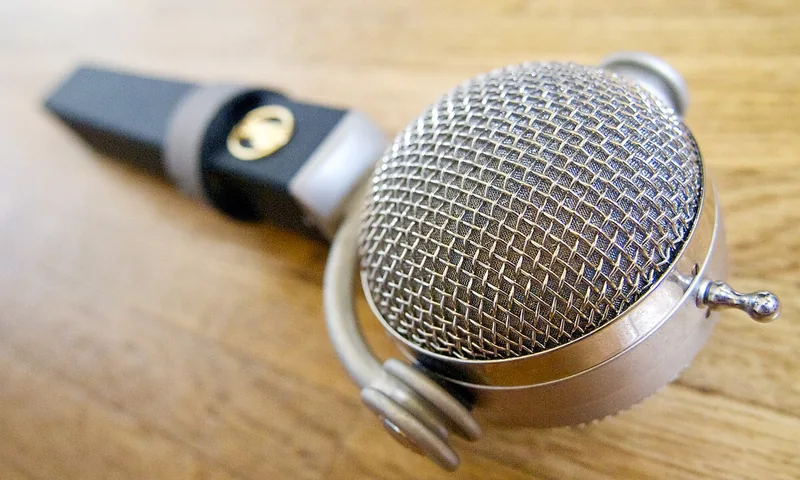
Place a desktop microphone away from vibration
Make the support and cable path part of the setup.
Read the guide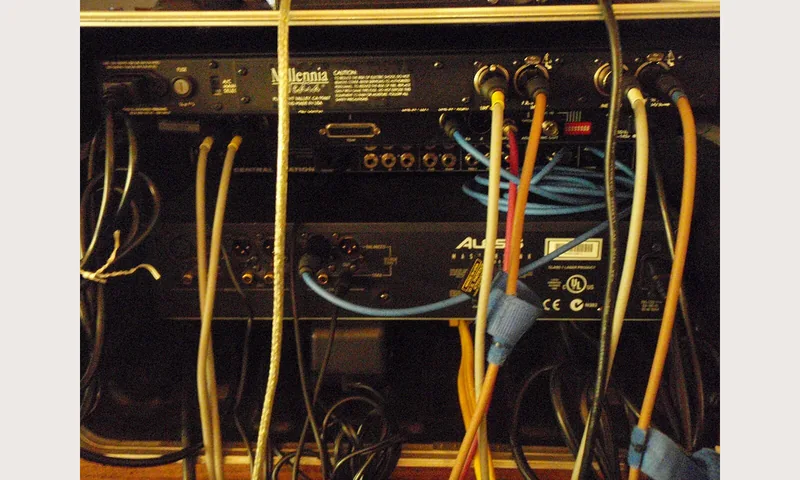
Organise desk cables for reliable audio
Reduce strain and make the signal path visible.
Read the guideRecover audio after a computer wakes
Check whether the selected device changed during sleep.
Read the guide
Build an audio setup for two computers
Keep microphone, monitoring and programme feeds clearly separated.
Read the guideTest a gaming microphone before a long session
Use the same app settings and room conditions as the session.
Read the guide